Assignment 7
Objective: import the given model and perform side crash analysis by giving it required inputs and requesting required outputs by using tools in HyperWorks and hypercrash
Unit system:

Procedure:
1.import the solver deck
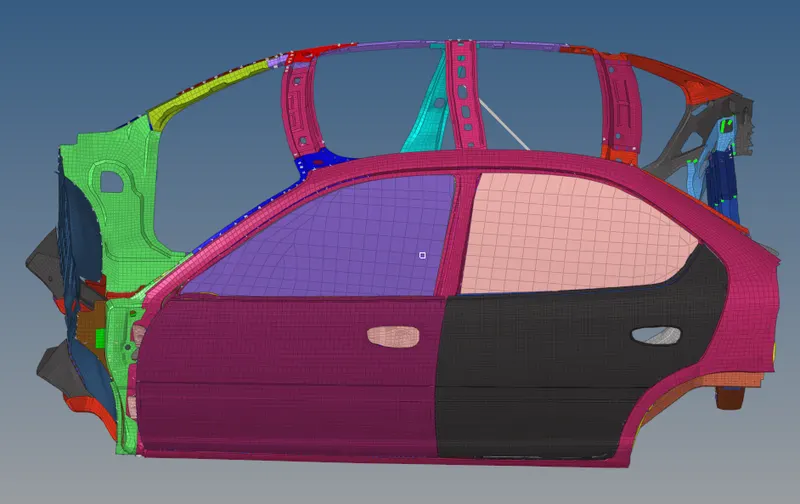
2. Under the solver tab go to inter and delete everything under inter
3. Now create a new contact type7 under inter and name it

4. Right-click and isolate trias in SH3N and right-click show SHELL and BRICK
5. Now under the inter tab select G mod-id and select all the nodes and select Surface-id and select all the elements
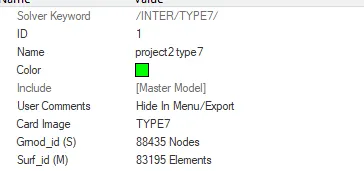 here master and slave are the entire model
6. Give the recommended parameters for type7 contact
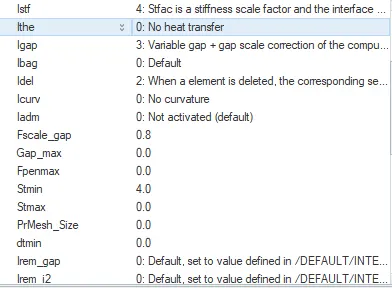
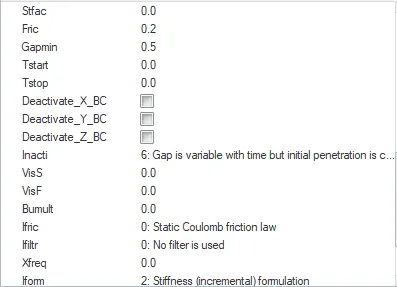
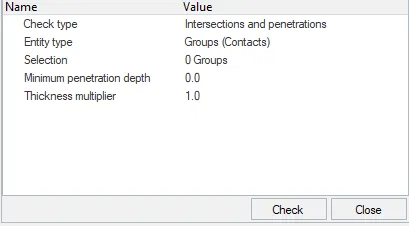
7. Go-to tool and check for penetrations
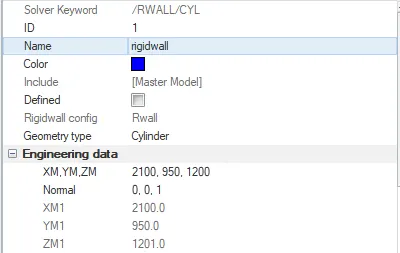
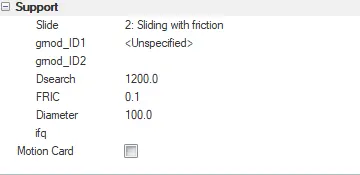
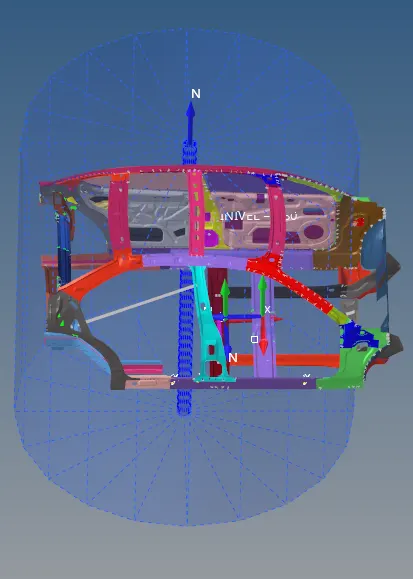
8. now create rigid wall(RWALL) and give fric as .1 and slide as 2(sliding with friction)
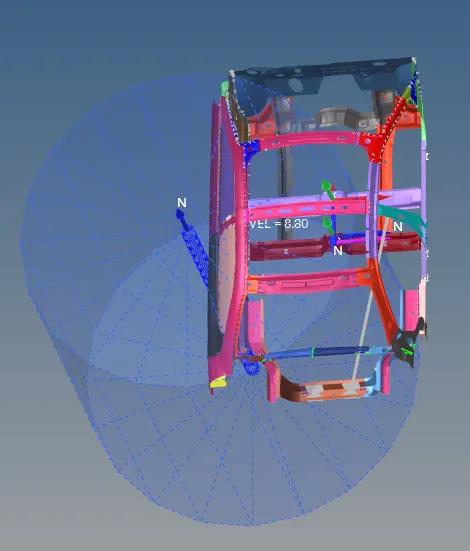
9. now right-click create---->boundary condition---->INIVEL to create inivel and give the valve 8.8 as per the question

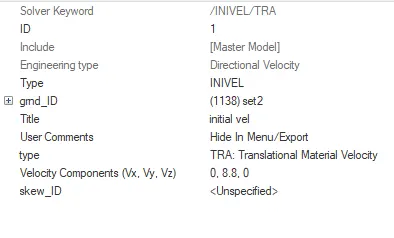
10. Compare the model weight with the full-scale 300k nodes model and use added masses to reach target weight 700kg while getting CG about the required range.
Open hyper crash and export the current file from hyper crash and balance the 700kg throughout the car
import model---->go-to mass ---> balancing
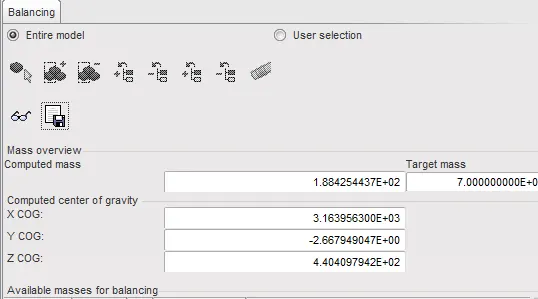 set target mass and then click load case and select added mass and choose the areas where you want the weight to be added
by clicking on the specs icon we can find out the centre of mass, keep adding mass until the weight is uniformly distributed.
once all the masses are added the computed and target mass should be almost equal
11. Create frames by going to create---->frame--->MOV
here we create a local system and the origin node, axis node and the plane node will become the N1, N2 and N3 for sect
we create 5 frames (2 for cross beams and 3 for side beam)
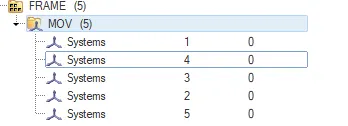
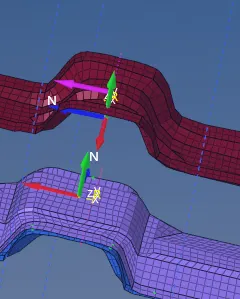
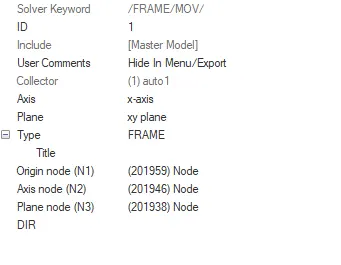
12. Go to the model tab and right-click and create set and select all the elements on the rows of the local system
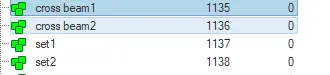

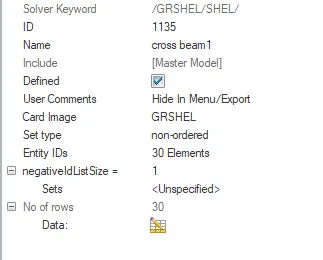
similarly, create 4 more sets for the other crosssection and 1 each for Intrusion at B pillar, hinge pillar, and fuel tank region
13. Under solver create sections
solver---->section---->SECT
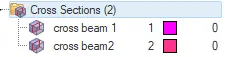
as I said earlier give the values of the local system and the origin node, axis node, and the plane node to N1,N2 and N3 under frame-id and select the local system created
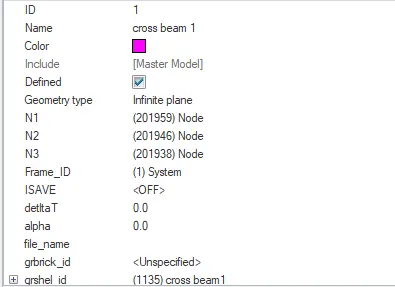
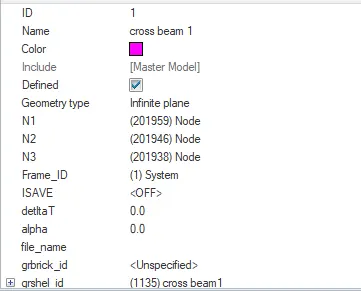
assign the respective set to the respective sect under the grshell-id
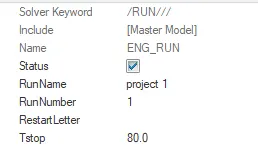
14. Under the model open cards and click ENG_RUN and set run to 80.
15. Now go to the solver and under TH create a total of 4-time histories to observe the output
one for contact (INTER), one for velocity(ACCEL) and 2 for cross- beam sections(SECT)
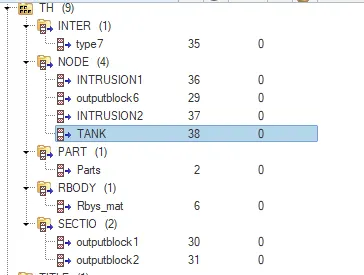
Click on the group and assign the respective groups

16. Goto analysis, save the file and run radios (give -nt 4 to speed up the run time)

17.
- Sectional force in the cross member.
- Intrusion at B pillar,hinge pillar and fuel tank region.Provide recommendation on what can help to reduce Fuel tank intrusion.
- Peak velocity of inner node of the door.
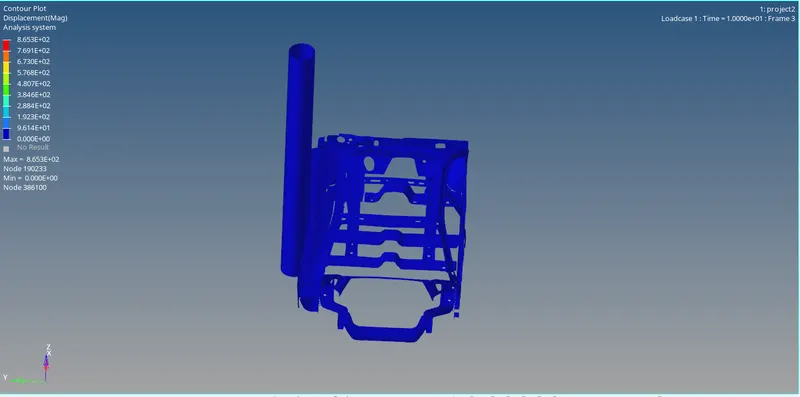
18. Animation
At frame 3
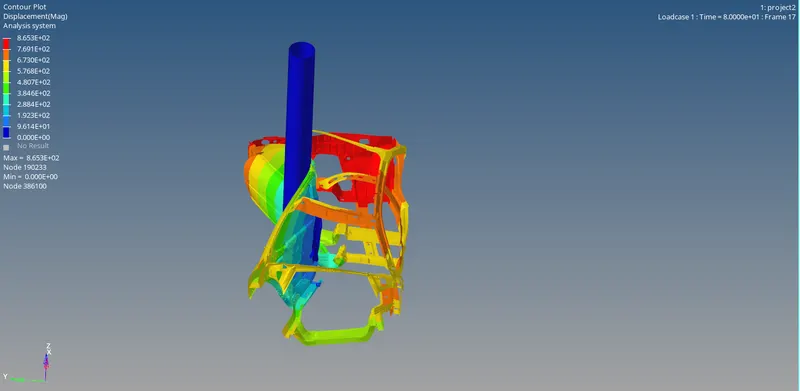
At frame 17
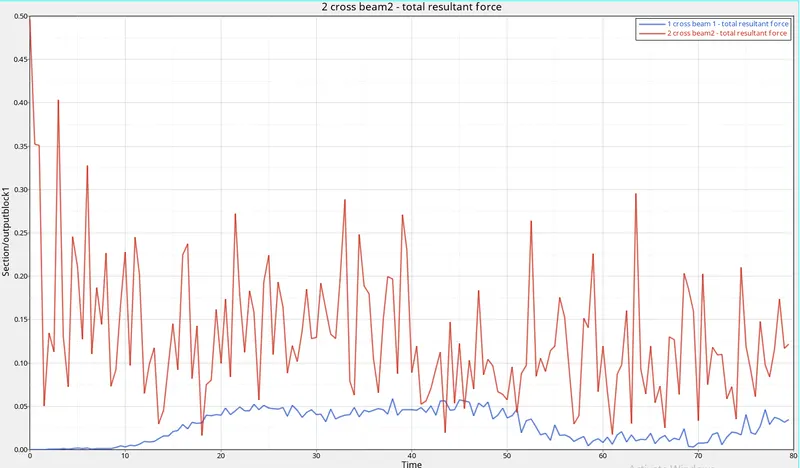
Graph :
the total resultant force of both the cross beams
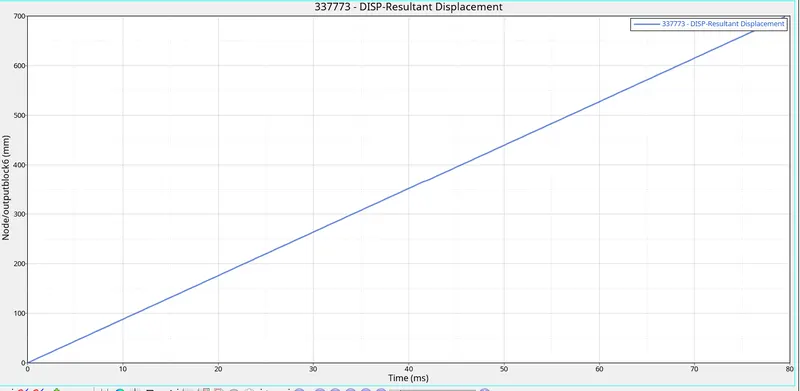
the resultant displacement of the nodal block
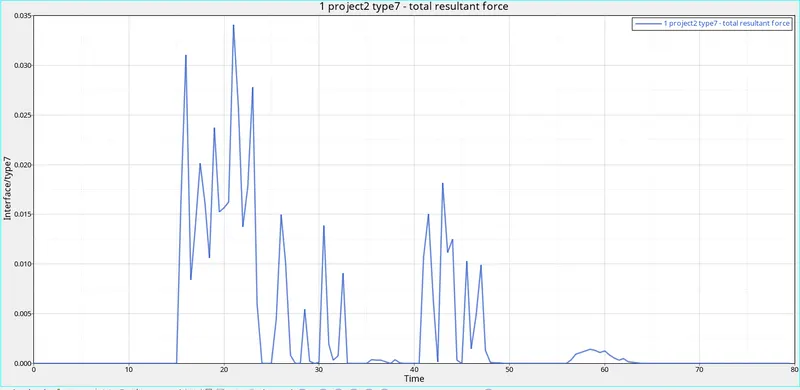
the total resultant force of the type-7 contact
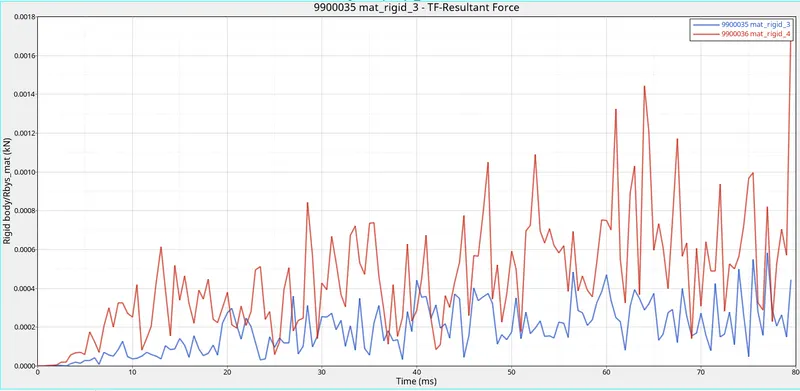
resultant force of the rigid bodies
Conclusion :
As we can observe from the graph the sectional forces are much higher on the driver side
the intrusions in the fuel tank can be reduced bt adding another cross beam to strengthen the pre-existing one
google drive link : https://drive.google.com/drive/folders/17Oc8FMwDnxmAaX2jE_Z9P2peubvbafLs?usp=sharing