Assignment 5-RADIOSS Interfaces & Study of Effect of Notches Challenge
AIM:
- To shell mesh a bumper model
- Modifiy contact interfaces for crash tube model
- Modify geometry of crash tube model and run using non-linear radioss solver
PROCEDURE:
MODEL-1
1. Import the geometry or hypermesh file
2. View the model in Topo mode
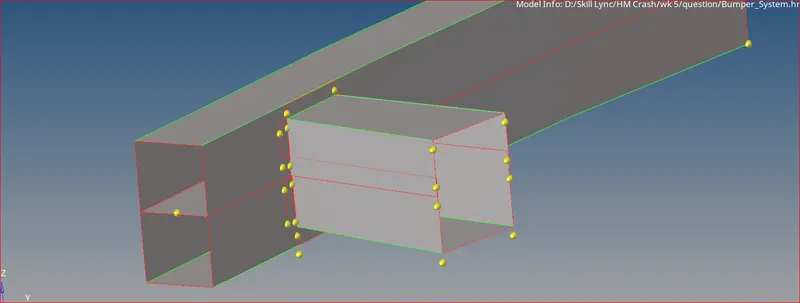
3. Do the following for geometry cleanup prior to meshing
- remove nodes
- deleted extended unwanted surfaces next to bumper
- create new surfaces wherever possible for continuity
- extend surfaces to adjacent surface using surf edit option
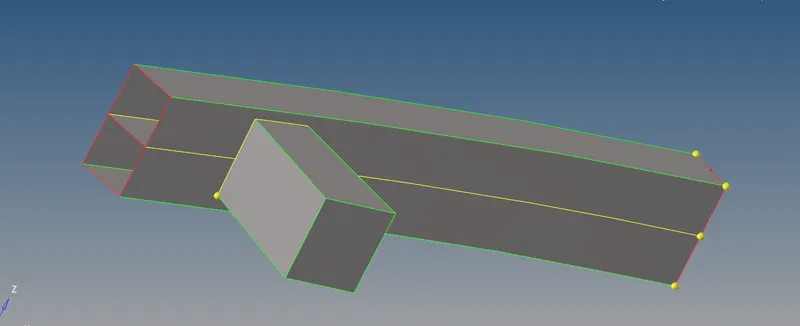
4. Create shell mesh with a target length of 6mm. To get good mesh flow use quads only since it is a simplistic geometry
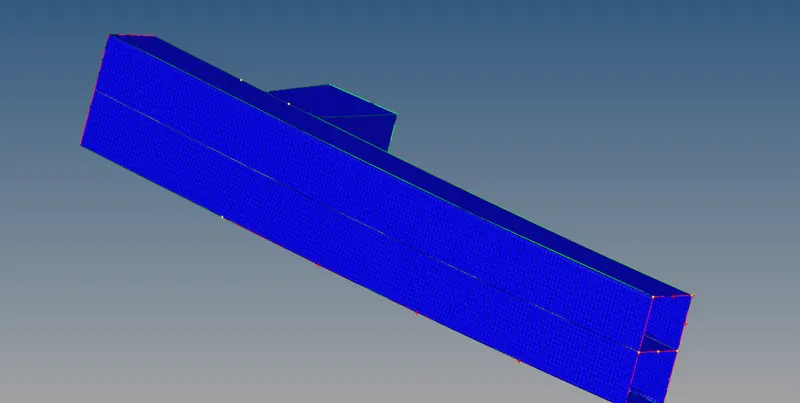
MODEL-2
CASE:1
1. Import the radios starter file using import solver deck feature
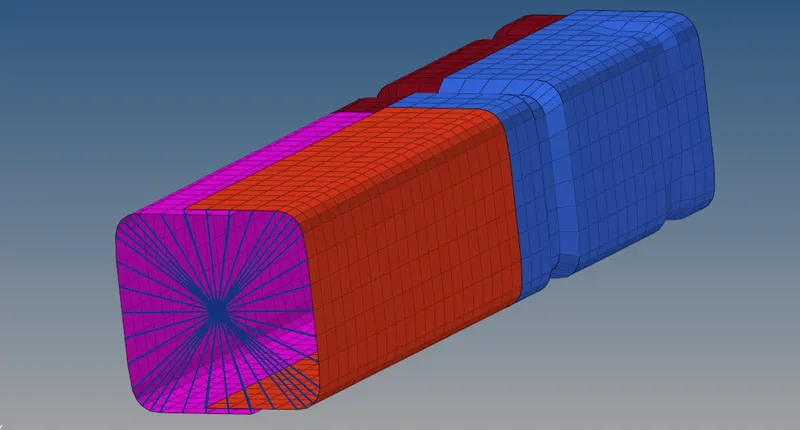
2. Run the model with default property and material cards using the non-linear solver, Radioss
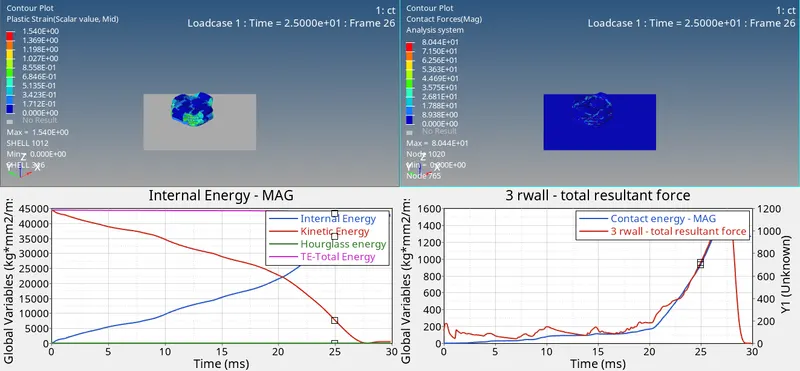
The plastic strain occurred in the model is shown below
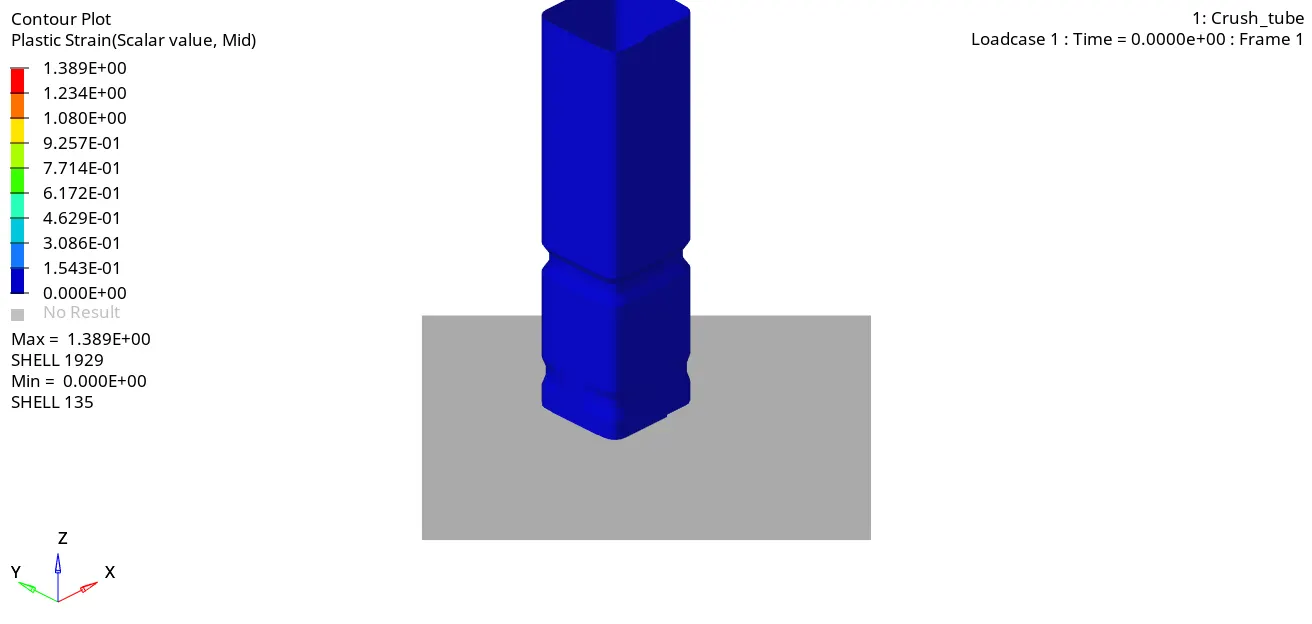
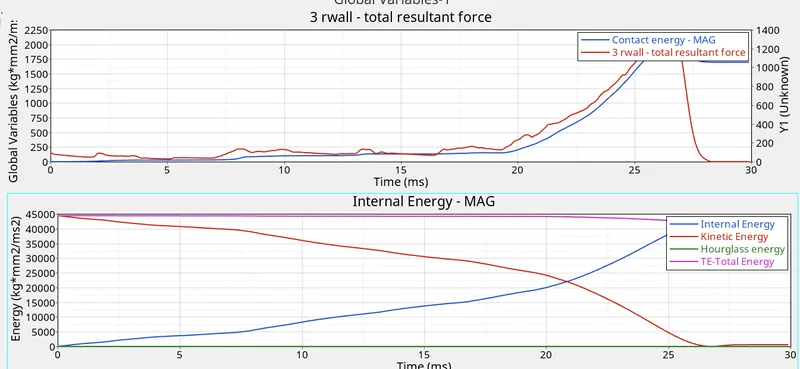
There is very little contact force on the tube model with no contact force experienced at the rigidwall. Other energies are shown below
CASE 2: Change Inacti = 6
Inacti is a contact interface parameter whose card can be found under groups. In this case self contact is initialized in the tube. Since this is a self contact all 4 components are included
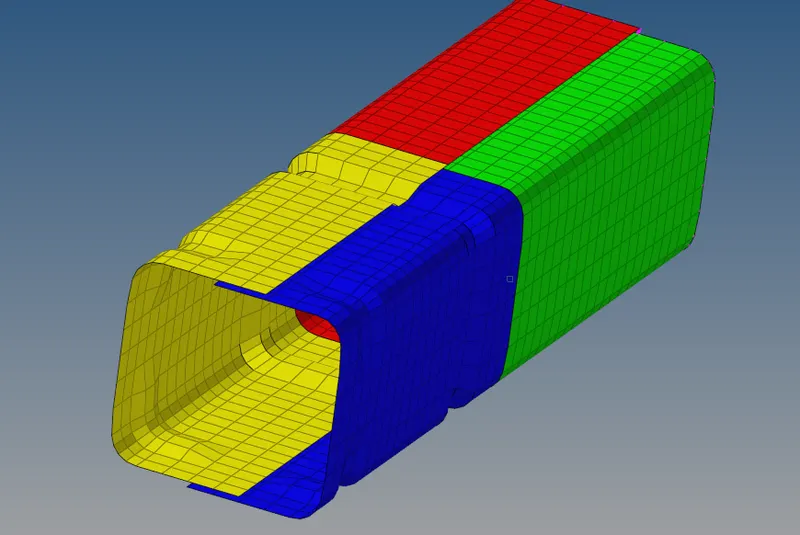
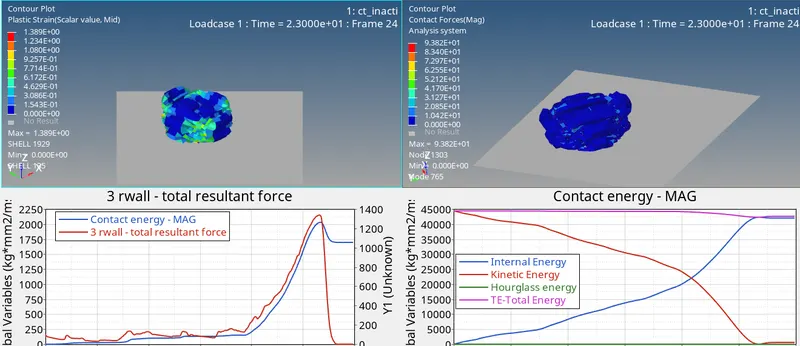
The contact is a TYPE 7 general node to surface contact with the Inacti parameter used to remove initial penetrations in the model with a certain tolerance gap from the slave nodes
The model was run in radioss solver.
CASE 3: type 11 contact
Type 11 is a edge-to-edge contact
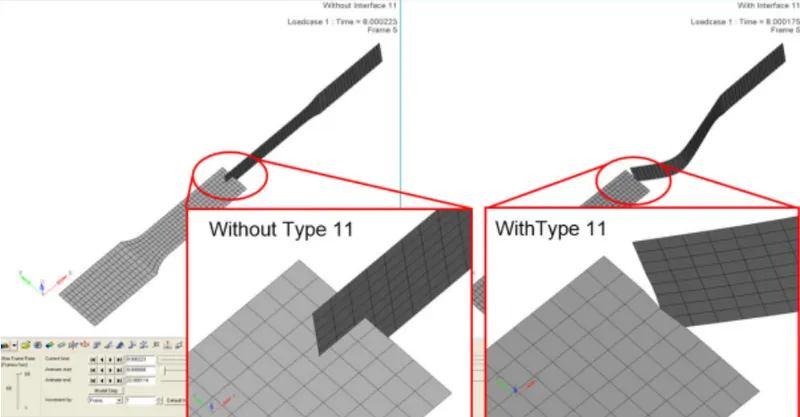
create a new contact card with type 11 and select all 4 components to define the master and slave. The following values are set for each parameter:
- Istf = 4: the initial stiffness factor (Ko) is based on the stiffness of the softer of the m/s components
- Igap = 3: Variable Contact gap based on scale correction and mesh size
- Gapmin = 0.5 (or <0.5 small enough to be ignored on Igap computation)
- Idel = 2 (segm deleted when a element fails)
- Iform=2: penalty method
- Inacti = 6 (remove initial penetration)
- Stmin=1000 N/mm.sq
The results are
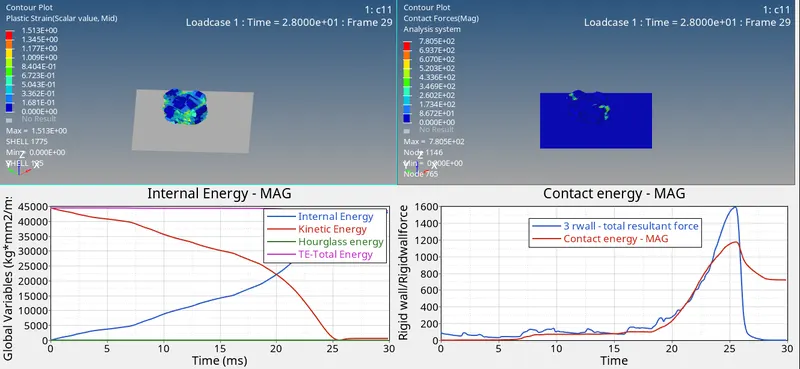
CASE 4: Delete rigidbody and remove notches
To remove notches use either project/position/move/node edit commands
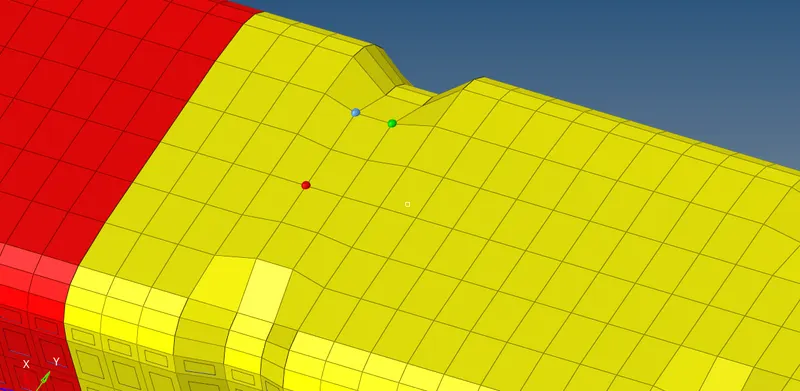
The rigidbody which constitutes of all nodes at one end of the model is deleted
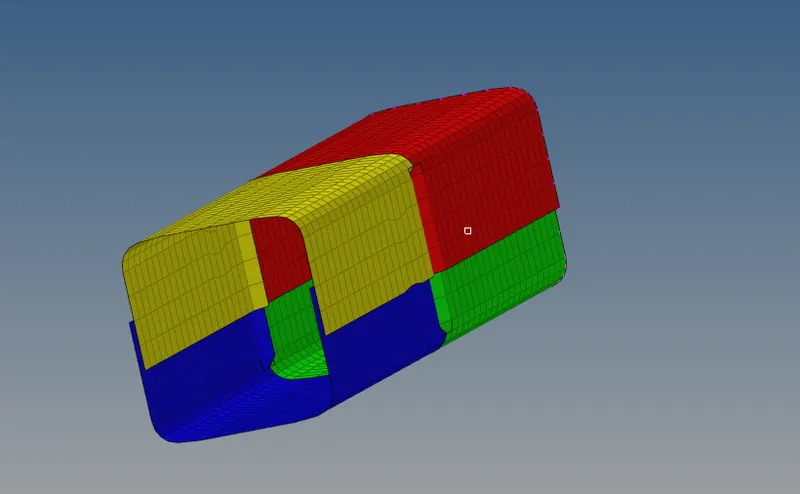
tHE final model looks as below
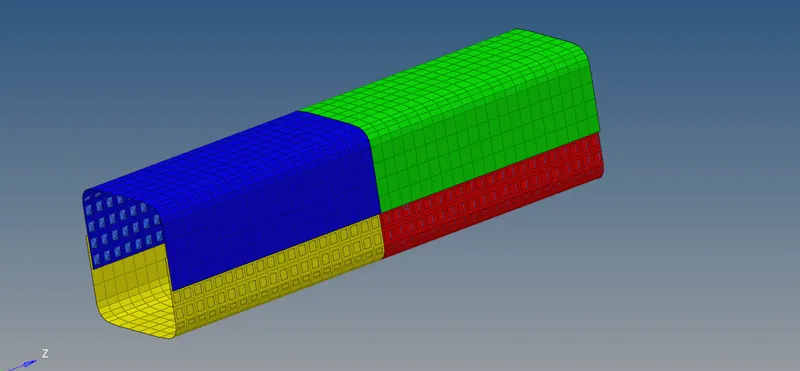
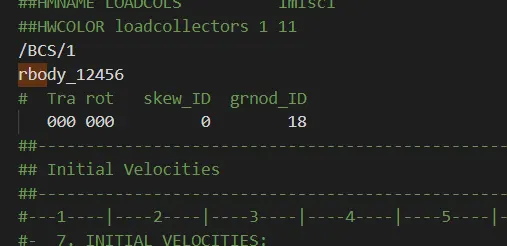
The BCs can be deleted or the dof associated with that rigidbody can be set to zero from the starter file
The results are shown below
CASE 6: Notches on opposite sides
Post processing:
RESULTS:
From above post processing results it is clear that
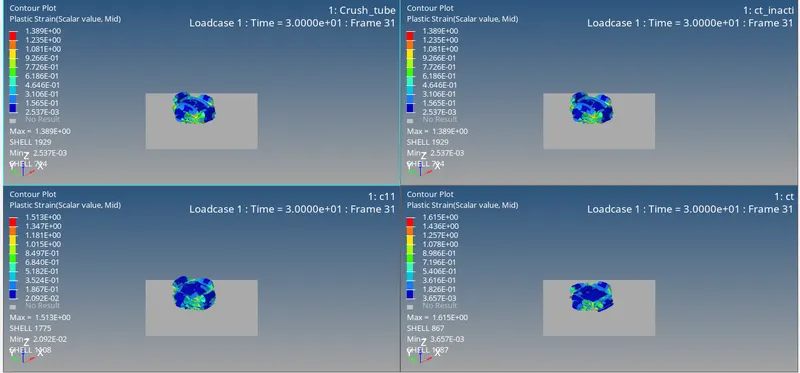
1. Case 1 and 2 are almost the similar. This is because there is no change in solver parameters rather the initialization of the model into modifying if any initial pernetrations exits.
2. There is change in contact force and rwforce in type 7 and 11. Also significant change in plastic strain observed in the whole model. While 7 neglects any possible edge to edge interactions, 11 ignores node to surf interactions. Hence it is better to type 19 which includes both 7 and 11 else alternative would be to refined the mesh size so that such possible edge interactions are less possible.
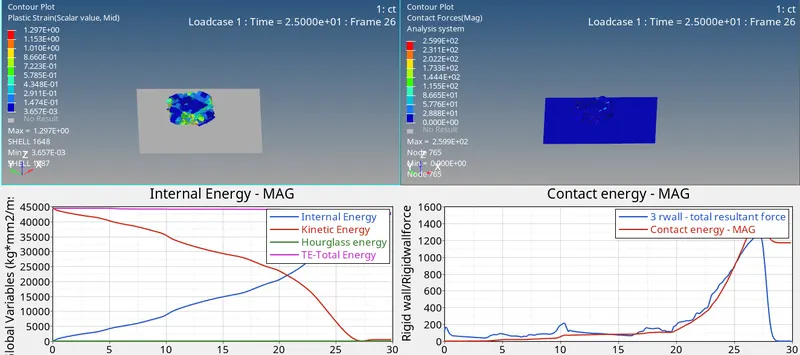
3. Comparing notch effect
it is clear that without the presence of notches the effective plastic strain experienced is much higher that in other case.