Assignment 2-RADIOSS Engine File Editing & 3D Meshing Challenge
AIM:- RADIOSS Engine File Editing & 3D Meshing Challenge.
OBJECTIVE:-
1. Check the material properties of the rail component and calculate the speed of sound in steel rail=_______
2. The length of the rail is about 1000 mm.calculate the time takes for a shock wave to travel from one end of the rail to the other.
3.Time for sound to travel length of rail=______
4.Edit the engine file so that the stress wave can be monitored, moving from one end of the rail to the other during impact -this will require a termination time equal to the time it takes for the sound to travel the length of the rail(set on/RUN card)
5.Set the frequency of animation output to a time that will give 20 animation steps(/ANIM/DT)
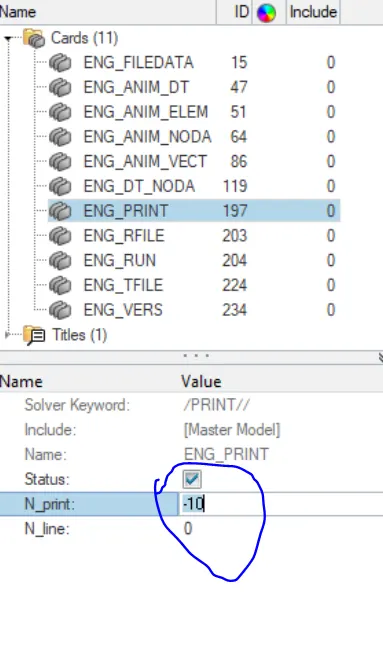
6.Change /print -10.
7.3d meshing tetra mesh and hex mesh
- Repeat class examples and, maintain the quality.
- Target tet size=5mm,hex size=10mm,tet collapse=0.15.
STEP-1:- Iport and reading radioss starter file to answe the given question. FIRST_RUN_000.rad.
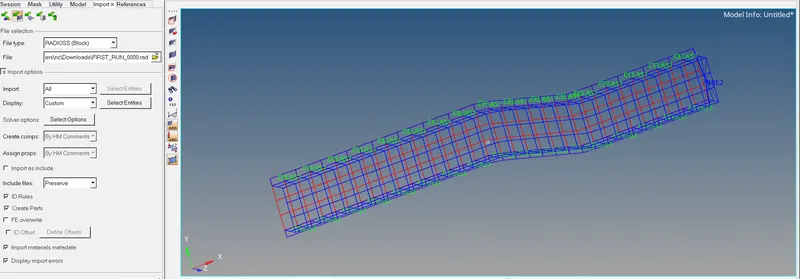
1. Check the material properties of the rail component and calculate the speed of sound in steel rail=_______
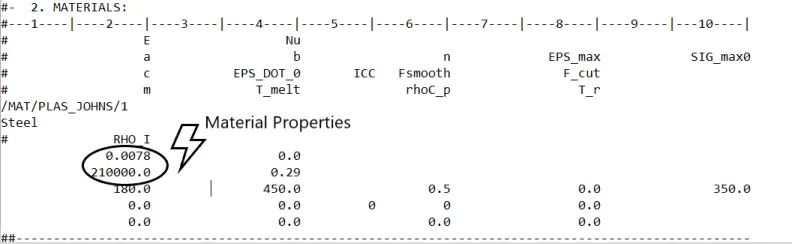
SOLUTION:-
Formula of Speed Of Sound `C=sqrtE/(rho)`
`E= 21000`= Young's Modulus
`C=` Speed of the sound
`rho=0.0078`= Dencity
`C=sqrt21000/0.0078`
`C=5188.75`m/s
2. The length of the rail is about 1000 mm.calculate the time takes for a shock wave to travel from one end of the rail to the other.
`t=l/c`
`c=5188.75`
`l=1000`
`t=1000/5188.75`
`t=0.1927milli second`
3.Time for sound to travel length of rail is = 0.1927milli second.
4.Edit the engine file so that the stress wave can be monitored, moving from one end of the rail to the other during impact -this will require a termination time equal to the time it takes for the sound to travel the length of the rail(set on/RUN card)
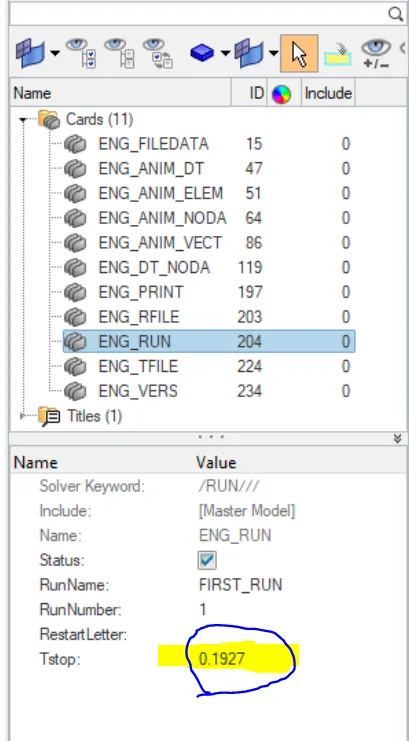
5.Set the frequency of animation output to a time that will give 20 animation steps(/ANIM/DT).
`t(f reaq)=0.1927/20`
`=0.009633`
6.Change /print -10.
7.3d meshing tetra mesh and hex mesh
3D TETRA MESHING:- HOUSING MODEL
STEP-1:- Impot the model.
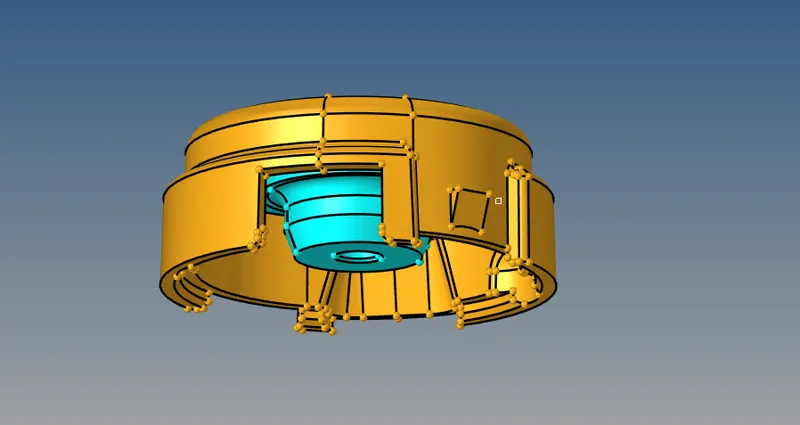
STEP-2:- Check geometrical errors present in the model. We don't find any errors in the model go for the next step.
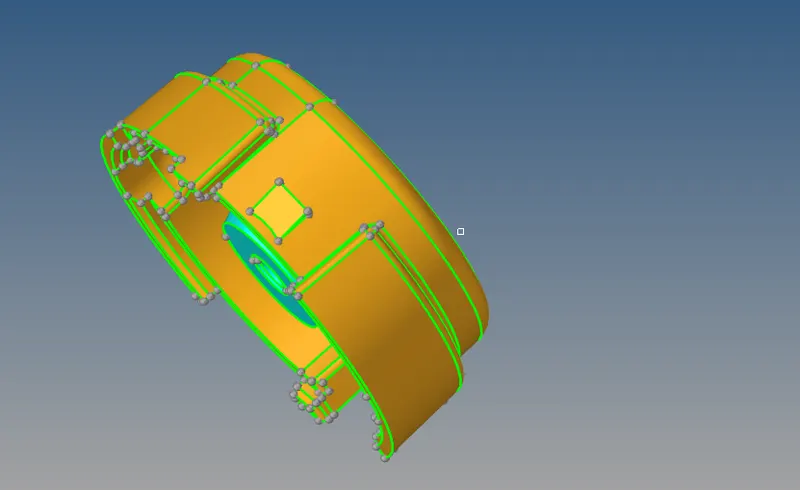
STEP-3:- There are three methods to generate 3D tetra meshing.
- Using the QUICK TERTA MESH from UTILITY PANEL.
- Conversion of 2D tria to TETRAHEDRAL ELEMENT by using TETRA MESH panel.
- Using VOLUME TETRAMESH PANEL.
First perform 2d meshing.
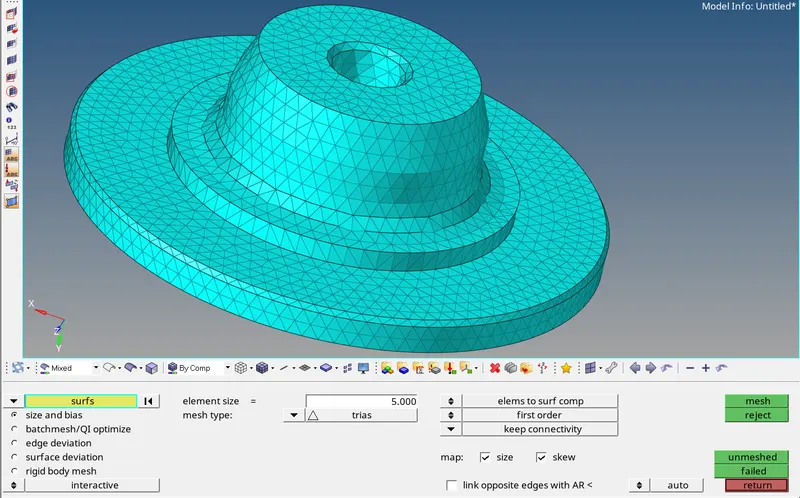
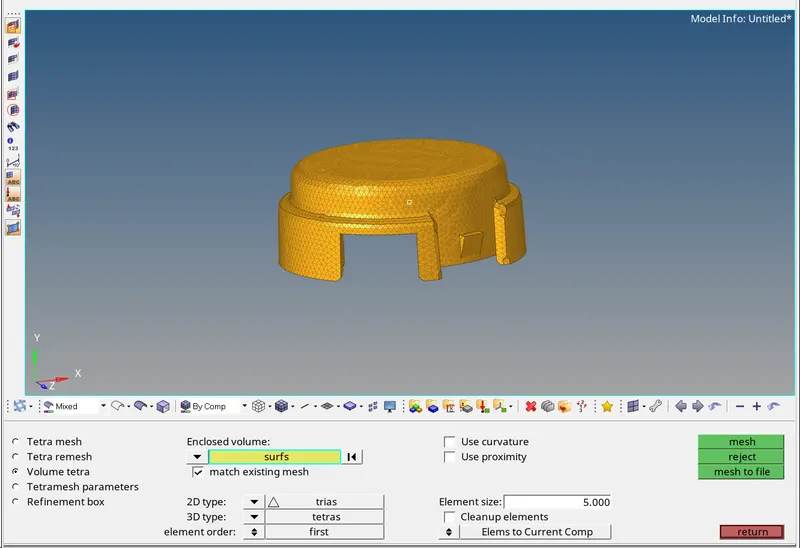
STEP-3:- Now covert 2D mesh into 3D Tetra Mesh. Tet collaps should be 0.15 and minimum element size should be 5mm.
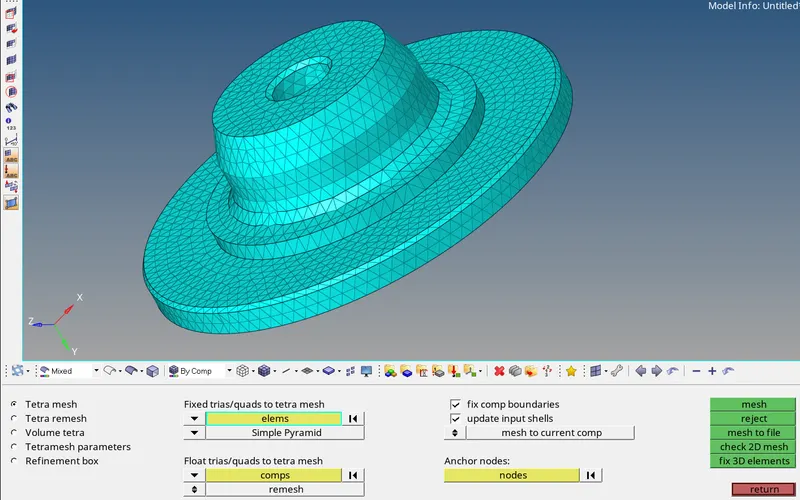
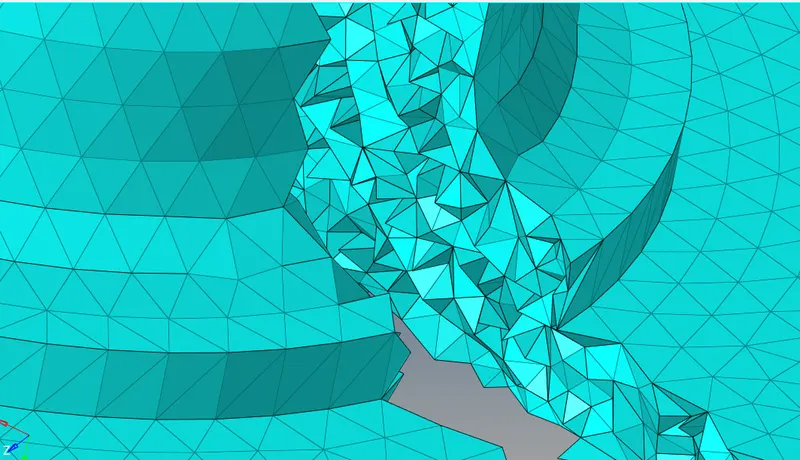
STEP-4:- After creating 3D tetra mesh mask few elements to check the mesh flow.
- Mesh cover component go to 3D>volume tetra.
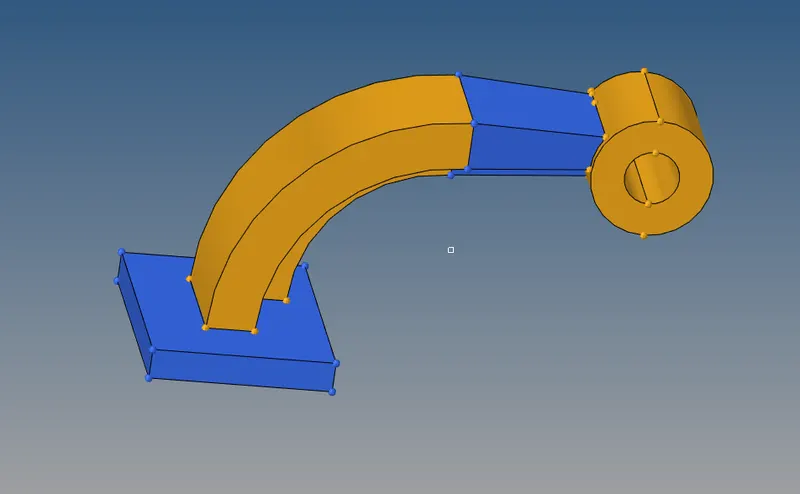
HEXAMESH:- ARM BRACKET
STEP-1:- First import the model.
- After importing the model we will check surface defects in the model, as there were no surface defects in the model. Go for the next step.
- We have used different methods to perform 3d hexa mesh like ELEMENT OFFSET, SPIN, LINEAR SOLID AND SOLID MAP.
STEP-2 For base component create 2D mesh on the top of surface.
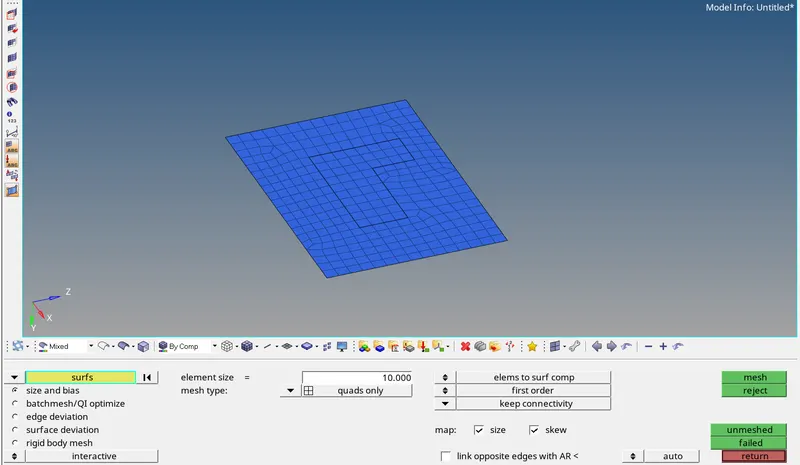
- To convert 3D hexa elements we will offset these element. Go to element offset panel in 3D panel.
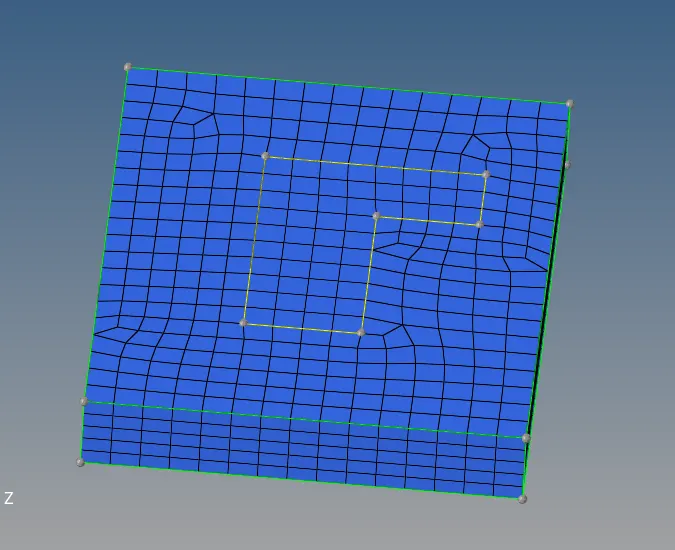

STEP-3:- Mask all the bottem 3D element.
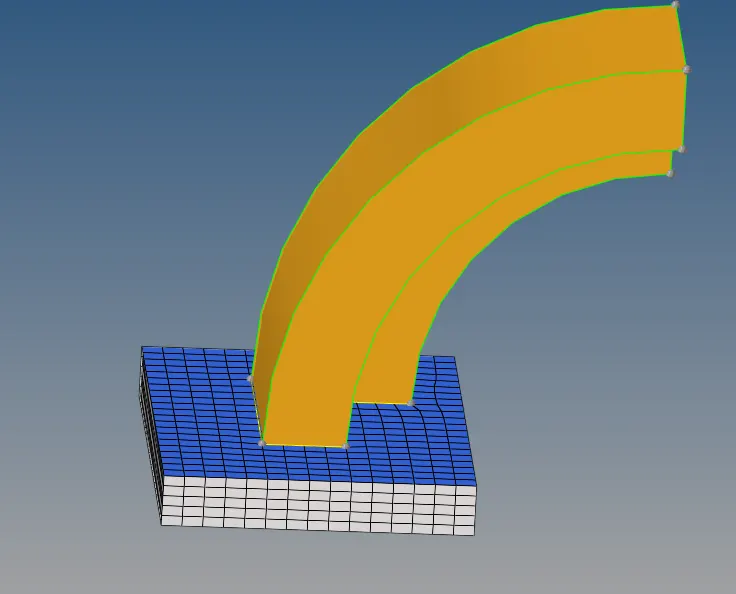
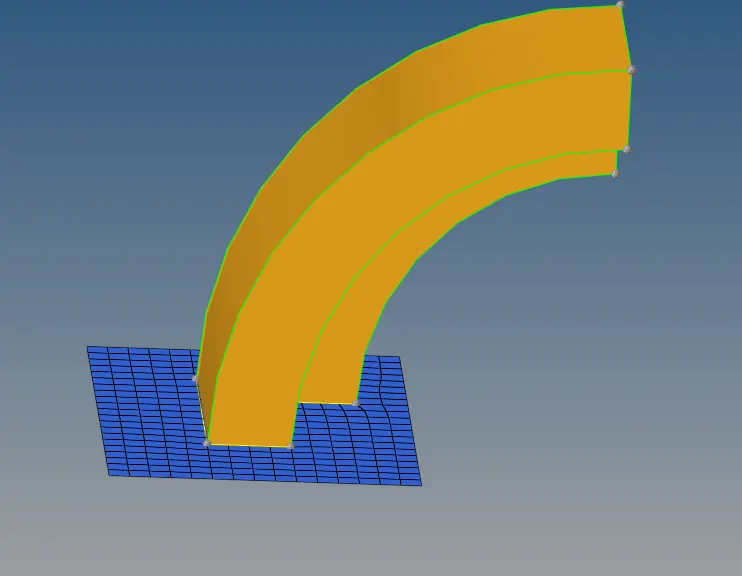
STEP-4:- Creating center point.
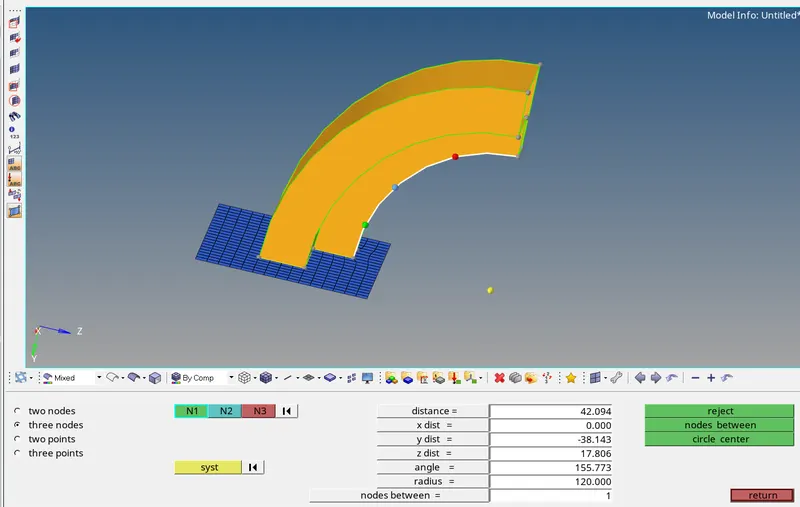
STEP-5:- Next component to be mesh is curved arm, to mesh this component we will used spin command.
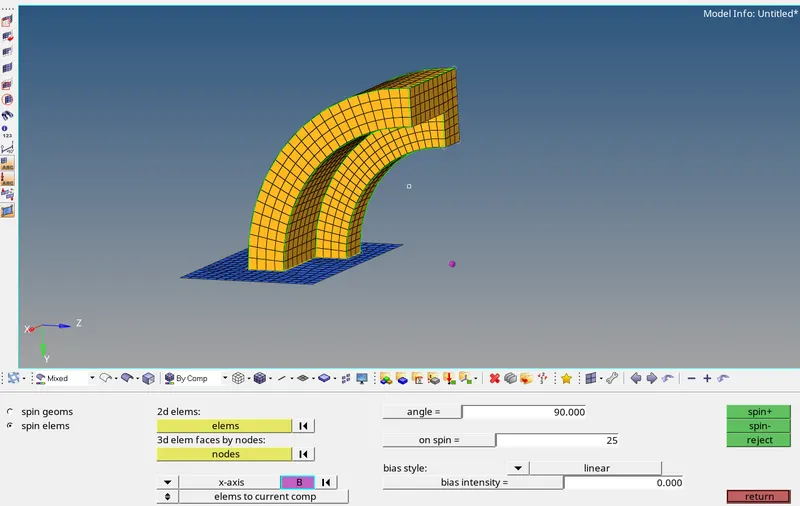
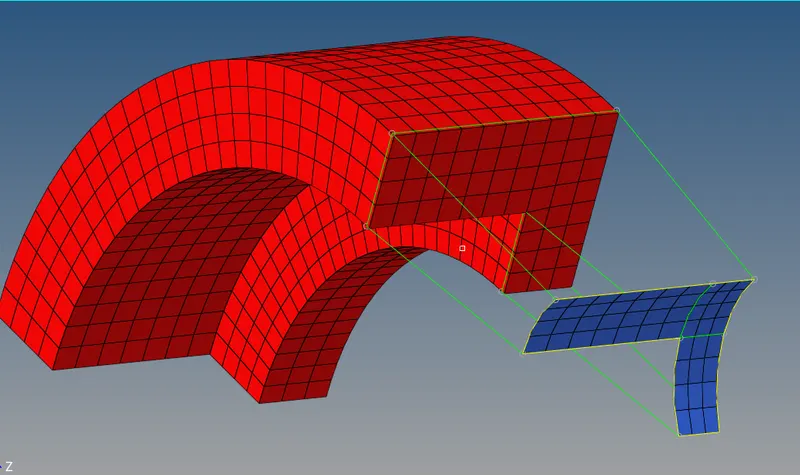
STEP-6:- To mesh the staright arm component, we used 3D LINEAR SOLID COMMAND.
- We are already mesh curve arm using by hexa meshed element, to extract 2D element from hexa element, go to tools>face>extract face.
- Create 2D mesh in such a way that the nodes and elements are exactly corresponding to the opposite face as shown below image-
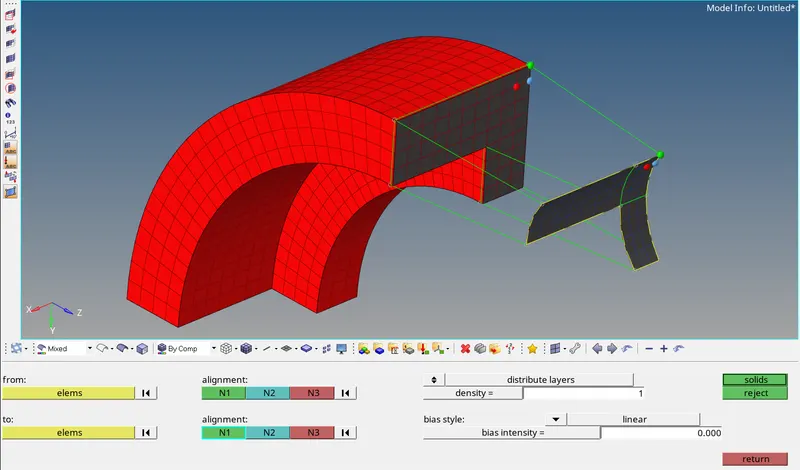
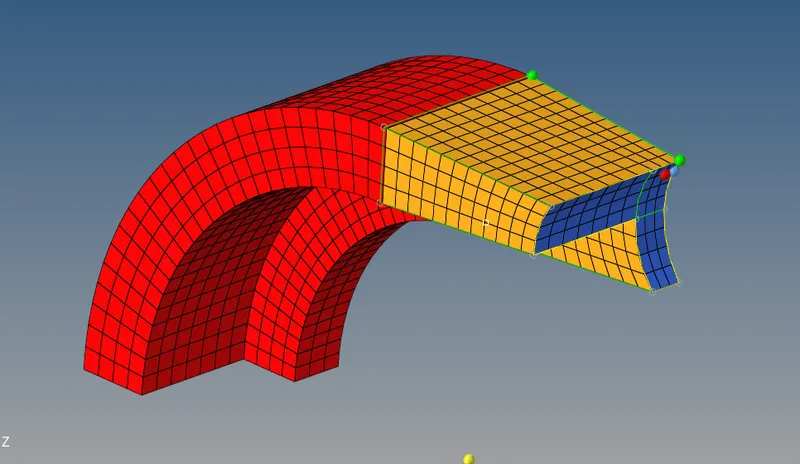
- Go to tools>faces>delete faces.
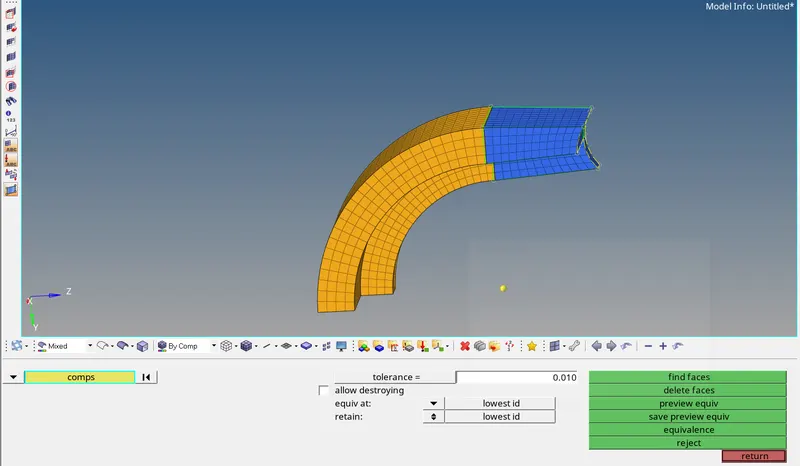
STEP-7:- To mesh the boss component we will used SOLID MAP command.
- Mesh the boss one side and solid map the element to the other side by line.
- Now after meshing all the components by hexa elements we have to delete all 2D elements.
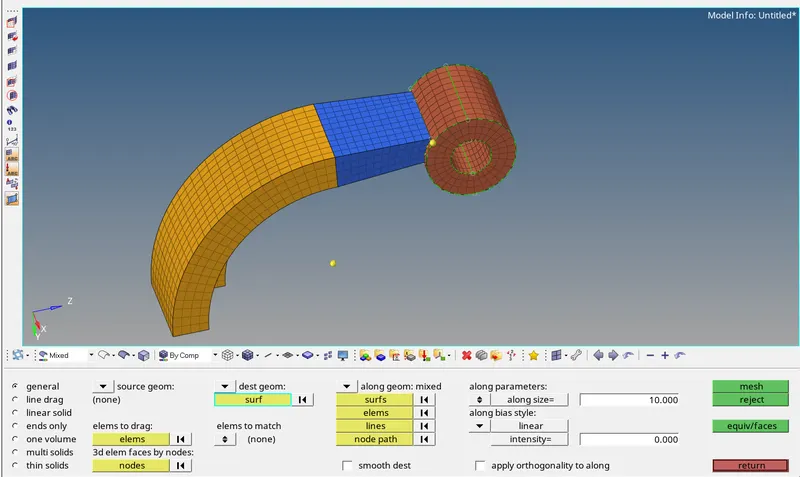
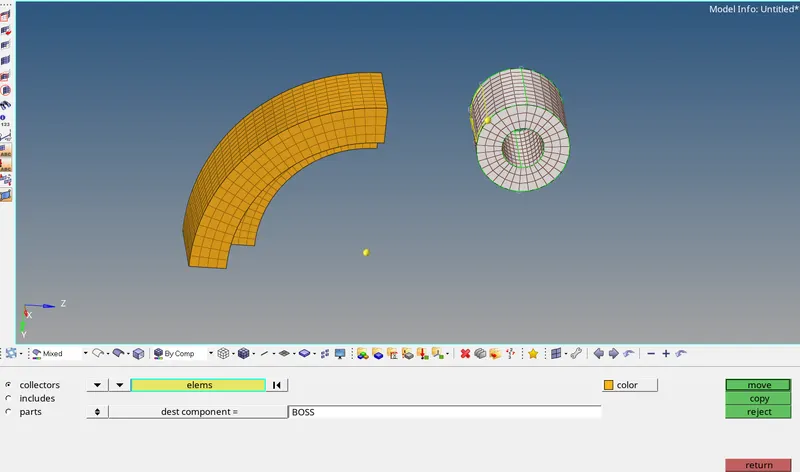
STEP-8:- Finally we meshed all the components succefully.
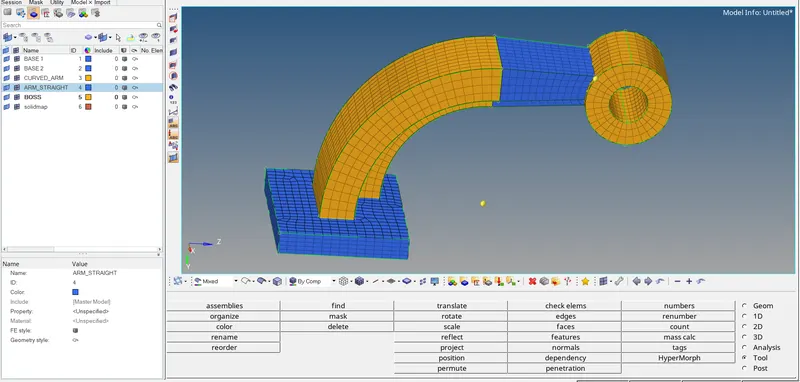
CONCLUSION:-
- Learn how to calculate speed of sound in different material, frequency, time step.
- Understood how to export the file in.red formate.
- Learn how to generate 3D tetra mesh and hexa mesh