Assignment 2-RADIOSS Engine File Editing & 3D Meshing Challenge
1. Check the material properties of the rail component and calculate the speed of sound in steel rail=_______
2. The length of the rail is about 1000 mm.calculate the time takes for a shock wave to travel from one end of the rail to the other.
3.Time for sound to travel length of rail=______
4.Edit the engine file so that the stress wave can be monitored, moving from one end of the rail to the other during impact -this will require a termination time equal to the time it takes for the sound to travel the length of the rail(set on/RUN card)
5.Set the frequency of animation output to a time that will give 20 animation steps(/ANIM/DT)
6.Change /print -10.
7.3d meshing tetra mesh and hex mesh
- Repeat class examples and, maintain the quality.
- Target tet size=5mm,hex size=10mm,tet collapse=0.15.
Solution:
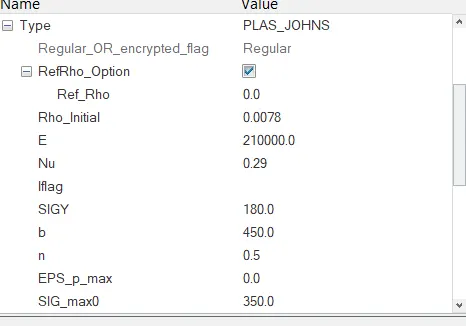
Speed of sound', C= √E/ρ
for steel, E= 210000.0 MPa
ρ= 0.0078 g/mm^3
∴ C= √210000/0.0078
∴ C= 5188.75 m/s
speed of sound in still rail is 5188.75 m/s
2. The length of the rail is about 1000 mm. calculate the time takes for a shock wave to travel from one end of the rail to the other.
Speed = Distance/Time
∴ 5188.75= 1000/ T
∴ T= 0.1927ms
3. Time for sound to travel the length of rail=0.1927ms.
4. Edit the engine file so that the stress wave can be monitored, moving from one end of the rail to the other during impact -this will require a termination time equal to the time it takes for the sound to travel the length of the rail(set on/RUN card).
5. Set the frequency of animation output to a time that will give 20 animation steps(/ANIM/DT)
6. Change /print -10.
open 0001.rad file in text:
7.3d meshing tetra mesh and hex mesh
- Repeat class examples and, maintain the quality.
- Target tet size=5mm, hex size=10mm, tet collapse=0.15.
case1: housing
import geometry
go to 2D>automesh> element size >5 >type >tria >mesh
select the 3D> tetra mesh option
check quality, fix element tet collapse<0>
case 2: arm bracket
import geometry
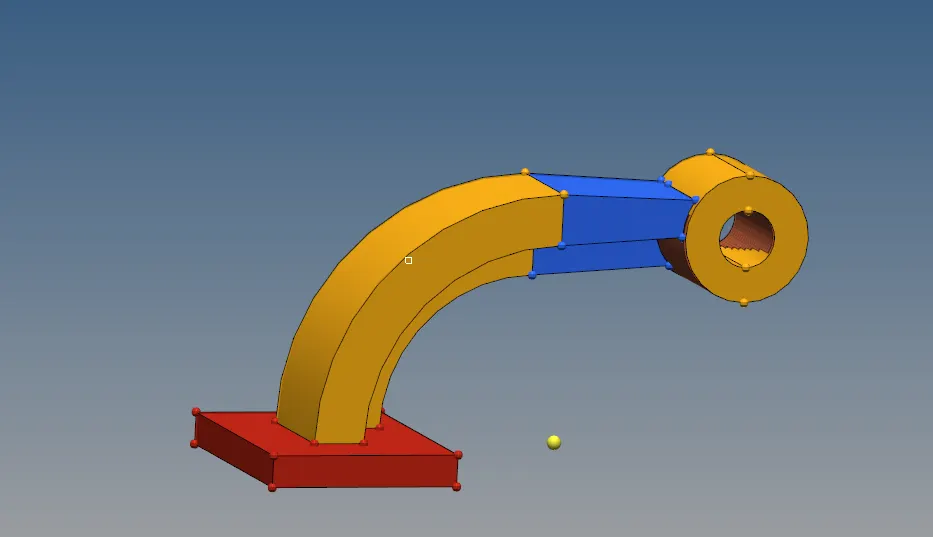
mesh base surface
drag 5 layers
select elements and spin -90 based on x-axis
use 3d-linear solid
create 2d mesh
use solid map-general
final mesh
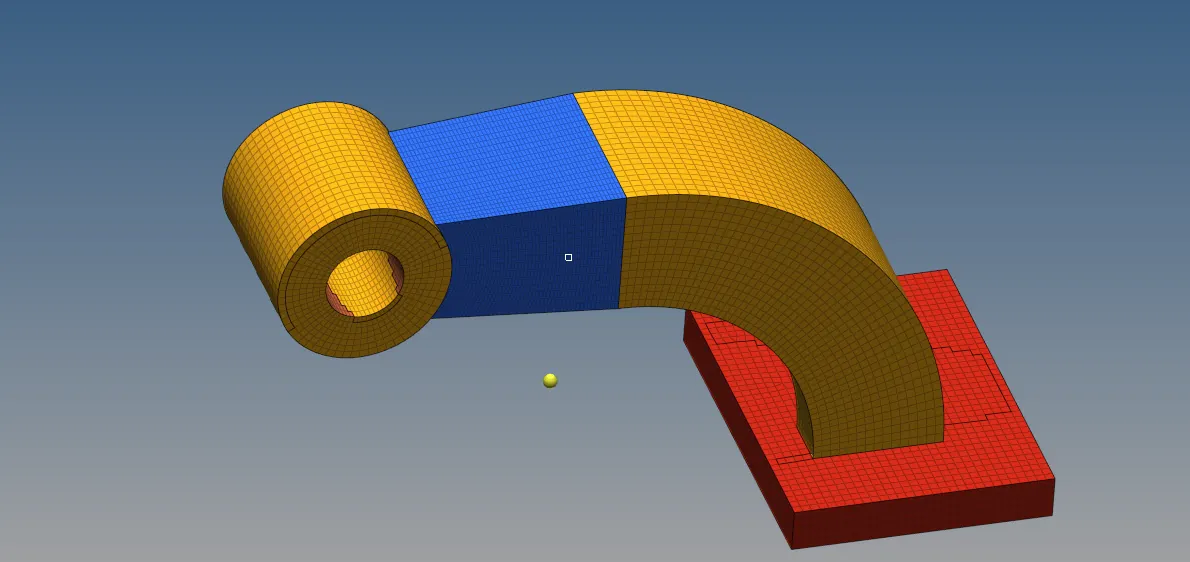
Conclusion:
The animation time,sound wave propagation and the engine file edit was done. The model was tetra meshed with the given tet collapse condition.