Assignment 2
Question 1: Speed Of sound in rail
Speed of sound, c = `sqrt (E/rho)`
where E is Youngs modulus of material & `rho` is density of the material,
E= 210000 MPa & `rho`= 0.0078 `g/(mm)^3`
c= `sqrt((210000/0.0078)` = 5188.7452 ~ 5188.75 mm/s
_______________________________________________________________________
Question 2: Time taken by the shock wave to travel from one end of the rail to the other
Speed, c= distance/time
Time =distance/speed = (1000 mm/5188.75 mm/s) = 0.1927 s
_______________________________________________________________________
Question 3: Time for sound to travel length of rail
Time = 0.1927 s
_______________________________________________________________________
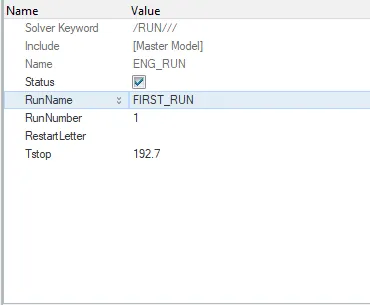
Question 4: Edit the engine file so that the stress wave can be monitored, moving from one end of the rail to the other during impact -this will require a termination time equal to the time it takes for the sound to travel the length of the rail(set on/RUN card)
importing the starter file FIRST_RUN_0000 into Radioss & replacing the runtime with the new value. 0.1927 seconds was converted to 192.7 ms.
______________________________________________________________________
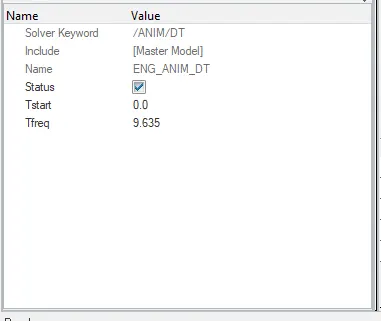
Question 5: Set the frequency of animation output to a time that will give 20 animation steps(/ANIM/DT)
There must be a total of 20 animation steps, so dividing the total time by 20 we get the frequency of animation steps.
Frequency = 0.1927/20 = 0.009635s
Converting to ms, value becomes 9.635 ms
______________________________________________________________________
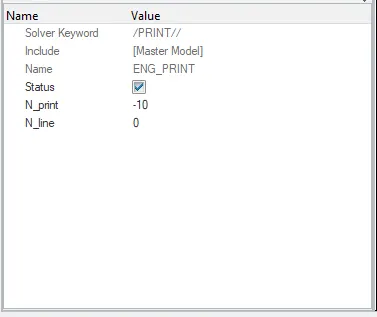
Question 6: Change /print -10
______________________________________________________________________
Question 7: Arm Bracket
There are 4 components in the whole model. Hiding rest and making only base visible and creating a 2D mesh on the upper surface.
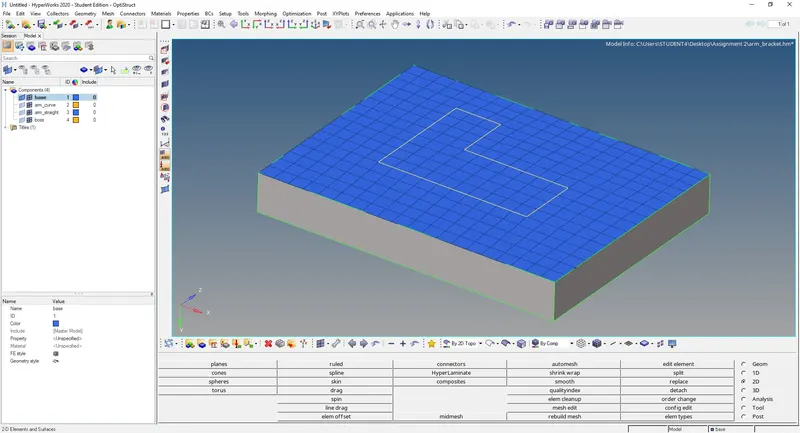
Now offsetting this 2D mesh till the lower surface of the base to get the 3D mesh. All traingular elements were get rid of during the 2D mesh itself so that during 3D mesh, hex elements will be created. Making arm curve visible and hiding all hex elements in the base.
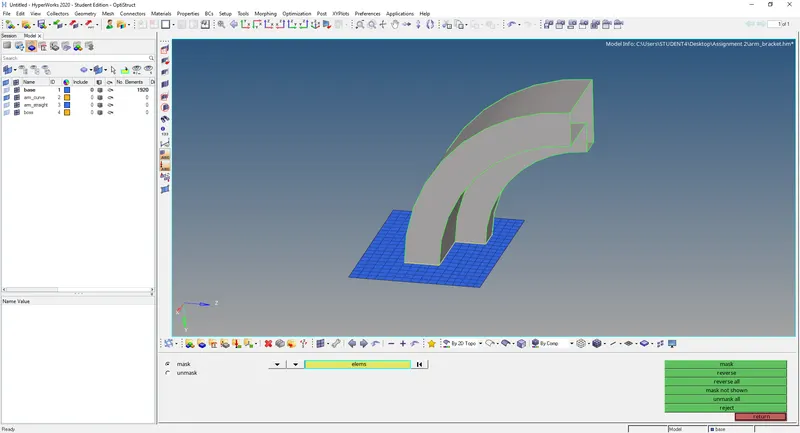
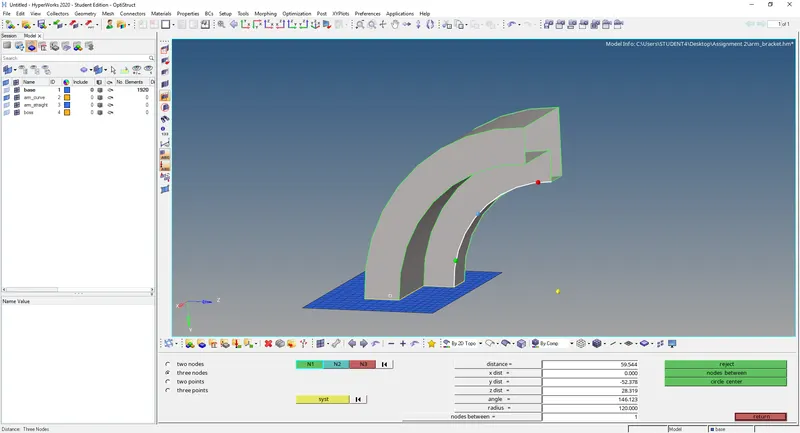
Creating a center for the arc of arm curve before proceeding with spin feature.
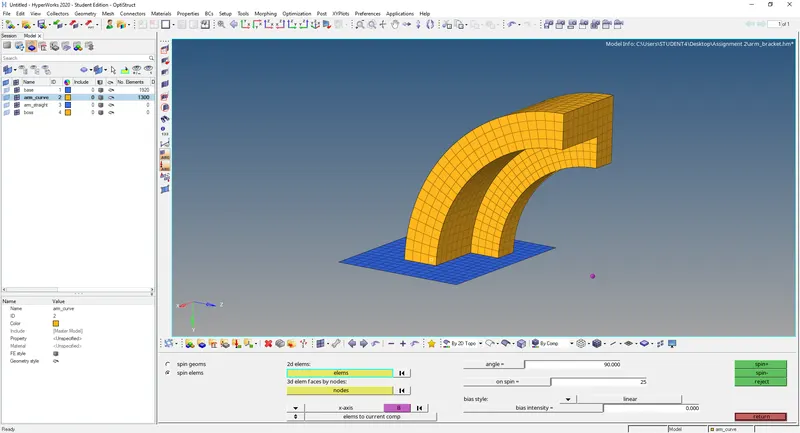
Using the spin feature to spin the selected 2d elements in the base about the arc center to get the 3d mesh. the angle and divisions were set to 90 and 25 respectively and the mesh was spin in the negative direction to get the required result.
For arm straight we can use linear solid. Making arm straight as current component before linear solid operation. But for using linear solid we require the face from arm curve component. We obtain that using find faces function in faces option & a new component named faces is automatically created. now we've got the source element group also need target element group to complete the operation. So 2D mesh is done at the end face of arm straight component. Also the number of elements must be adjusted in the target face to match that of source face.
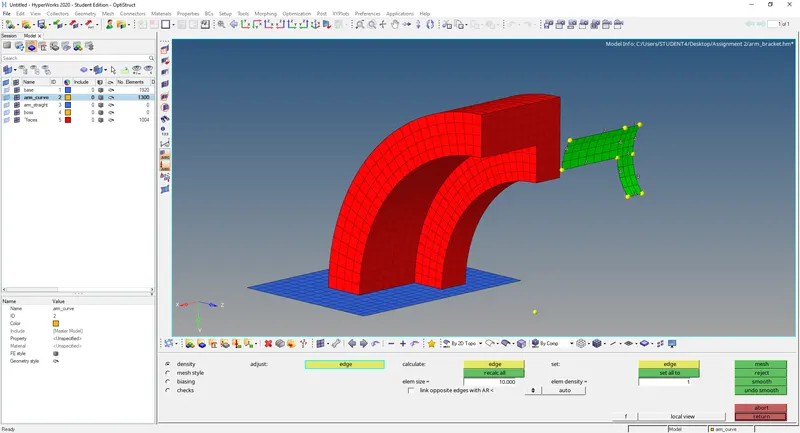
Matching exactly same nodes in both the faces.
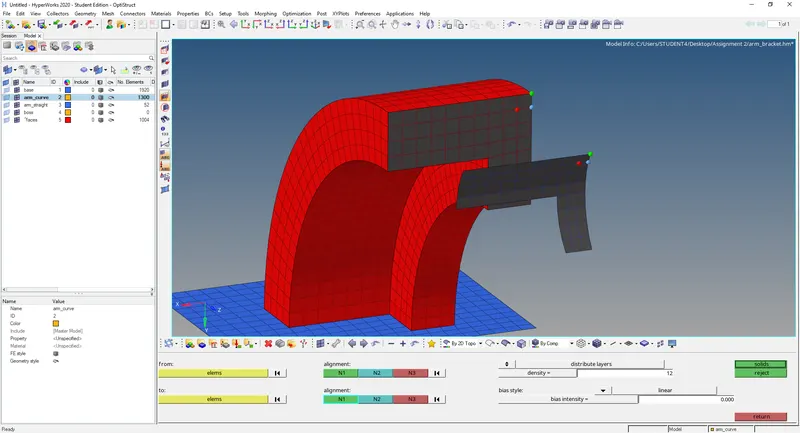
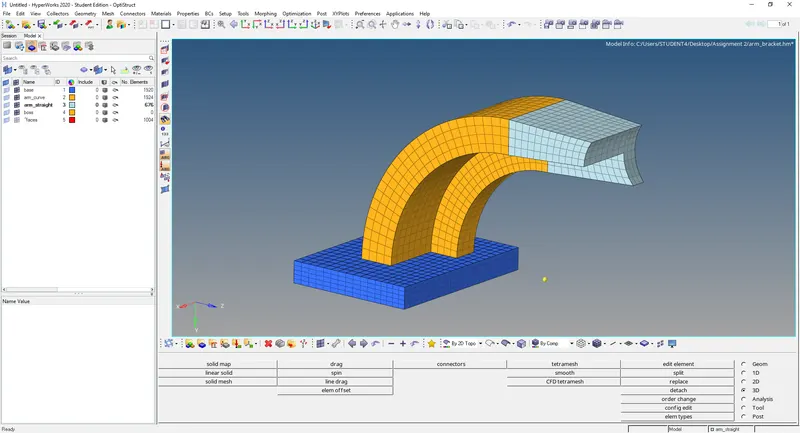
Similiarly making the boss component visible and meshing one of its circular face. Element numbers were adjusted so as to get a good mesh.
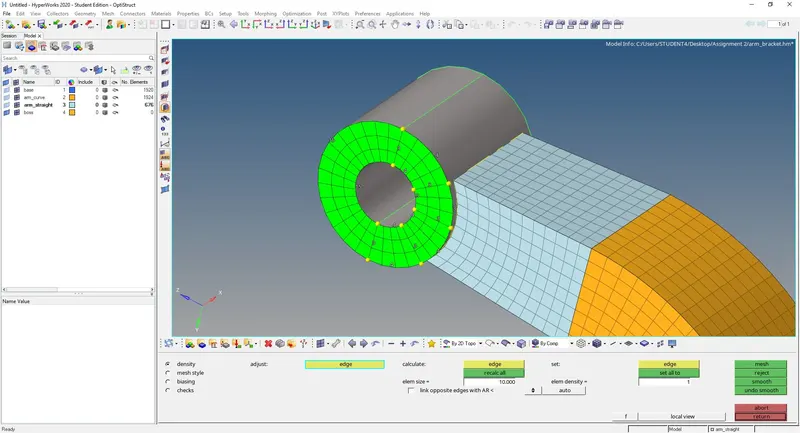
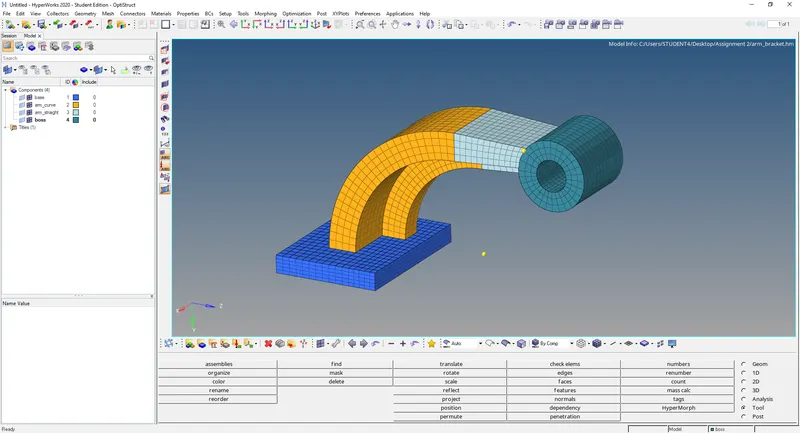
Solid map is used to convert this into 3d mesh for boss. The path was defined using lines and nodes. All the 2D mesh was deleted and mesh was properly assigned to respective components using organize tool.
______________________________________________________________________
Question 8: Housing
The housing part consists of two components, cover and hub.
Firstly making cover component as current component and volume tetramesh inside tetramesh under 3d was used for meshing.
under the quality criteria tetsize was set to 0.15 and target tetsize was set to 5mm.
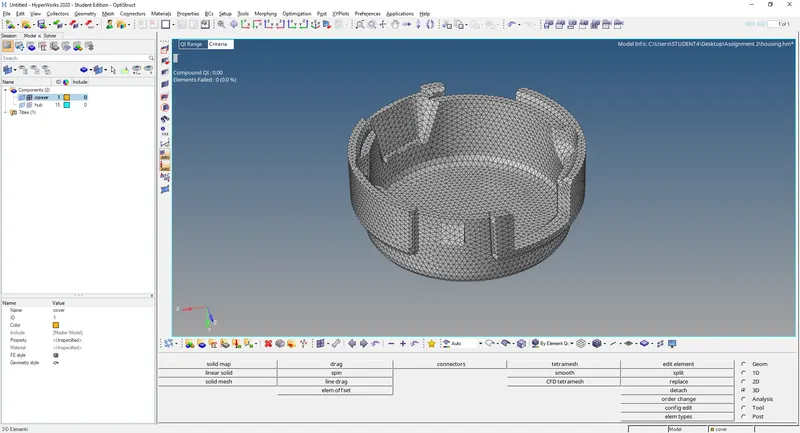
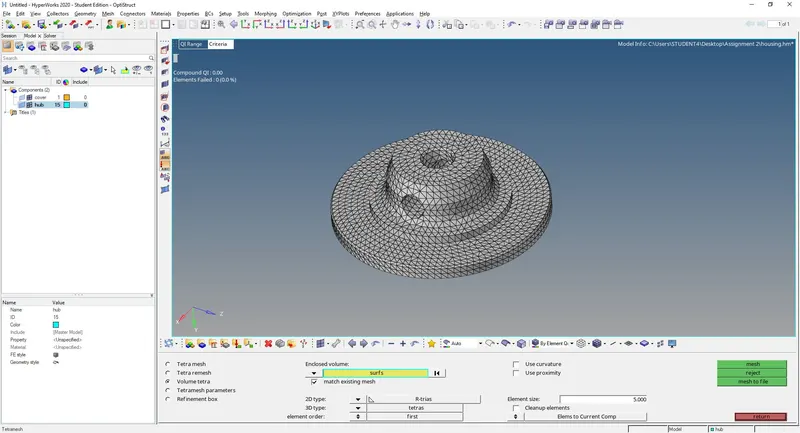
Similarly meshing was done on the hub component after making it as the current component.
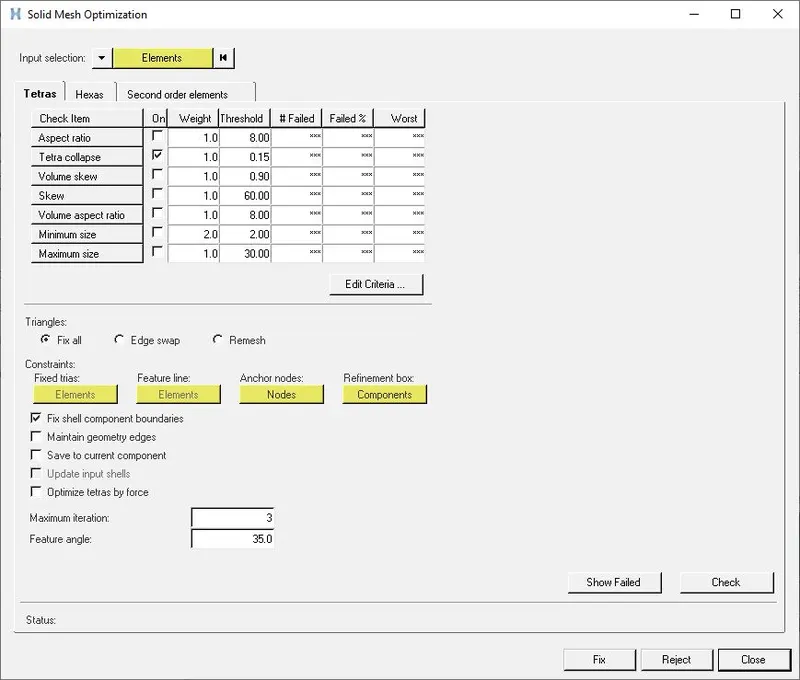
Some elements in both components failed when checking for tetsize. Those elements were fixed using fix 3D elements function under tetramesh.
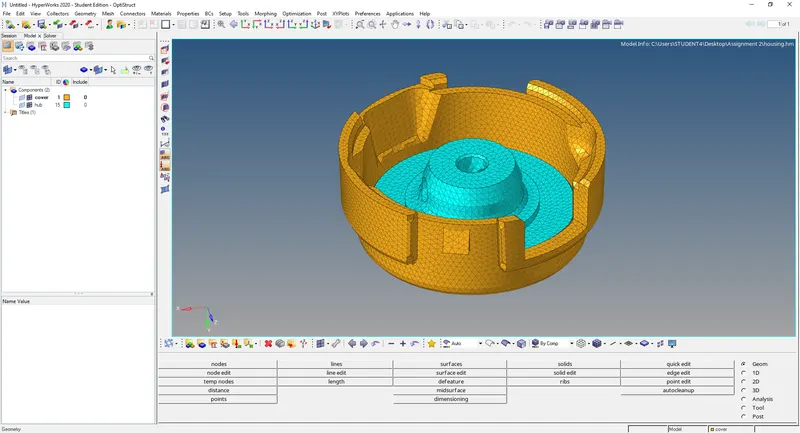
The components after meshing is shown below.
______________________________________________________________________