Assignment 2
Question
1. Check the material properties of the rail component and calculate the speed of sound in steel rail
Solution-
Elemental time step= length of the element(l)/speed of sound(c)
so the speed of sound will be = `l/root()(E/rho)`
From the material properties, we found that E= 210000, rho= 0.0078
speed of the sound =5188.74 mm/s
2. The length of the rail is about 1000 mm. Calculate the time takes for a shock wave to travel from one end of the rail to the other.
Solution-
Elemental time step = length of the element(l)/speed of sound (c)
where l= 1000mm, c = 5188.74
Elemental time step = 0.1927 s
3. Time for sound to travel the length of rail is 0.1927 s
4. Edit the engine file so that the stress wave can be monitored, moving from one end of the rail to the other during impact -this will require a termination time equal to the time it takes for the sound to travel the length of the rail(set on/RUN card)
Solution-
Engine file
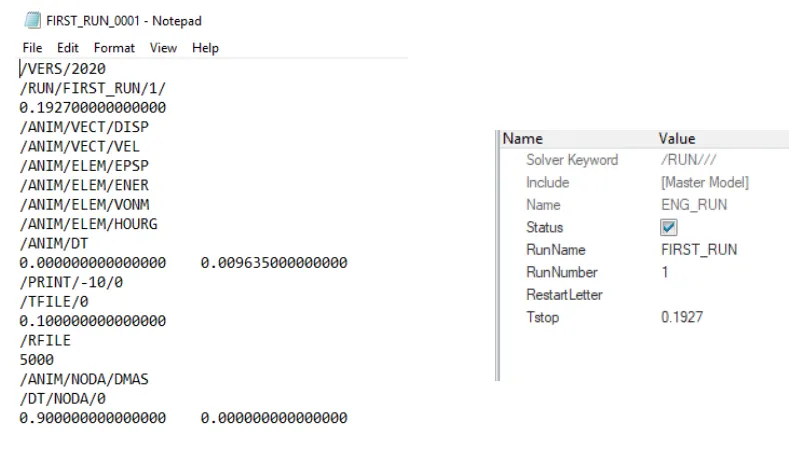
Termination time is 0.1927s
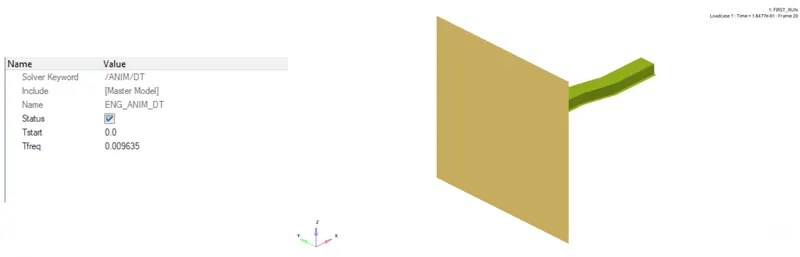
5. Set the frequency of animation output to a time that will give 20 animation steps(/ANIM/DT)
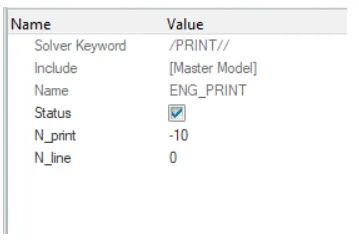
6. Change /print -10.
7. 3d meshing tetra mesh and hex mesh
- Repeat class examples and, maintain quality.
- Target tet size=5mm,hex size=10mm,tet collapse=0.15.
Open the given component in hyperworks
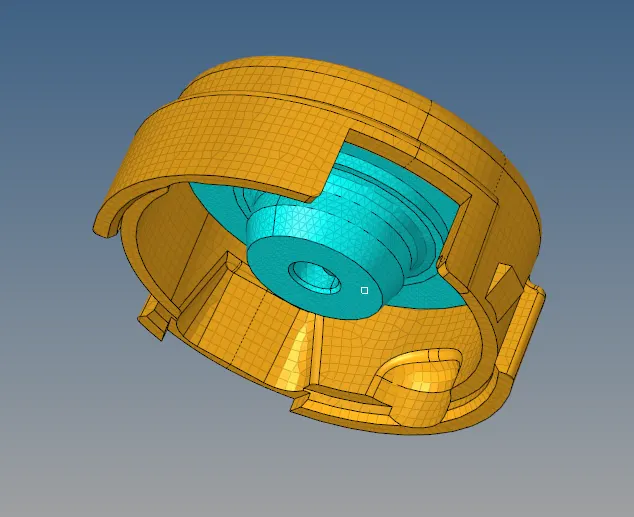
For 3D tetramesh step-wise explanation given below :
View > Browser > Hypermesh > Utility > Geometry Mesh > Choose Tetra mesh > Volume component select the housing model > under minimum tria angle input 20 and maximum is 80 > give Mesh size 5 > Mesh density - Uniform > Click Mesh
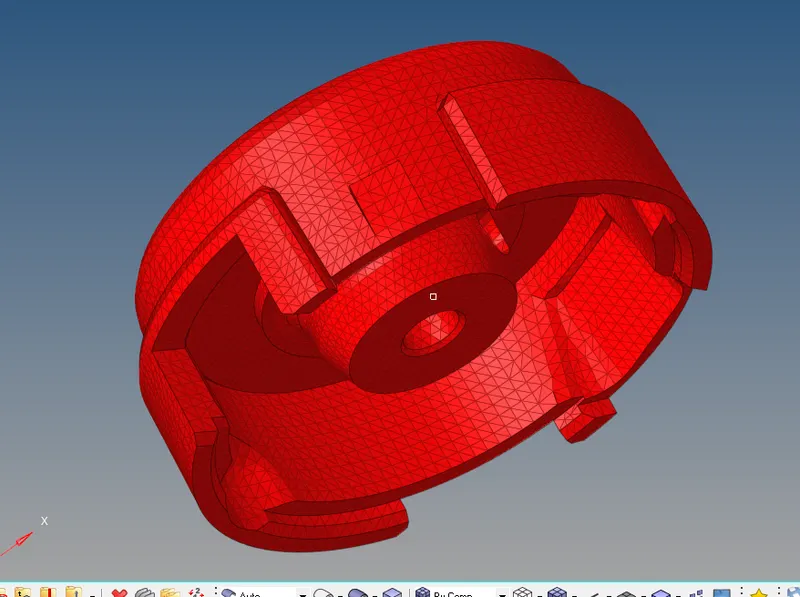
For Cross-reference we will mask some elements by F5
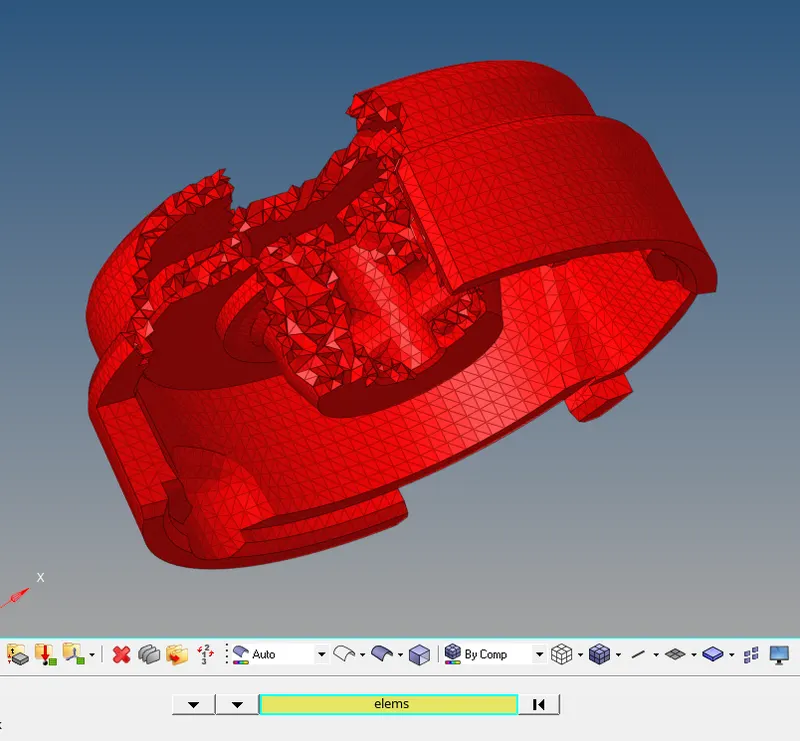
3D Meshing of the given arm Bracket
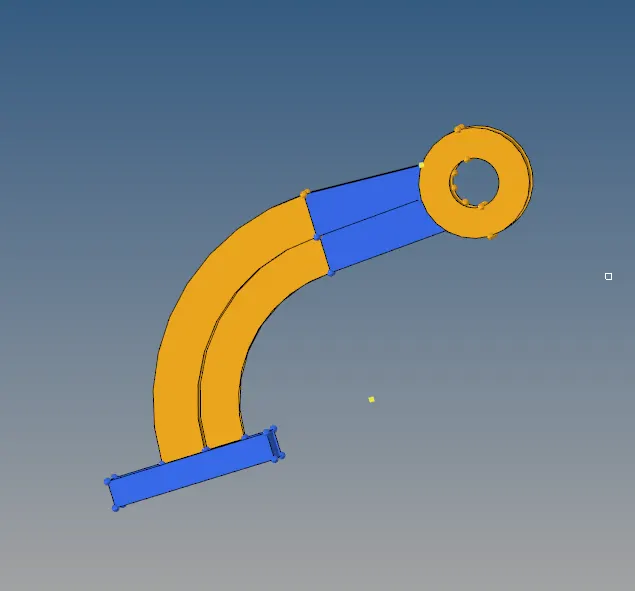
There are four differnent components in the Arm Bracket model
1. Base
2. Arm Curve
3. Arm Straight
4. Boss
For the Base:
Create a 2D mesh on the Base
To create hex mesh :
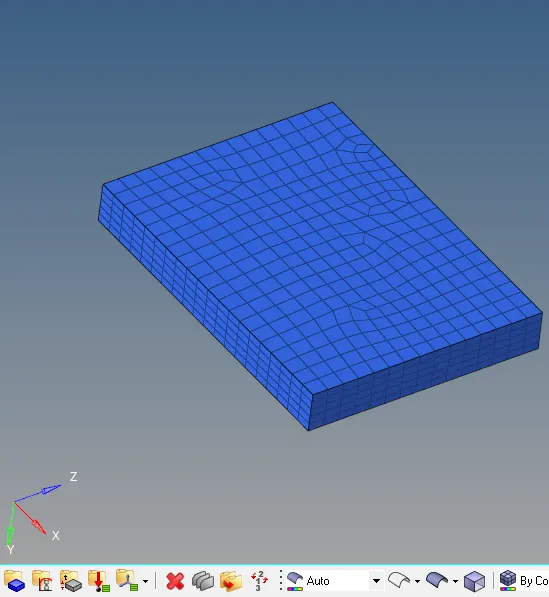
3D> element offset>solid layers> under elements select mesh surface >select the surface to carry out the 2D mesh as 3D hex mesh.
Meshing will done on top surface.
in order to create meshing for the whole base component go to Element offset in 3d option > solid layers > select the surface > select the parallel surface for the along geometry to follow > give the number of layers > Click Offset+
Now the base model will be meshed and will look as shown in the image below :
In Arm Curve create a centre point for the curve
3D> Spin > Spin elements > Set angle - 90 > Choose X-axis B(base point and select the centre point) > click on Spin (-).
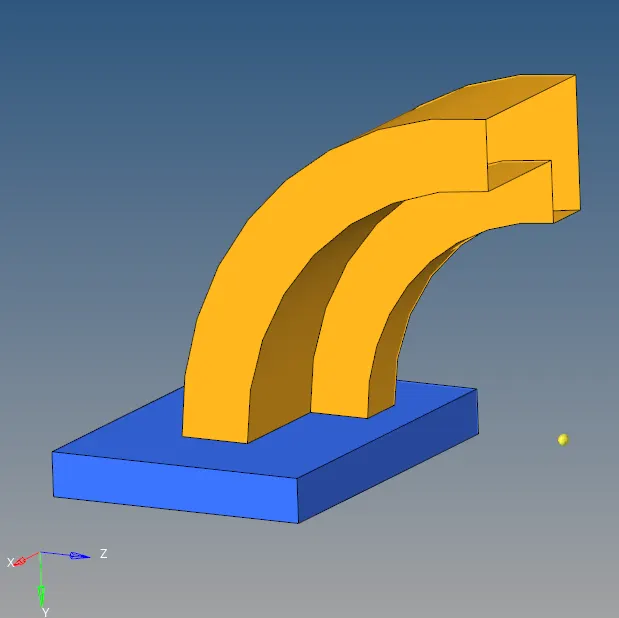
with the reference to the centre point creating a curve hex mesh
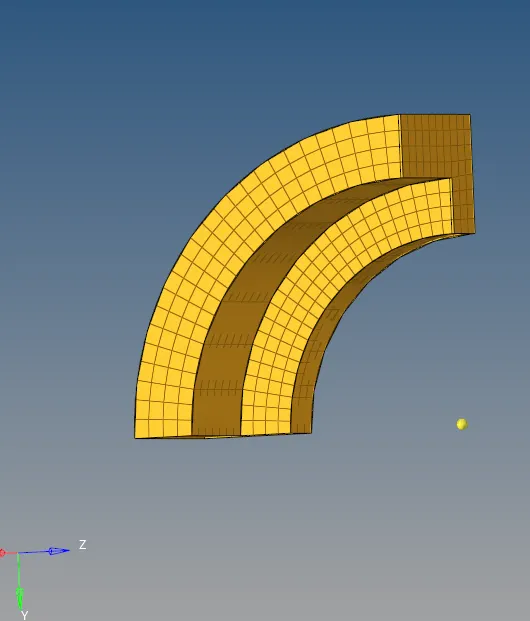
Cross-sectional view
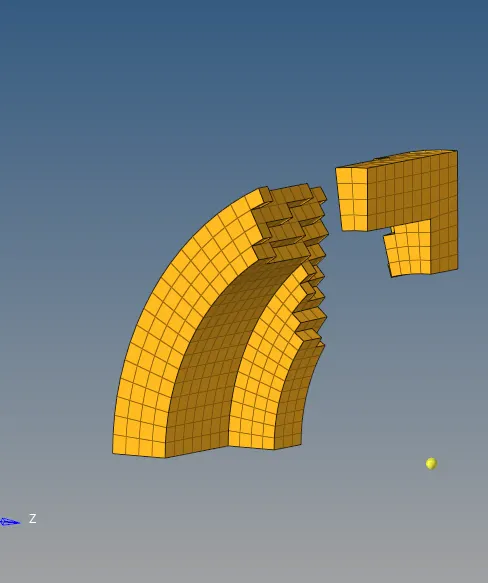
Now we have to create hex mesh in the third part of the model that is Arm staright
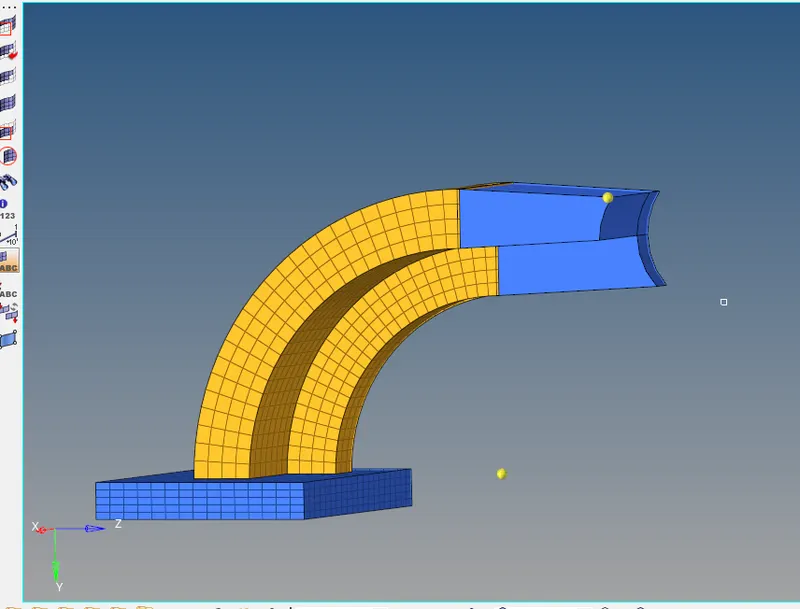
in order to create this we will use linear solid, for that we need source element and destination element. Since we do not have destination element so have to mesh the destination element
after that select the elements and we have to select alignment on source surface and destination surface and then hit Solids
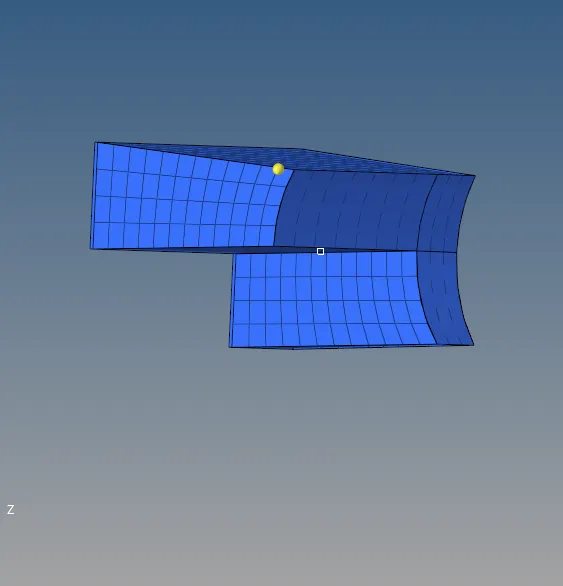
cross-sectional view
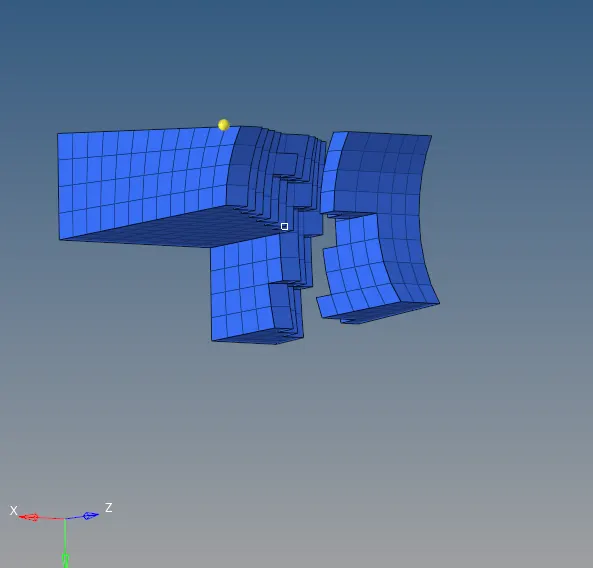
Now final part of the model is Boss
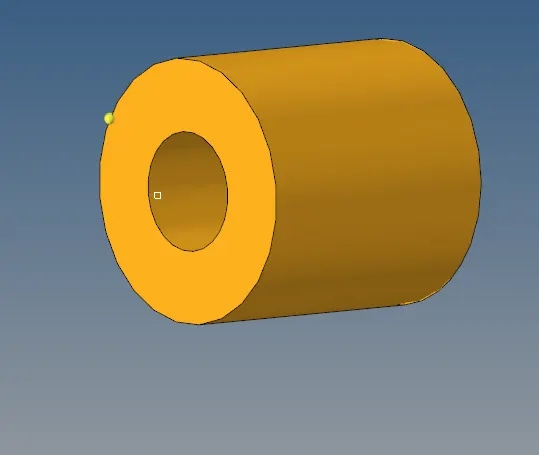
For meshing this Boss part of the model we have to solid map method, for that we have to mesh one surface of the component
now we'll mesh the selected part as shown below the image
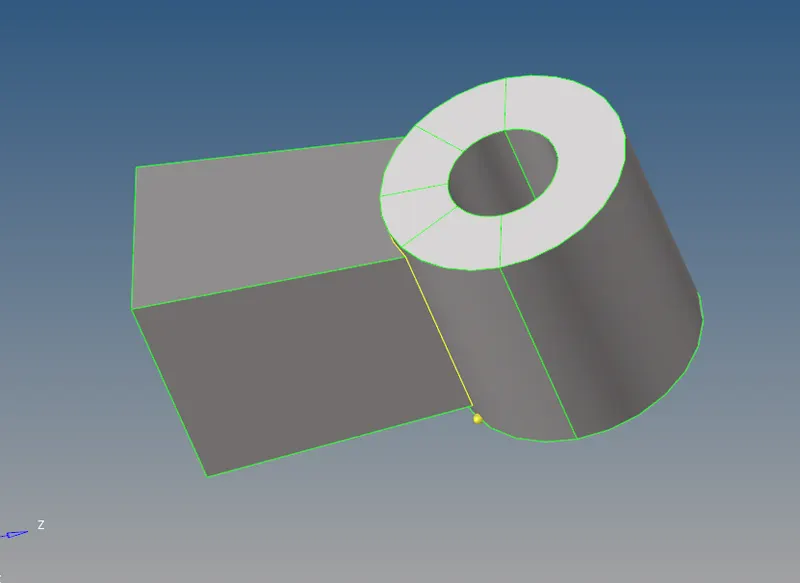
we have to create a node at the opposite side of the meshed region using project option
after creating the node select the 3D option > Solid map > general > set source geormetry to None > Select the element to drag > select the destination geometry > Select the along geometry > Set the paramaeters > and click Mesh
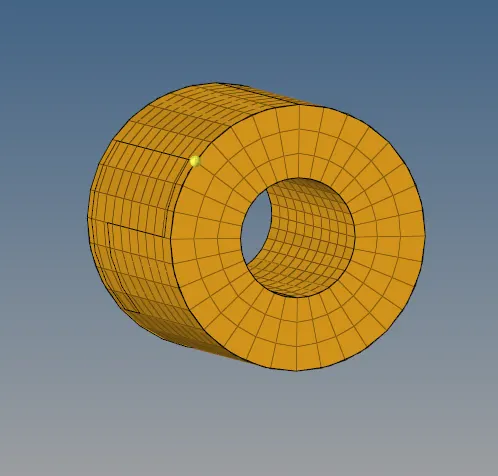
Cross- sectional view
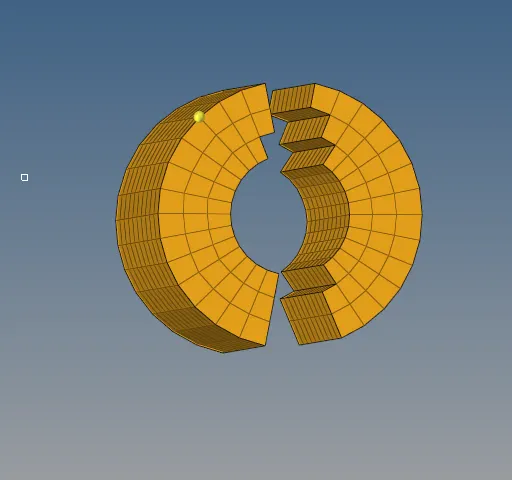
The given component have been meshed properly as shown below
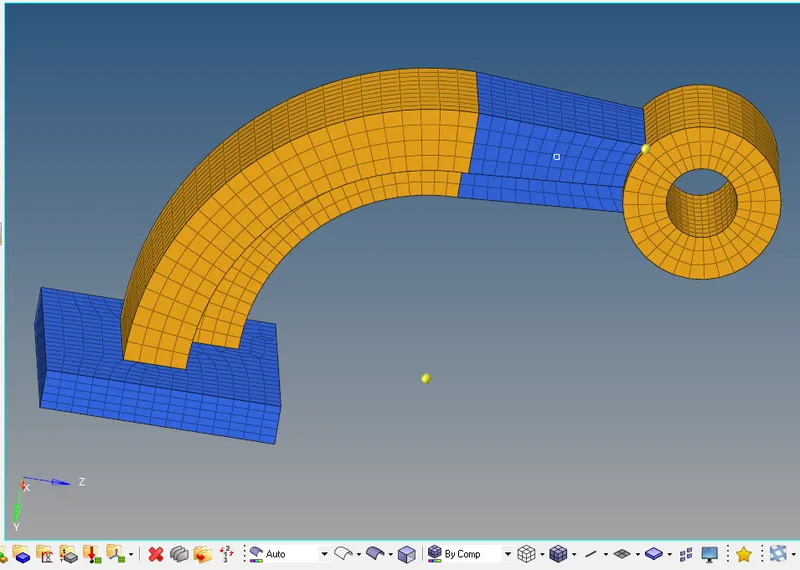
Result:
The Given Housing and Arm bracket model have undergone geometry clean up,3D Tetra mesh and 3D Hex mesh flow as per the given quality criteria.