Assignment 2
Aim:
Check the material properties of the rail component and calculate the speed of sound in steel rail
The length of the rail is about 1000 mm.calculate the time takes for a shock wave to travel from one end of the rail to the other.
Time for sound to travel length of rail.
Edit the engine file so that the stress wave can be monitored, moving from one end of the rail to the other during impact -this will require a termination time equal to the time it takes for the sound to travel the length of the rail(set on/RUN card).
Set the frequency of animation output to a time that will give 20 animation steps(/ANIM/DT).
Change /print -10.
3d meshing tetra mesh and hex mesh.
Solution:
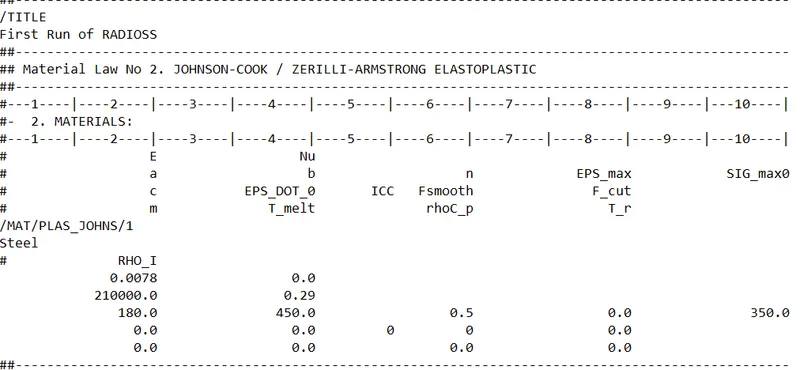
1.calculate the speed of sound in steel rail
The following reading as follows:
Material = steel
Density = 0.0078
Young modulus = 210000Pa
Speed of sound = (modulus of elasticity/ Density of material)^1/2
= (210000/0.0078)^1/2
= 5188 m/s
Therefore the speed of sound is 5188m/s
2.Calculate the time takes for a shock wave to travel from one end of the rail to the other.
The length of rail = 1000m
Time taken = 1000/5188
= 0.192m/s
Therefore the time taken to travel from one end to other is 0.192m/s
3.Time for sound to travel length of rail is 0.192m/s
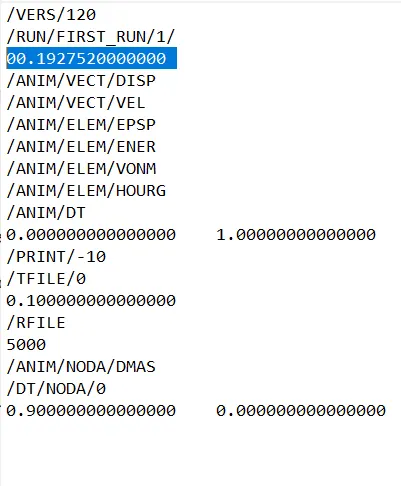
4.Edit the engine file
The file which is before editing.
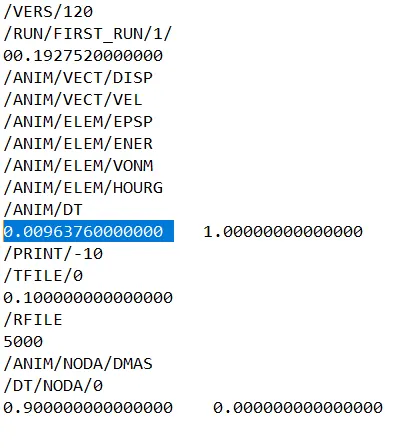
The file in which the travel timing is changed.
The frequency timing is changed by 20 animation steps
= 0.19275/20
=0.009635s
Housing component meshing
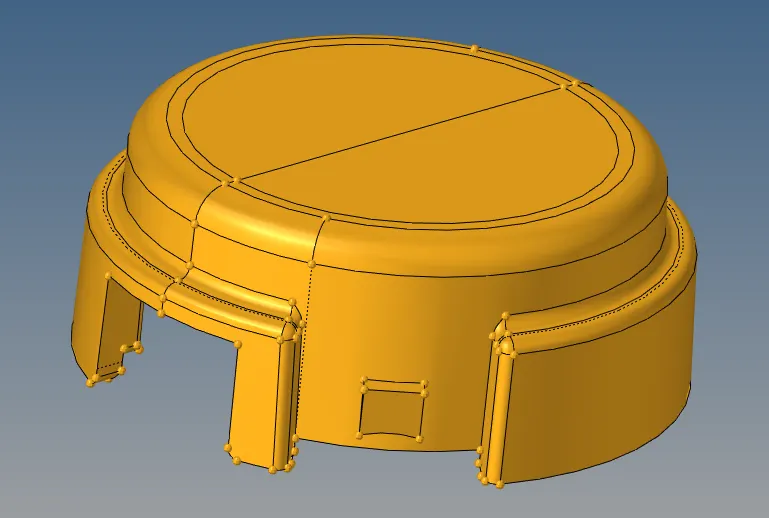
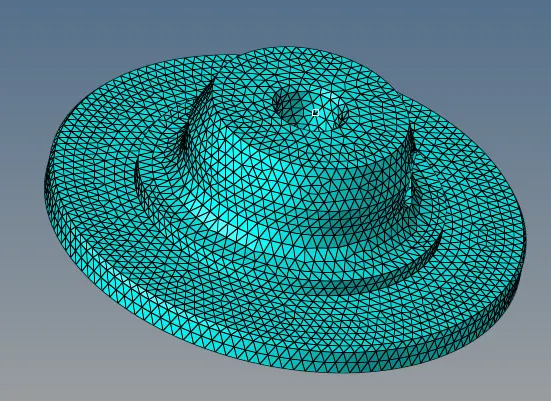
The mesh was generated using the 2D mesh method
Keeping the element size as 5mm and the 2D type as trias and 3D type as tetras.
Click mesh.
3D -> tetra mesh -> select element -> tet collapse -> 0.15 -> mesh
After meshing the following occurs,
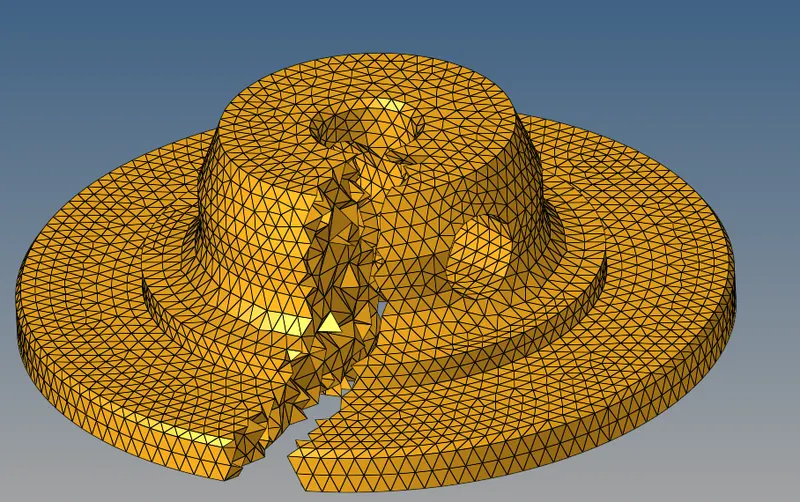
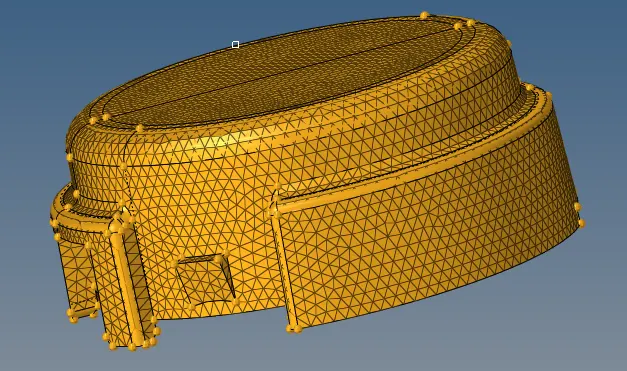
Component 2 Arm Bracket
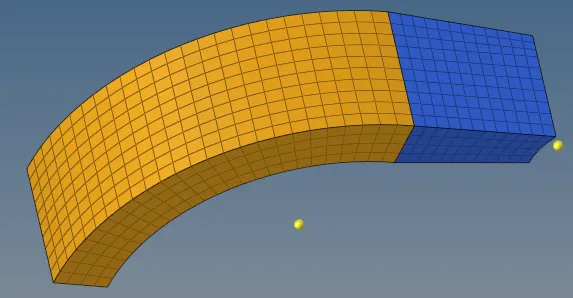
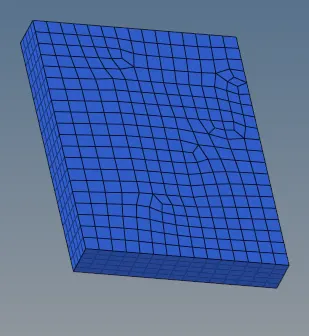
At first select the base component
open 2D-> mesh -> element size(10).
In the number of layer = 5 and the total thickness(25).
Now click offset+.
The base component gets fuly meshed.
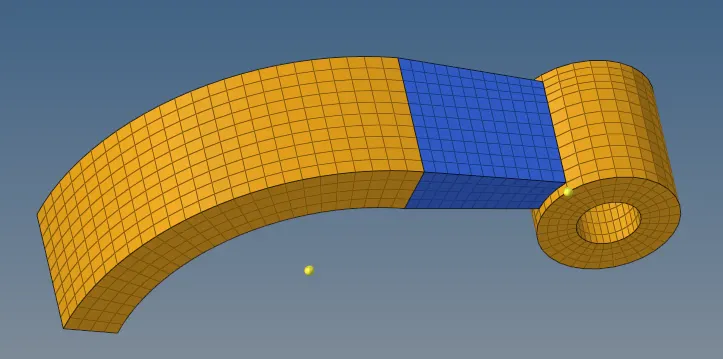
Now the arm curve
Open 3d ->spin -> spin element.
In the angle field should be 90 degree.
Select the orientation vector as x-axis.
In the spin should be 25.
Now click spin-.
There forms a nice mesh around the arm curve.
Now the arm straight
Tools -> faces -> comps-> find faces. The faces are selected.
And now the linear solid is selected -> node (3).
Keeping the density as 12.
Select the node from the arm curve to arm straight. The 3 nodes are selected and solids is clicked.
There forms the a mesh exactly as arm curve.
Now for the boss
Open the solid map
Go to general ->source geometry -> none -> dest geom(surf)
Along geometry -> mixed -> node path
The node path is selected from boss top,arm straight and boss bottom
After selecting the node click mesh
The mesh is created around the boss.
Result:
Identified some values for the sound of the steel and editied the engine file and made tetra mesh and arm bracket. The result got which is error free.