Assignment 1-2D Meshing Challenge
AIM:- 2D MESHING OF COMPONENTS USING HYPERMESH.
- Practice
- Clip Repair
- Mounting Bracket
OBJECTIVE:-
- Clean the geometry.
- Extract midsurface.
- Clean midsurface geometry.
- Ignore holes less than dia 5mm.
- Create 2D mesh with target length 5mm, min 3.5mm max 7mm.
- And assign proper thickness, by creating a generic property.
MODEL-1:- PRACTICE
STEP-1
- Import the model in Hypermesh.
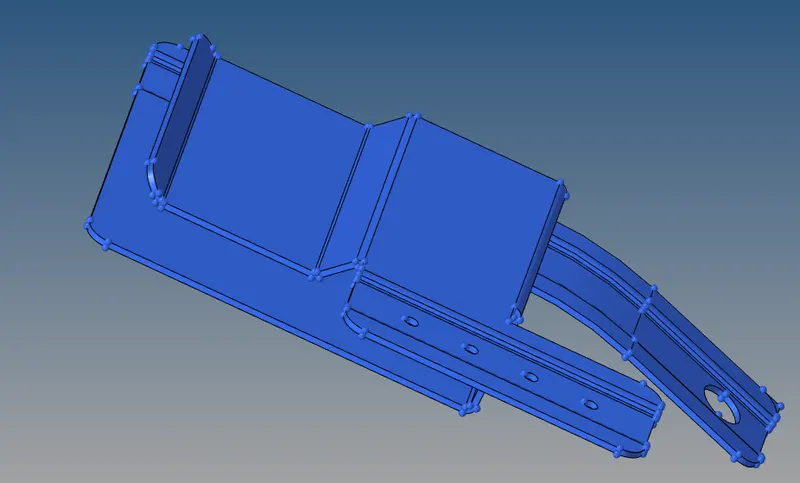
STEP-2
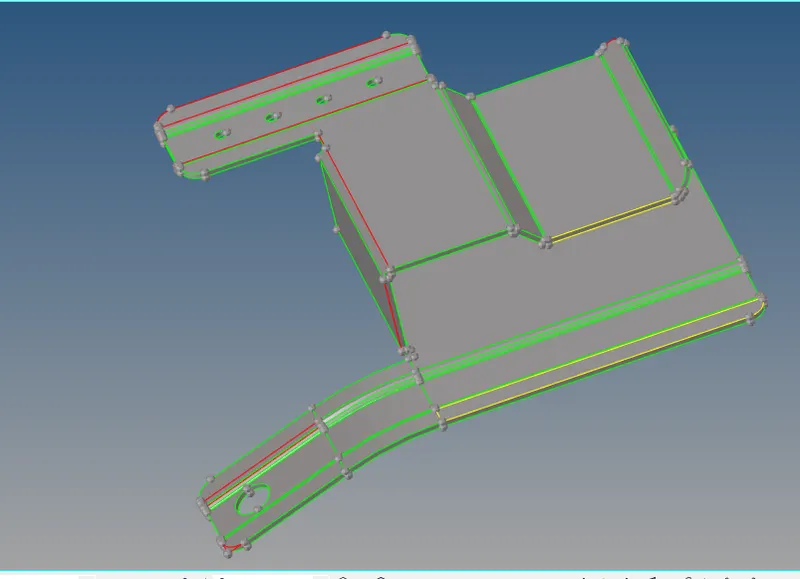
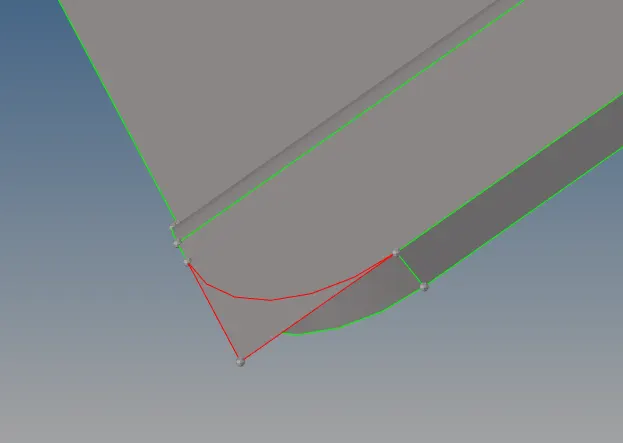
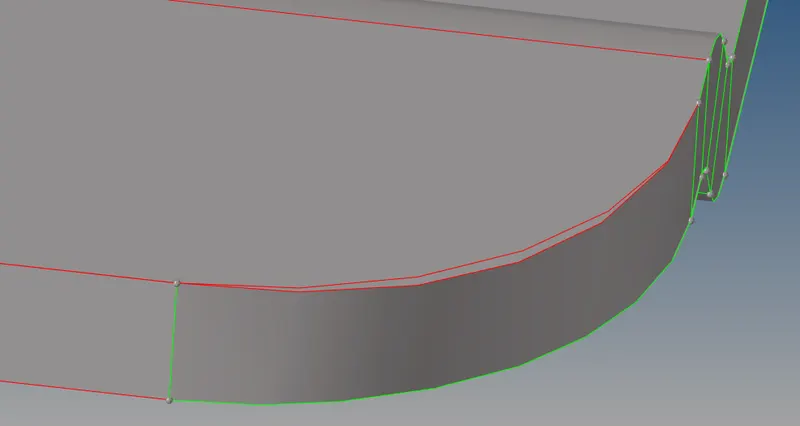
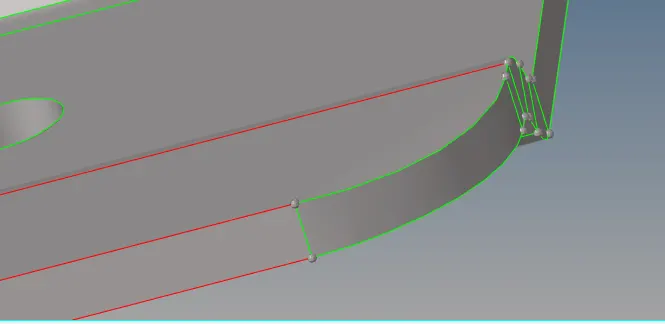
- See the model in topo mode to check red/yellow linw which describe are abnormalities present in model.
- These abnormalities are eliminated by providing proper topology or toggle under quick edit in geometry toolbar.
- More than single surfaces present in the model can be deleted using component delet entity, it appeares as a yellow line in the model.
STEP-3
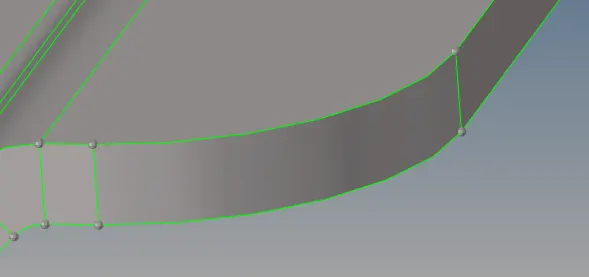
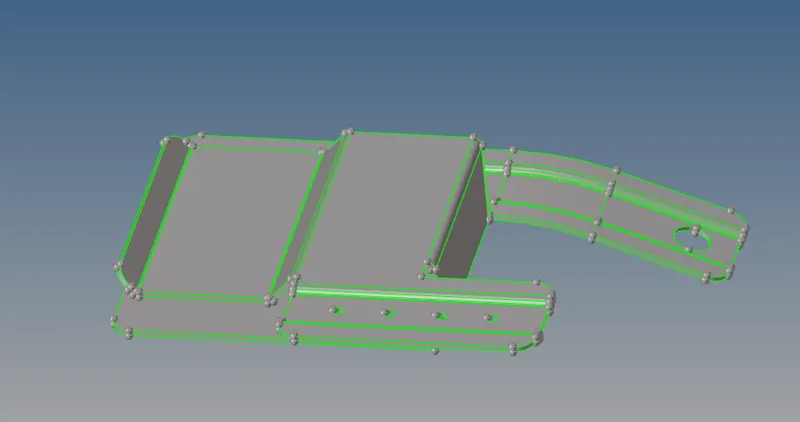
- The geometry cleanup tool itself allows to perform various task ranging from adding, remolding points along with spliting geometry, toggeling edges, editing nodes and distance.
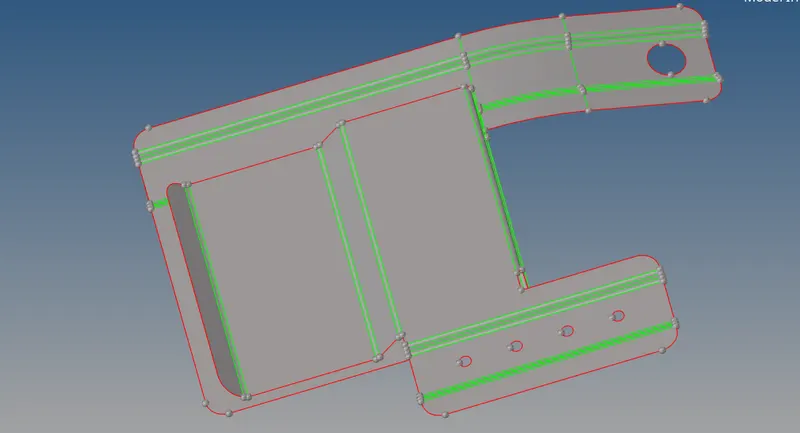
- Once geometry cleanup the model is ready for extracting midsurface. Mid surface extracting using automatic midsurface tool.
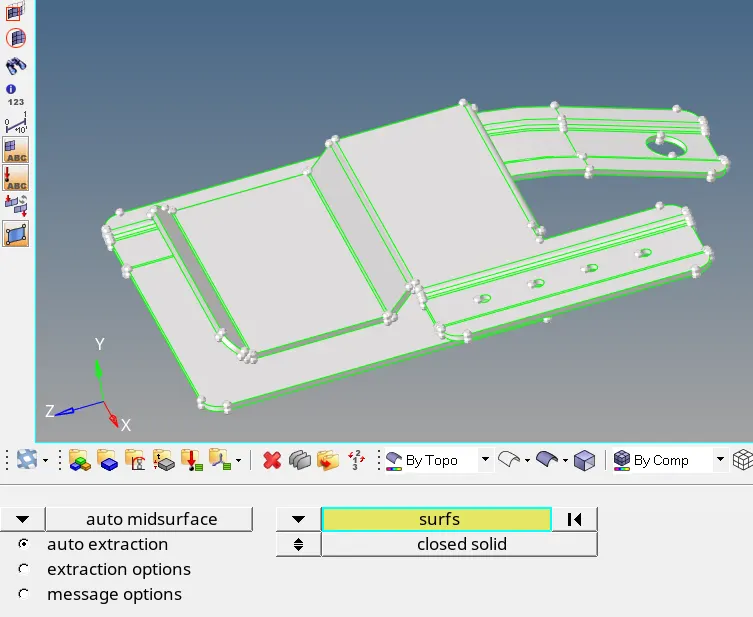
- We obtain midsurface.
STEP-4
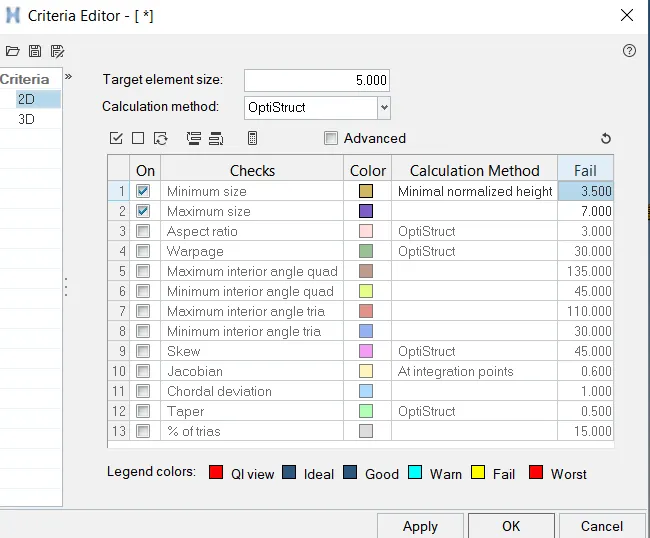
- Set the quality parameters in the criteria file min size 3.5mm and max size 7mm and target element size is 5mm.
STEP-5
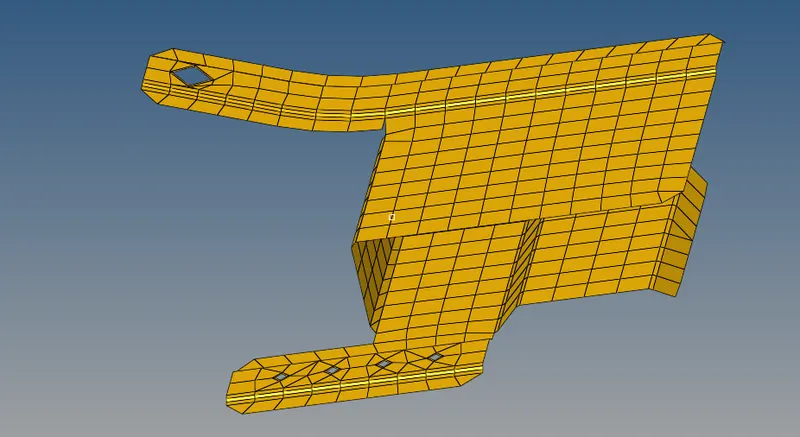
- After generating midsurface the model is ready for 2D meshing, the model meshed with targeted mesh size 5mm.
- Meshed entire model.
STEP-6
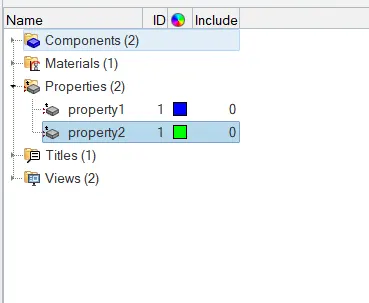
- Create new property and assign thickness.
MODEL-2:- CLIP REPAIR
STEP-1
- Import the model in Hypermesh.
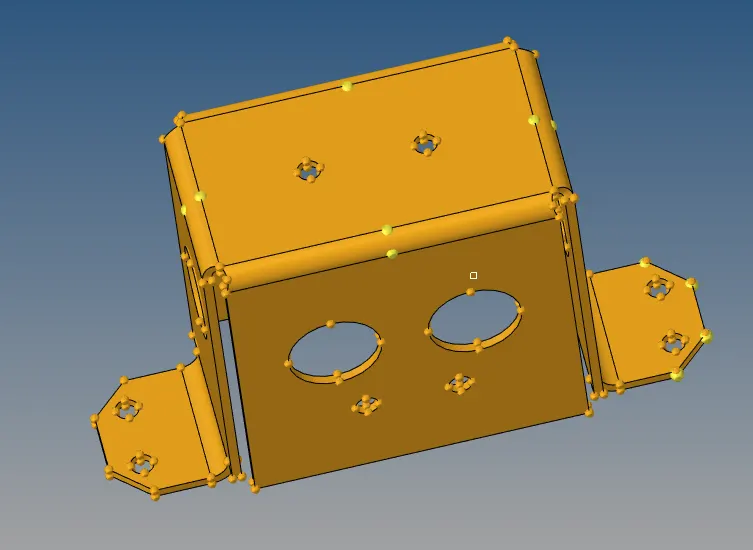
STEP-2
- Check errors present in the model. No errors found in the model and hence no need clean the model.
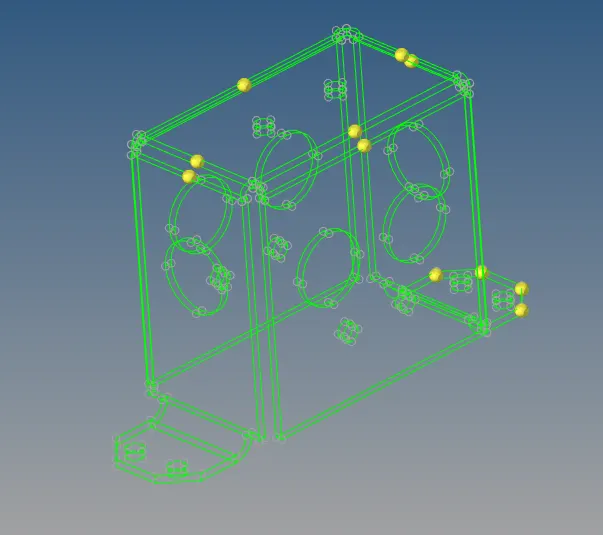
STEP-3
- Generating midsurface and then mesh.
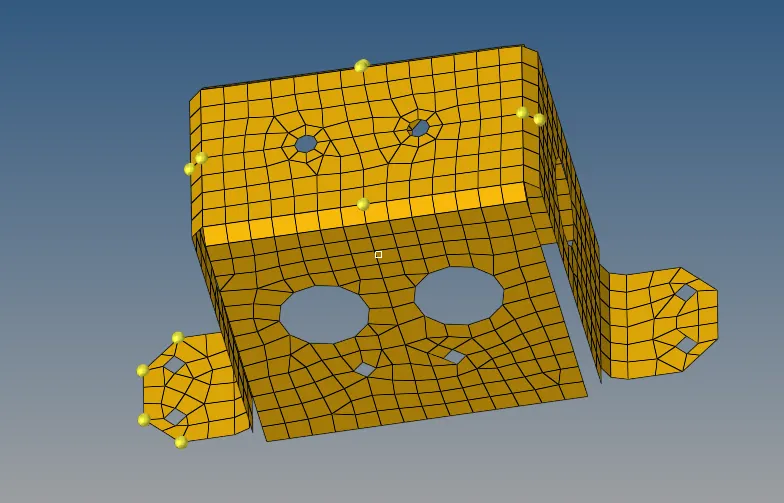
MODEL-3: MOUNTING BRACKET
STEP-1:-Import the model.
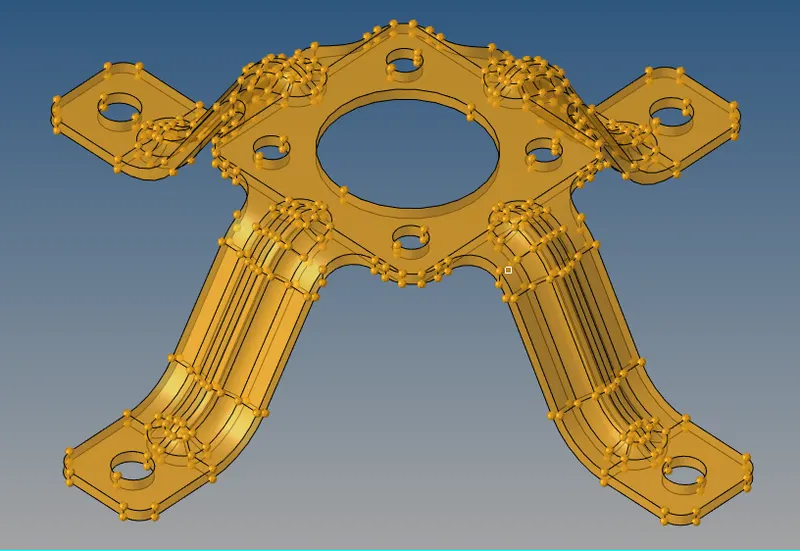
STEP-2:- Generating midsurface.
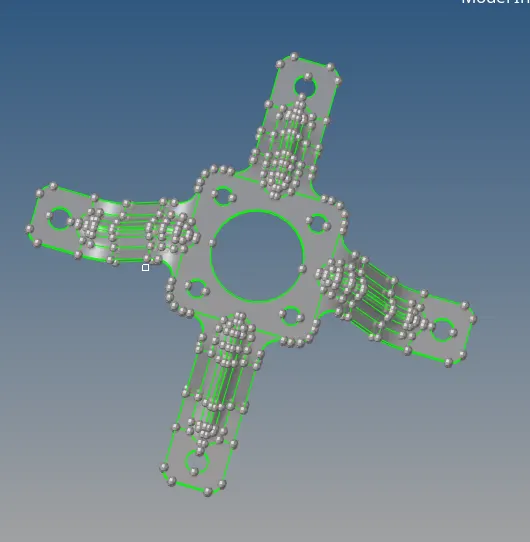
STEP-3:- Meshed the model.
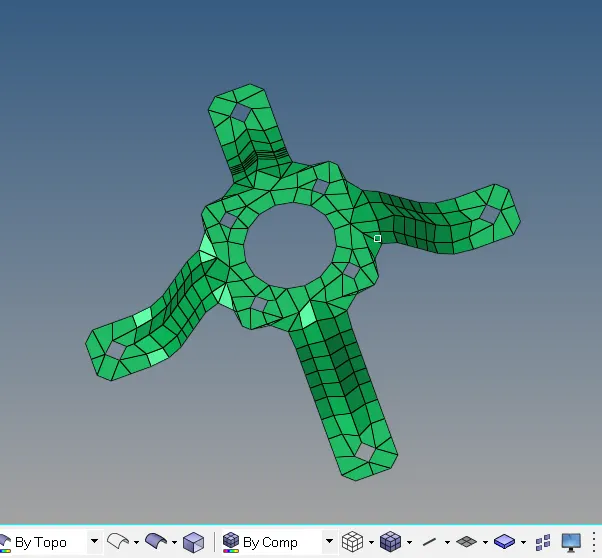
RESULT:- I learn in this chellenge how to use geometry clean up tools and also learn how to generating midsurface and assign the thickness.