Assignment 1-2D Meshing Challenge
Aim:
For the given components we have to perform the geometry cleanup, mid surface extraction and mesh the models with below mentioned quality criteria.
Quality criteria:
Target element size = 5
Minimum length =3.5
Maximum length =7
Theory:
Here for the given three components which are different thickness but the each component has uniform thickness directly we can apply auto extraction. And as mentioned in the challenge we have to remove the holes with below the 5mm diameter. Here I have some of the holes I found below 5mm and removed. I have used three points to used to find radius value where D=2r, r=D/2. I have used the toggled option to Stritch the surfaces and trimmed the surfaces as well.
Procedure:
1. Import the cad geometry &Geometry cleanup
2. Mid surface extraction(Auto mid surface)
3.Enter the Quality values
4.mesh and mesh editing
5.Assign material and property
1.Import the cad geometry &geometry cleanup:
Import the cad geometry from the local folder and File >import >Geometry> select the respective file and click import or we can also use File >open >model from this way also we can open the model. Press F we can fit the model In GUI we can change the geometry mode to TOPO we can see as shown below.
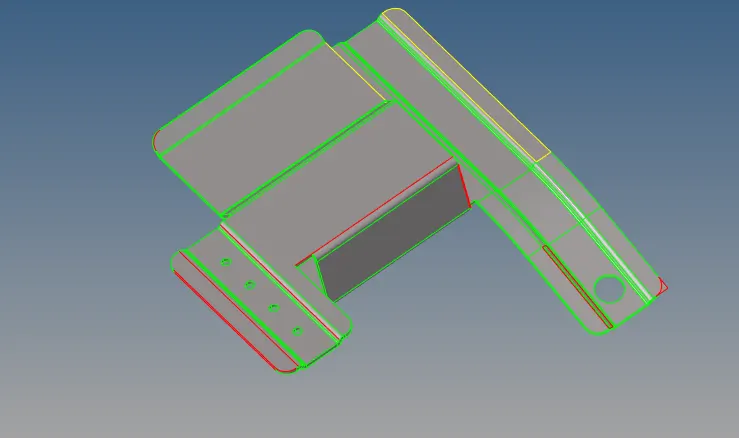
Fig: Imported Geometry in TOPO mode
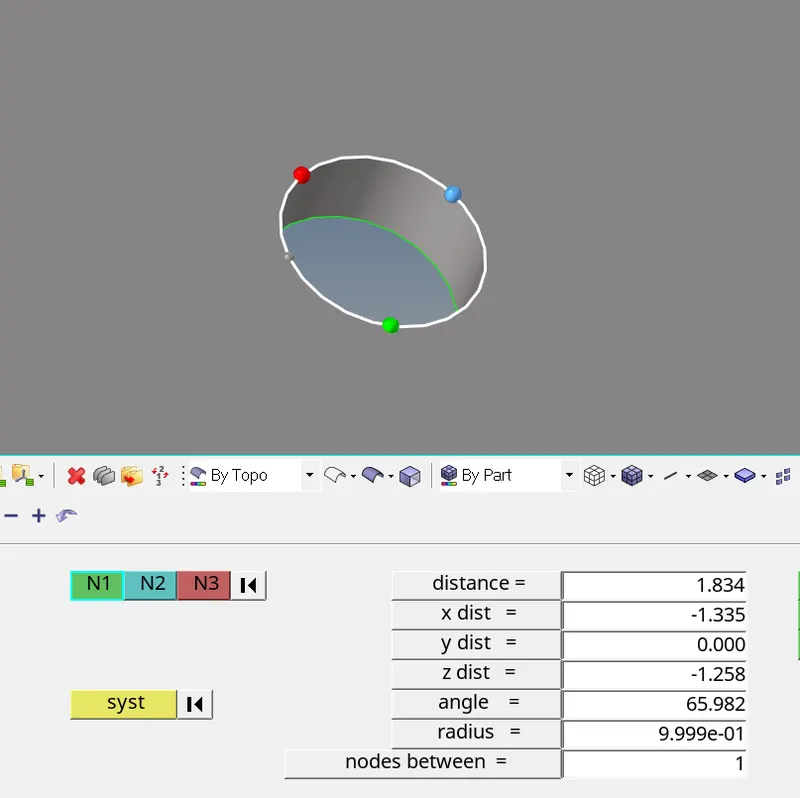
Fig: Remove the holes like shown below 5mm dia
- Mid surface extraction(Auto mid surface):
Here I have used the auto mid surface because of its uniform thickness instead of manual mid surface auto mid surface which save lot of time. Geometry > mid surface >Select the geometry >extract. As shown below. Once extracted remove unnecessary points and make proper splits prepare for the meshing after the quality criteria entered.
3. Enter The Quality Criteria:
We to enter the quality values which was given preferences > criteria file setting > Enter the quality values given > apply > ok.
4. Mesh and mesh editing:
2D > automesh > change the default element length value. Select the individual surface and mesh has done for all surfaces . here same procedure has followed for all surfaces.
5. Mesh and mesh editing tools:
Here I have used element optimize and drag tria , project option , remesh and near the holes regions created the washer split to avoid the tria elements and even number of nodes makes perfect shape and neighbour elements try to avoid the formation of trias because compare to quad element tria has more stiffness when it comes to solver we could not get the accurate result so I have used above options to avoid the maximum of trias .
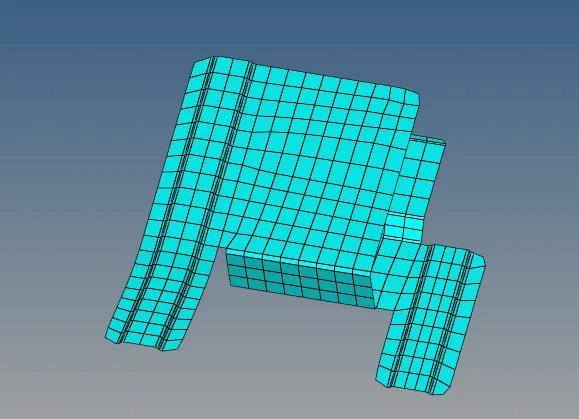
Fig:Meshed model and removed holes
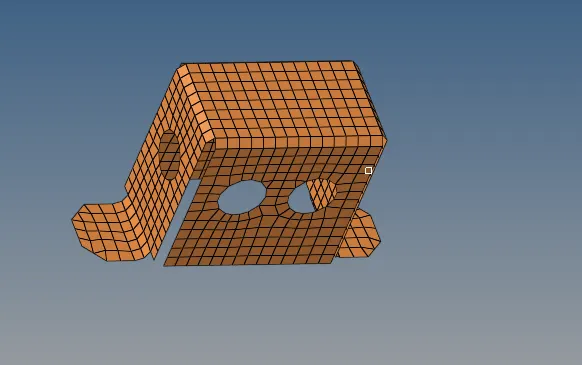
Fig: Meshed model -2
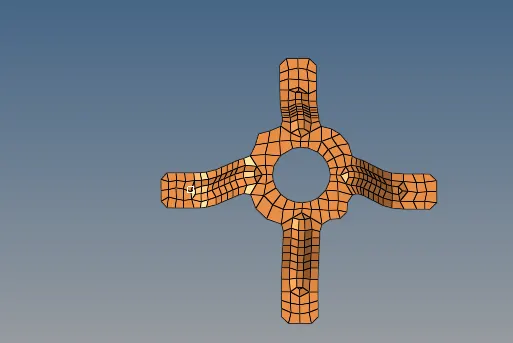
Fig : Meshed model -3
5. Assign Material and property:
once the mesh is done we have to assign the material and property to the component since after mid surface extraction it has no thickness .so represent as original geometry we have to assign thickness in the property as well as material. Right click in model tree >create >material >in material card enter the MAT1 material and same way assign the property and in the property page we have to enter the thickness of the original component suppose here the thickness values are the 1.8,2,0.9. we can see images of that below for all models.
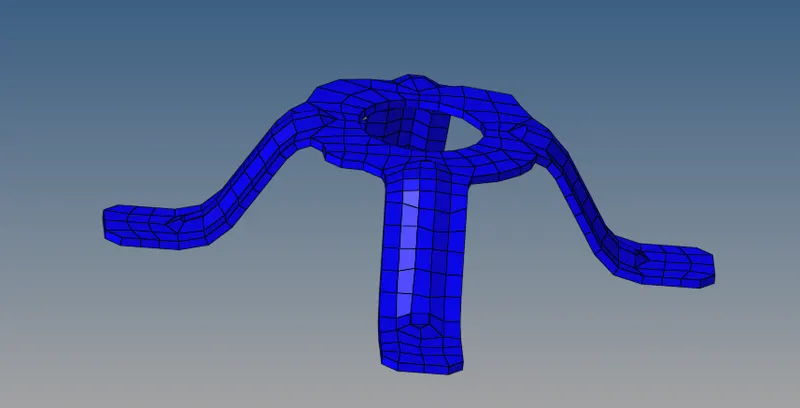
Fig: Property assign to model
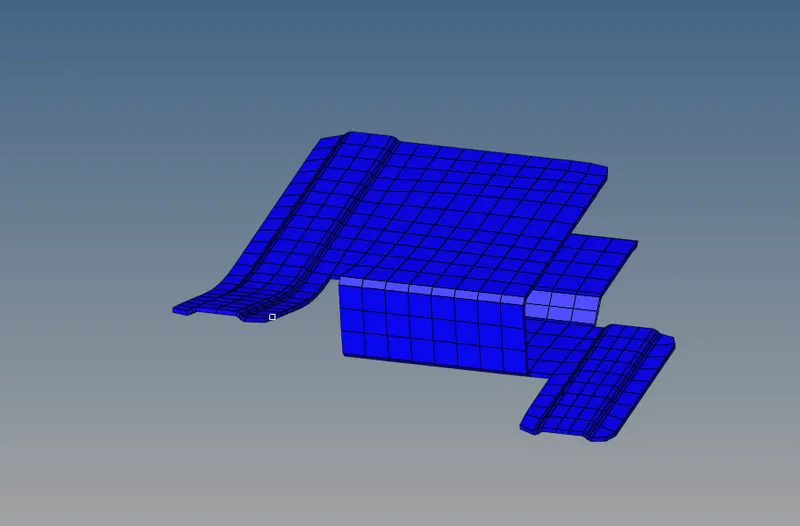
Fig: Property assigned to model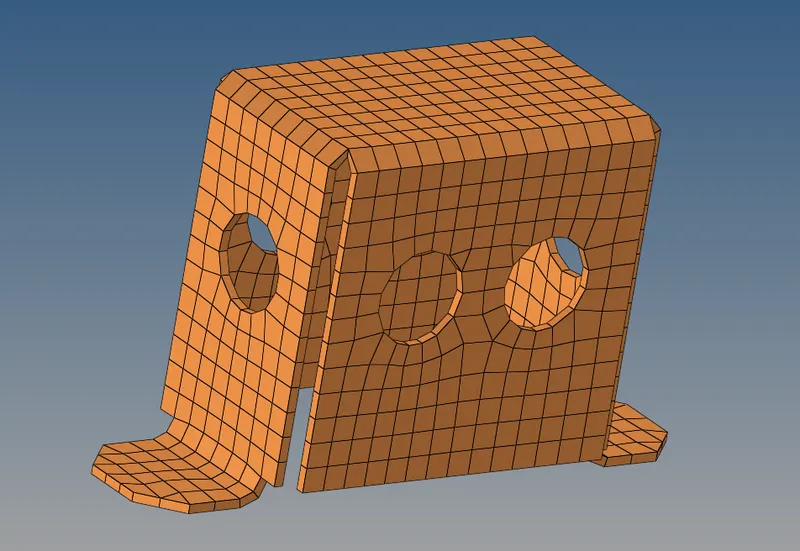
Fig: Property and thickness shown
The above procedure i have followed for all models given as challenge .
Outcomes of the challenge:
1.Extraction method of mid surface using Auto mid surface
2.Learnt the generation of good mesh near the irregular surface regions.
3.Creation of the material and property to component.
Result:
For the given components the geometry cleanup, mid surface extraction and meshing models with mentioned quality criteria and assign material and property has been done