Assignment 1-2D Meshing Challenge
Description:Assignment2
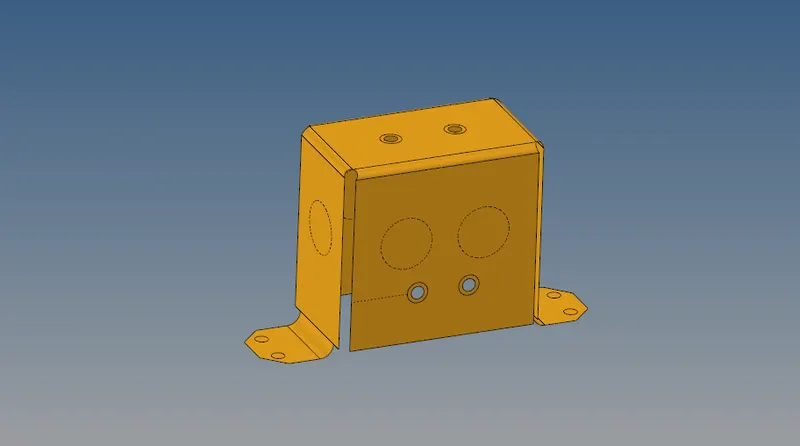
Objective-Carried out complete Meshing of Mounting Bracket(part2)
Ø Open Hyperworks 17.0.
Ø Import model .hm file.
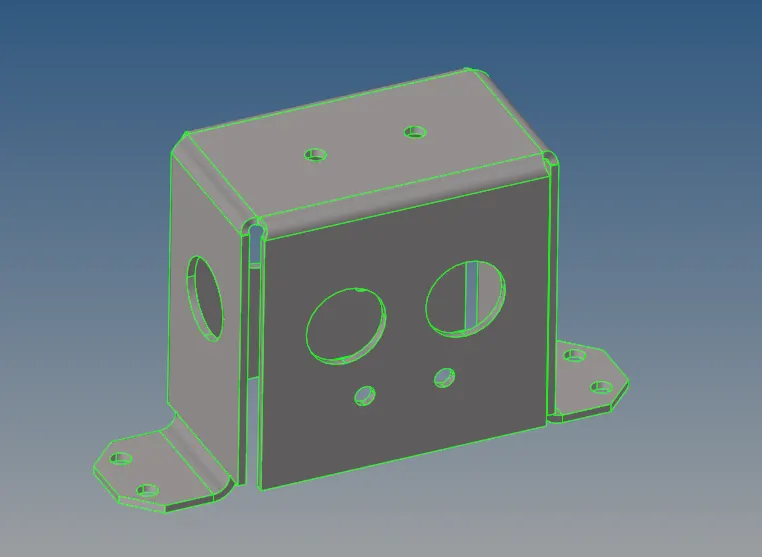
Ø Click on the Visualisation Tab which clearcly shows Free edges,T-connection and Non manifold edges.
Ø Click in wireframe geometry which Clearly Visualize the Free edges which shows in Red colour.
Ø I observe the free edges and correct them.
CLEANUP:
Description:
ØFigure shows free edges,non manifold edges.(free edges shows surface discontunities on clip surface)
Also shows T-connection
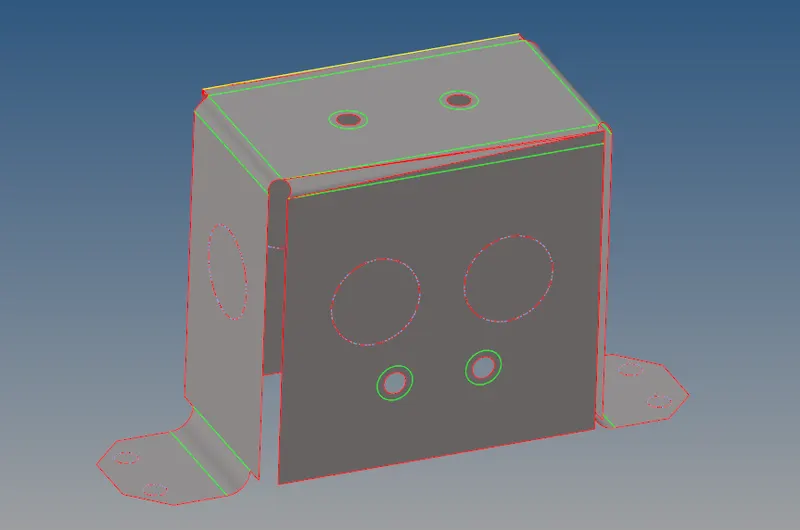
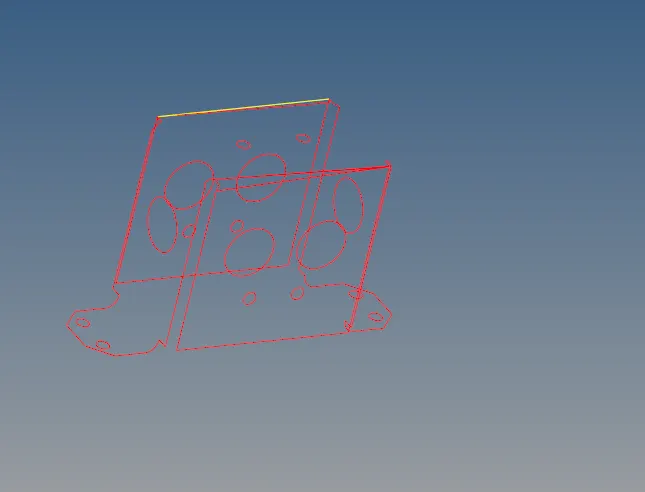
Geometry cleanup,Defeature;
Description:
ØThis geometry does not contain free edges.
ØAlso geometry free from non manifold edges/yellow edges
ØNo T-connection present.
ØRemove the duplicate surface
ØRemove the pin holes having diameter less than 5mm.
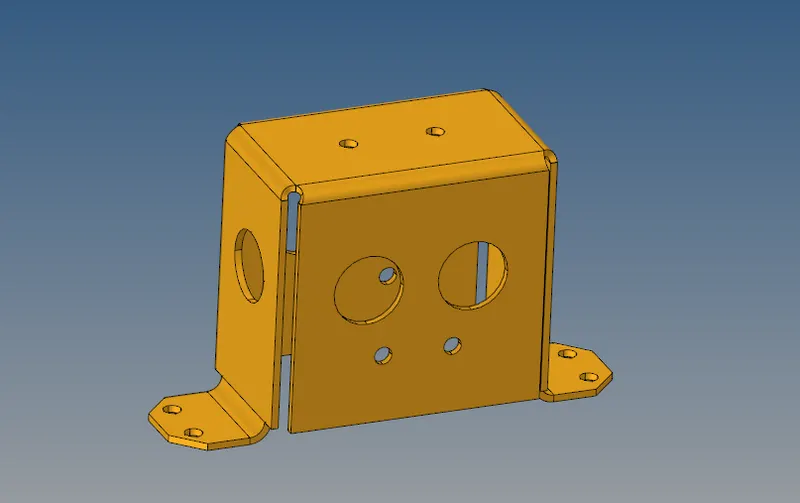
Fig: Geometry with no free edges and T-connection
Extracting Midsurface :
Description:
ØExtracting the midsurface from Cleanup geometry.
ØGo to geometry select midsurface option.
ØComplete the midsurface.
: Meshing

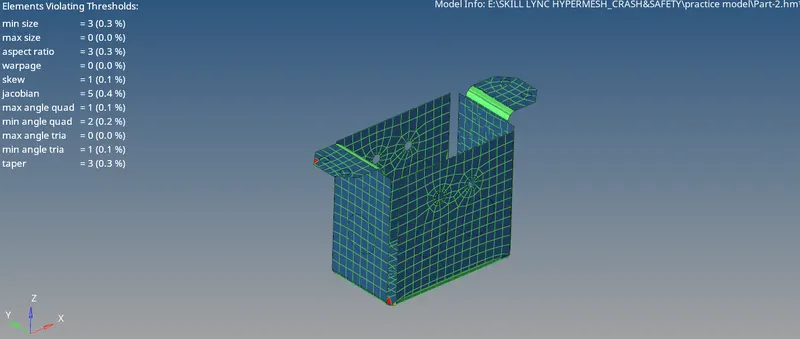
: Checking quality criteria
Description:
ØFor better mesh flow I used smooth command.
ØTo improve quality used node optimize,element optimize,place node,swap edges,combined tria element
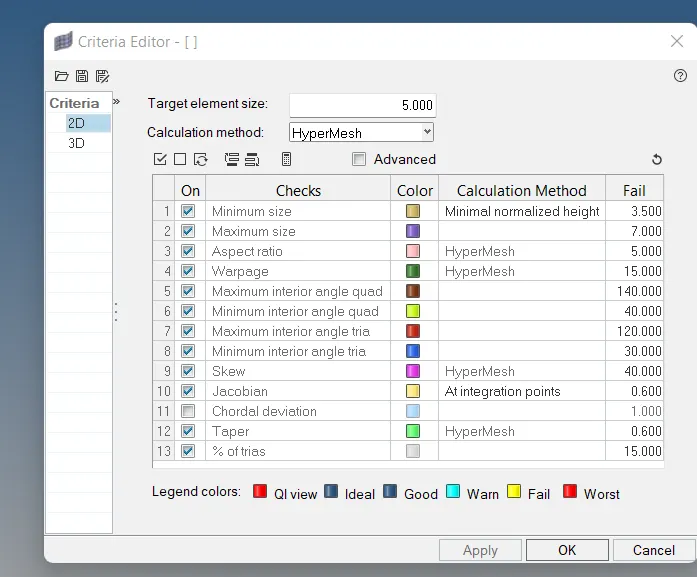
ØI use criteria file setting for min and max size element.
ØI use tool-check element-2D-check the skew,min length,max length.
Step7: Assign the Thickness using Property
Description:
Card image:-PSHELL
Thickness:- 2mm
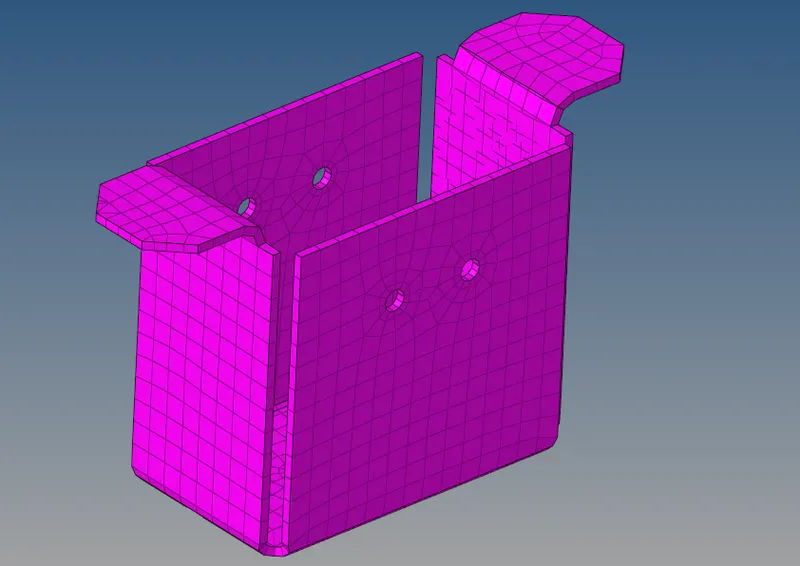
Step8: Completed the mesh model of Mounting Bracket(part2)