Assignment 1- 2 D meshing of given component sets
AIM:
-To carry out the geometry cleanup operation for the given models,by surface clean up,extracting and cleaning the midsurface and finaly to create a 2D mesh for the given target lenght and also to give a generic property to the new meshed model.
SOLUTION:
-So for all the given imported CAD model we have to initially clean it up by using the option geometry >auto clean up>select the surface>all.
-To veiw free,shared ,suppresed and manifold edges we can go for visualitation option and to remove free edges we can do it by using autoclean up option.In some condition if there is gap between edges we can rectify by using toggle edge option or if we have any surface to be filled with in the component we, can do it by using filller surface option and can give tolerance if we want.
-Now after cleaning the geometry we need to create a mid surface for the given component.we can do it by using option geometry>midsurface>select surface all>extract.
-Now after creating the midsurface we can go for meshing process.Inorder to do it we need to go for option like 2D>Auto mesh>select surface all>thickness of element can be given based on our requirement..In case if we find any mesh not properly done on a particular surface we can rectify it by selecting that particular surface and we can either increase or dicrease the nodes based on our requirement.
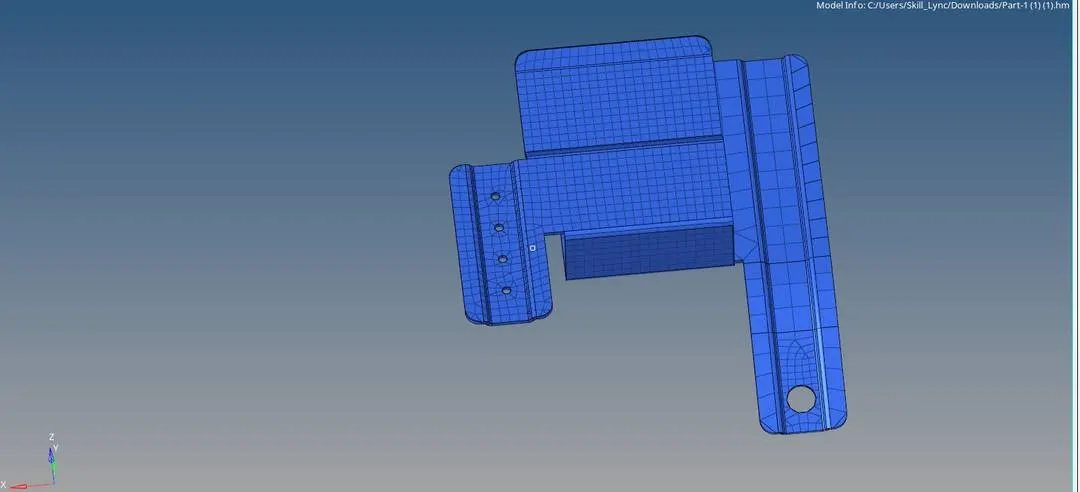
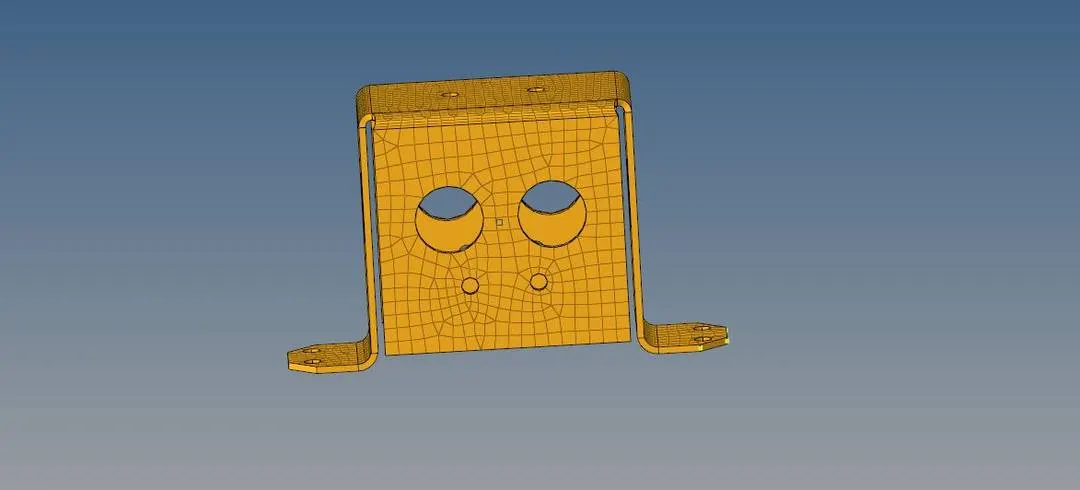
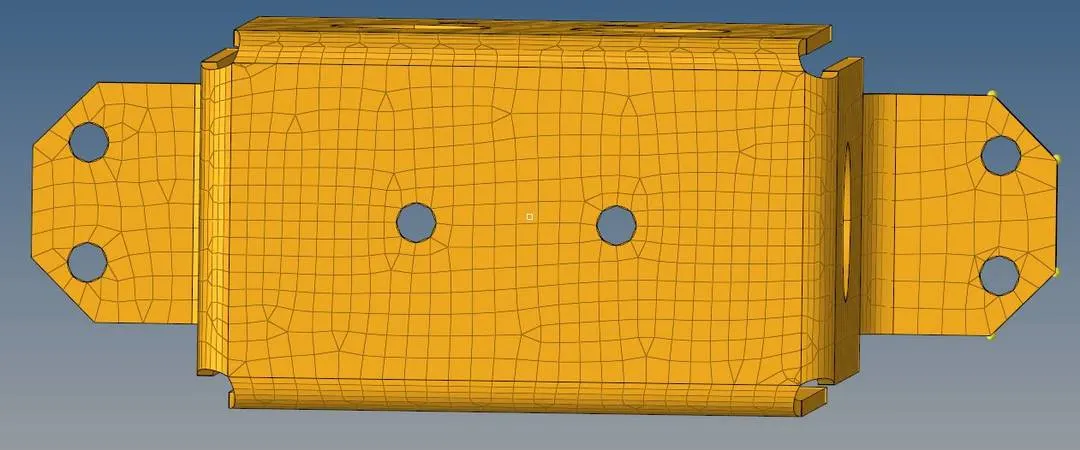
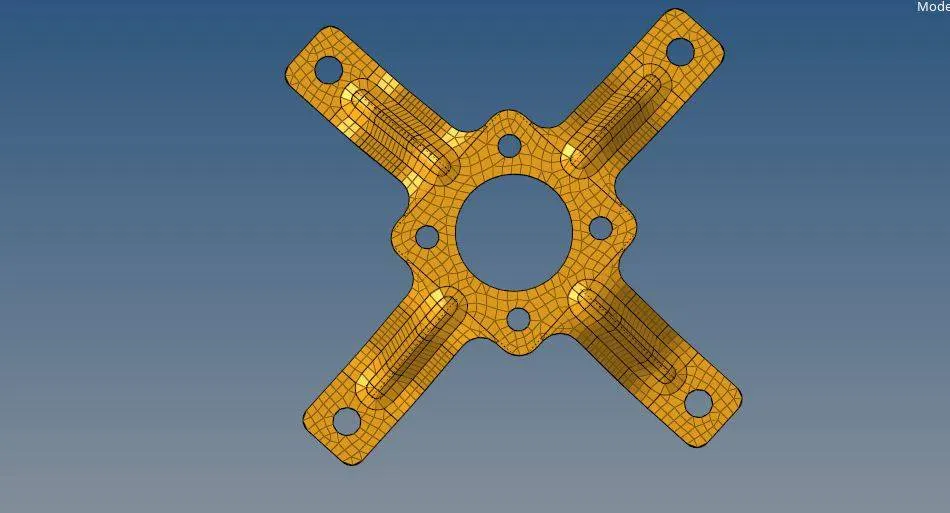
-The meshed models are given below:
MODEL 1:
MODEL 2:
MODEL 3:
Result:
-The above CAD model was cleaned and meshed as per the given requirement.