Assignment 1
Aim:
To clean the geometry and meshing the mid surface extracted and also assigining the thickness to the meshed mid surface.
Procedure:
Import the model and check for errors and shift the geometry color mode to mixed.
use the quick edit option and fix the errors.
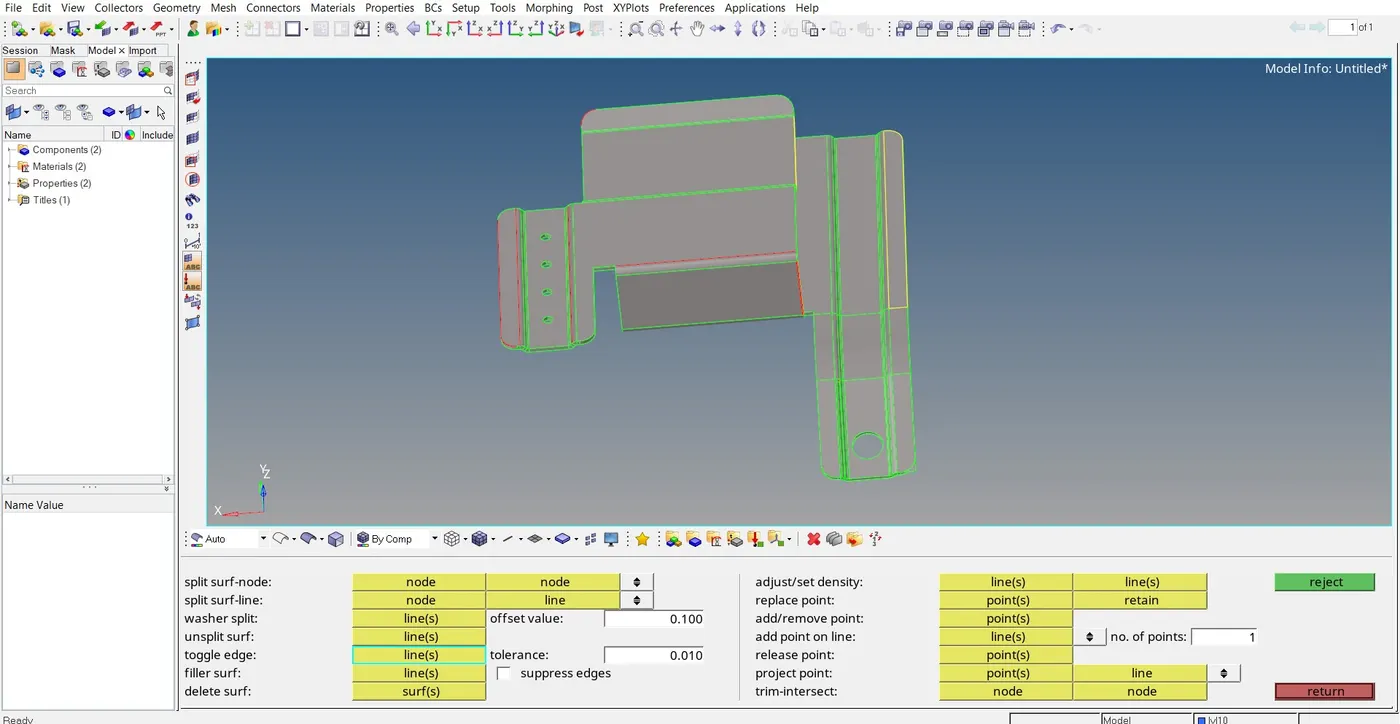
Like red lines show single surface
green lines show double jointed surface
yellow lines show tripple jointed surface.
Delete overlapping surfaces like shown in the figure
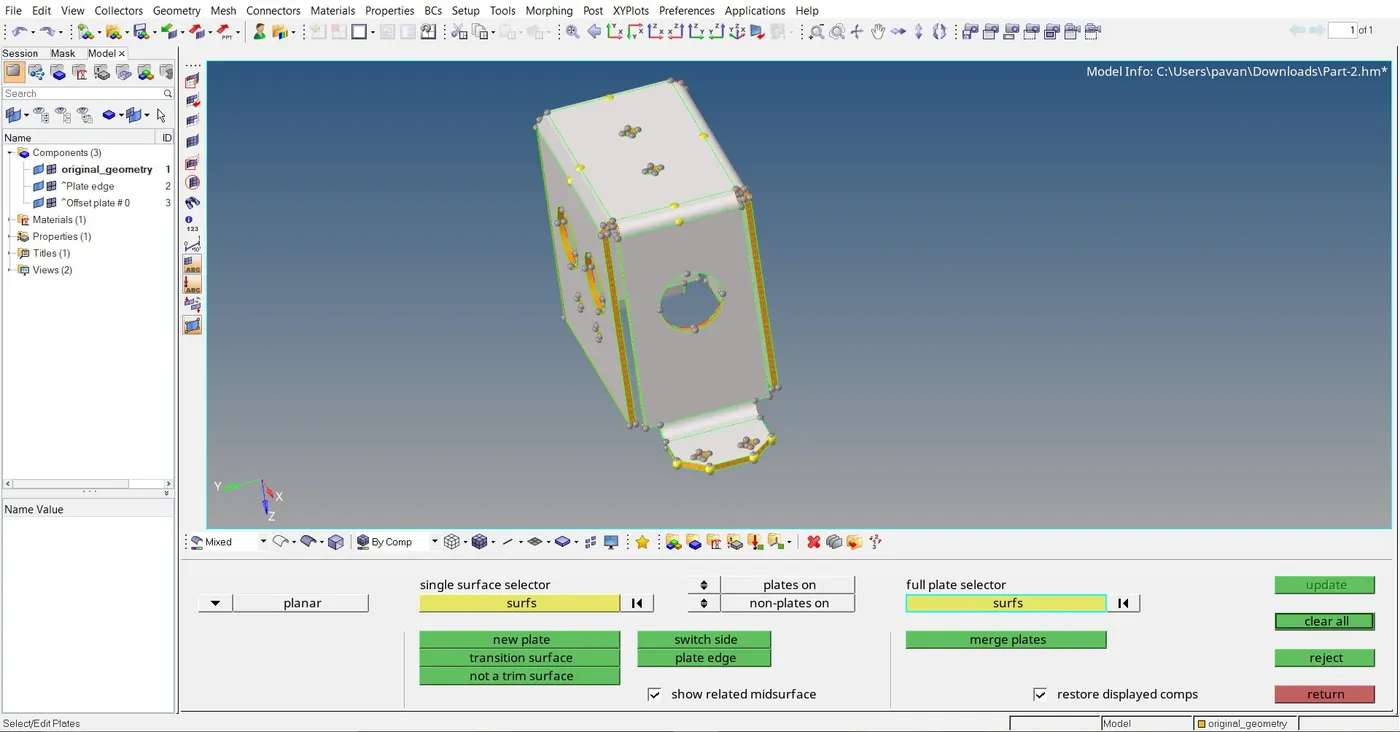
The highlighted surfce is a overlapping one.
Extended surface can be deleted using the trim option.
Missing surfaces can be filled with the 'filler surface' option.
After this correction extract the mid surface for the model.
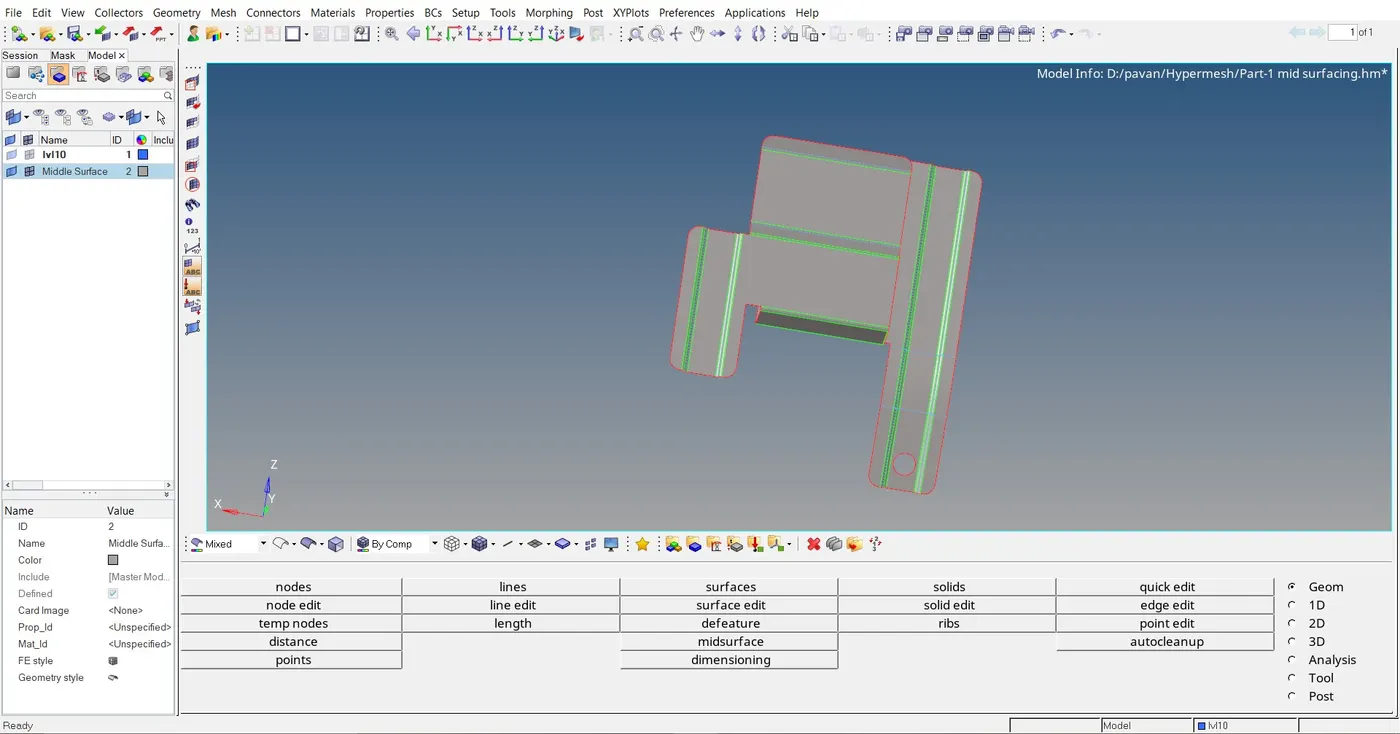
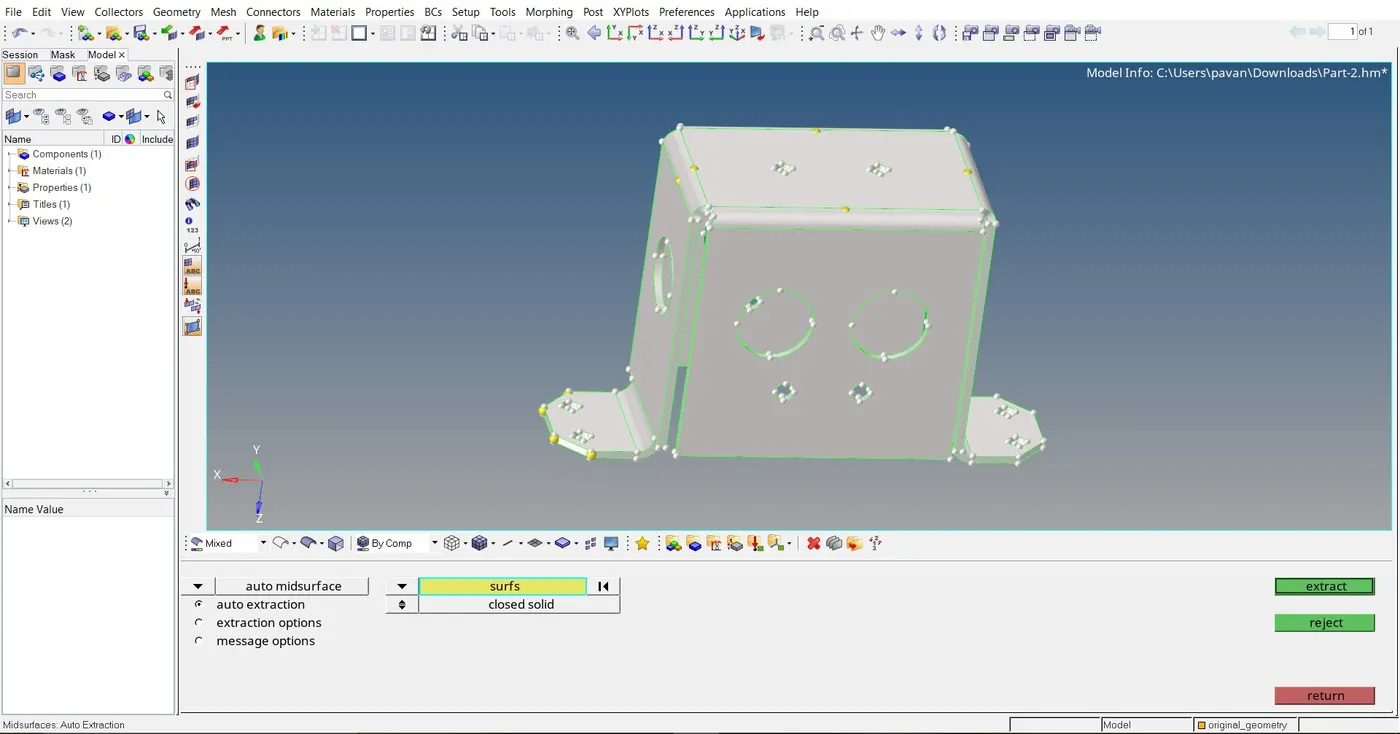
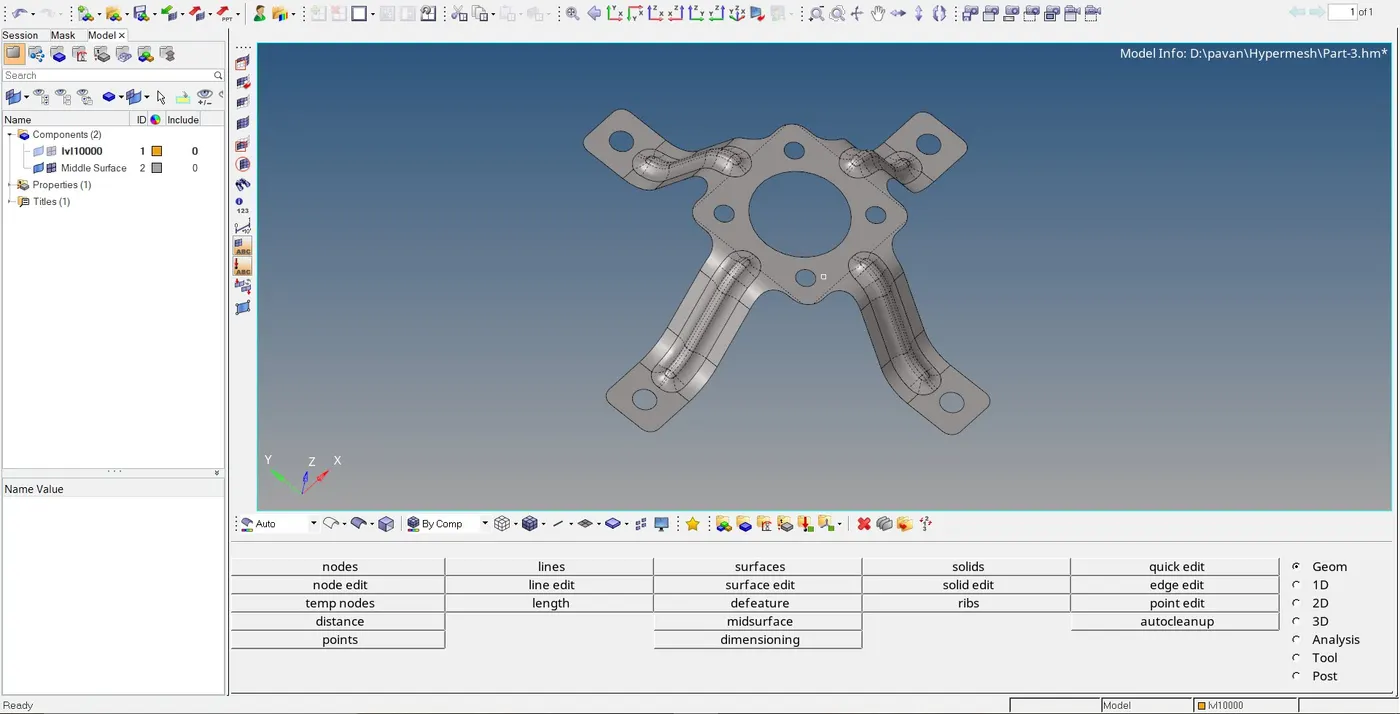
Now using auto mesh option mesh the mid surfaces and before meshing fill holes with less 5mm diameter and add washer sufaces to the holes which are larger than 5mm.
Meshing should be done according to the given criteria.
After meshing check for the quality of the mesh.
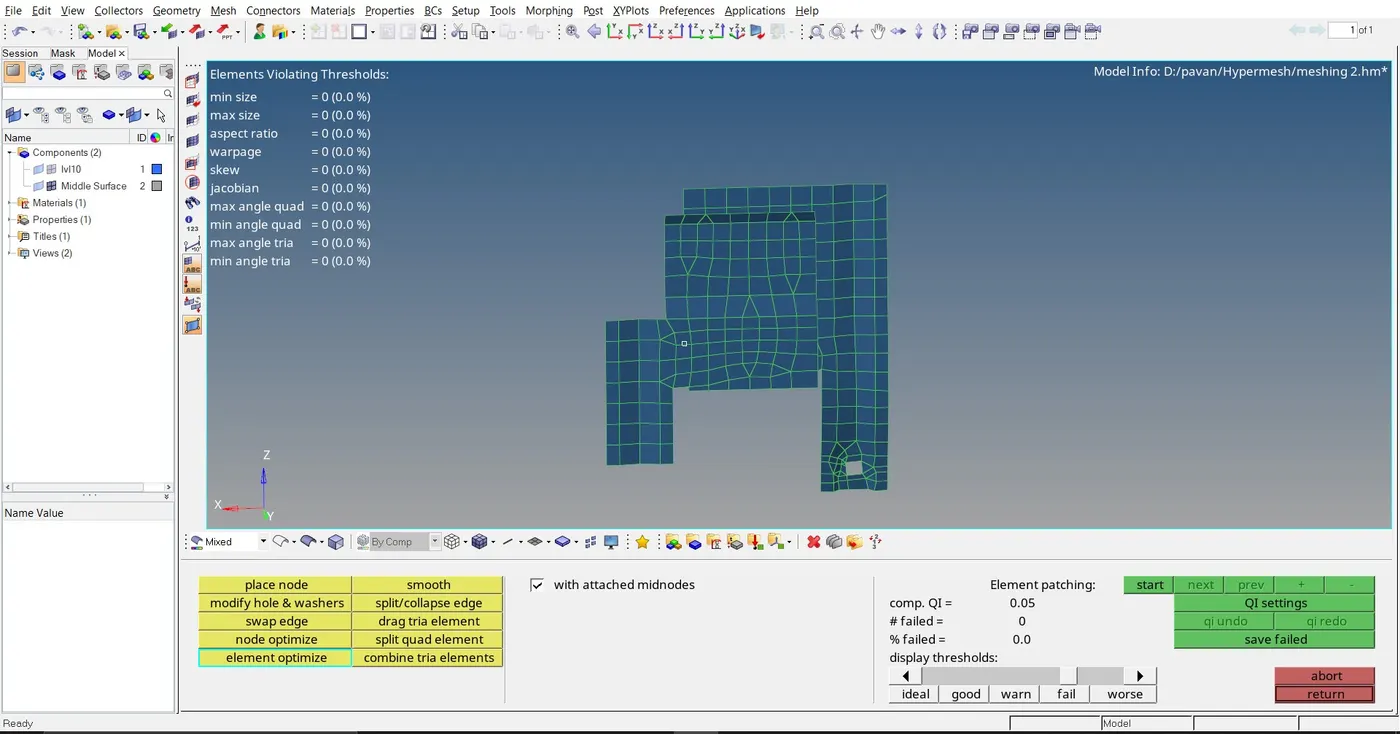
Then mesh errors have to be cleaned out.Errors like mesh flow disturbace,element duplication,geometric deviation etc.
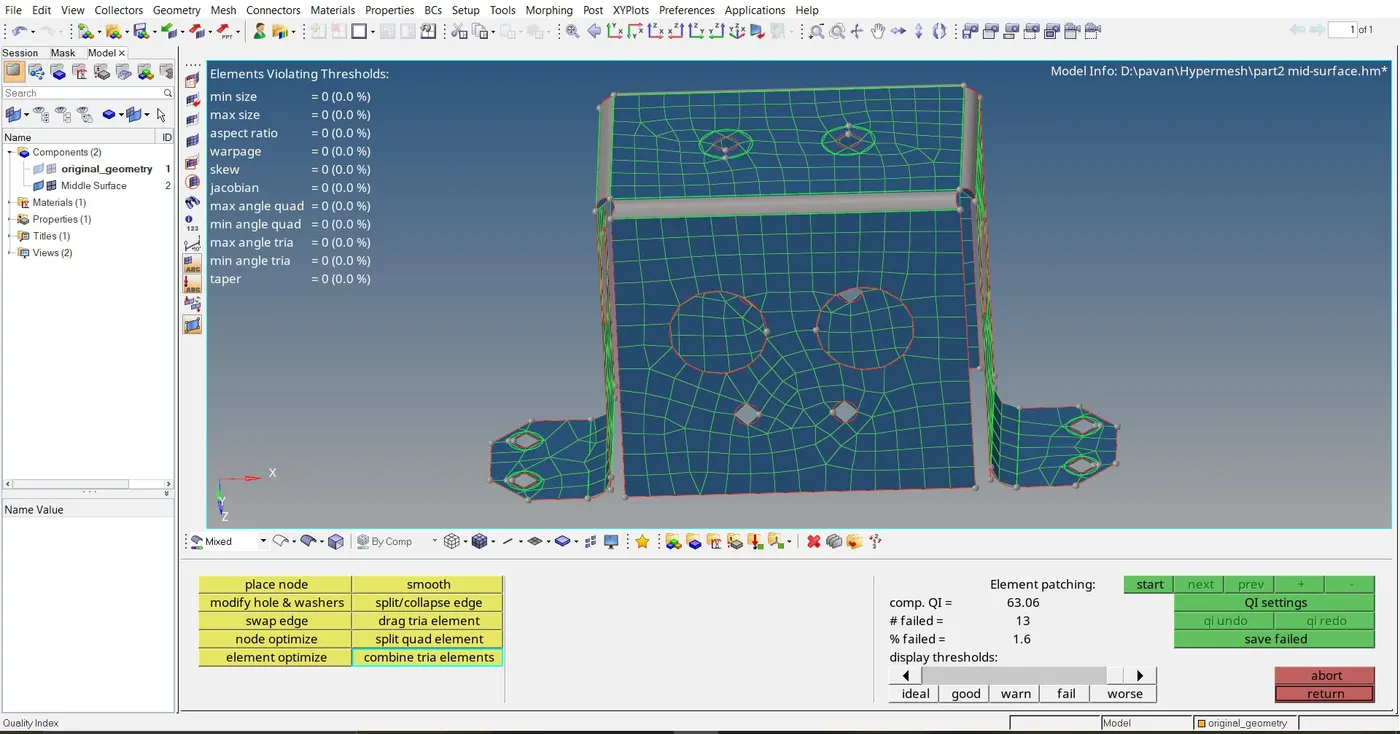
If there is no connectivity between the mesh make connectivity using equilavence option.
Export the mesh onto the original model.
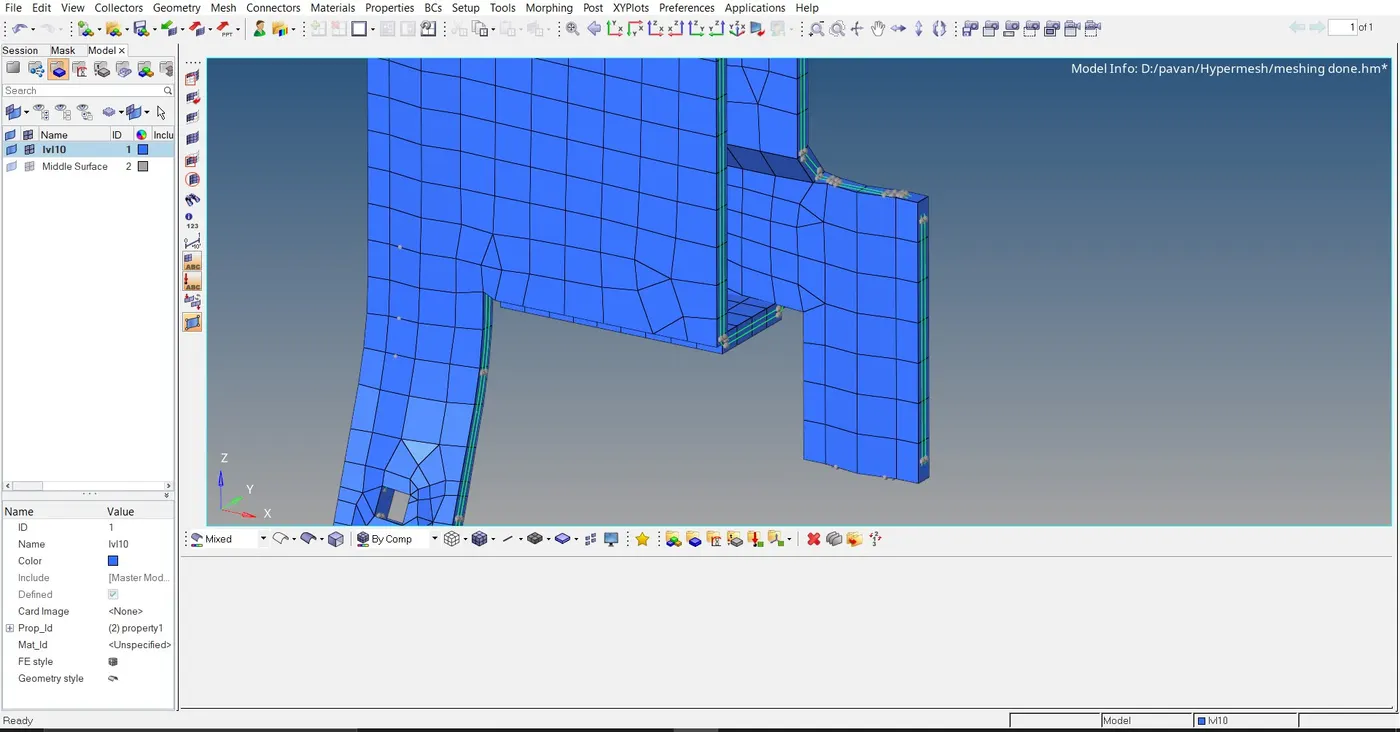
After all this give property ID to the models and then give thickness to the model.
The final products look similar to figures below
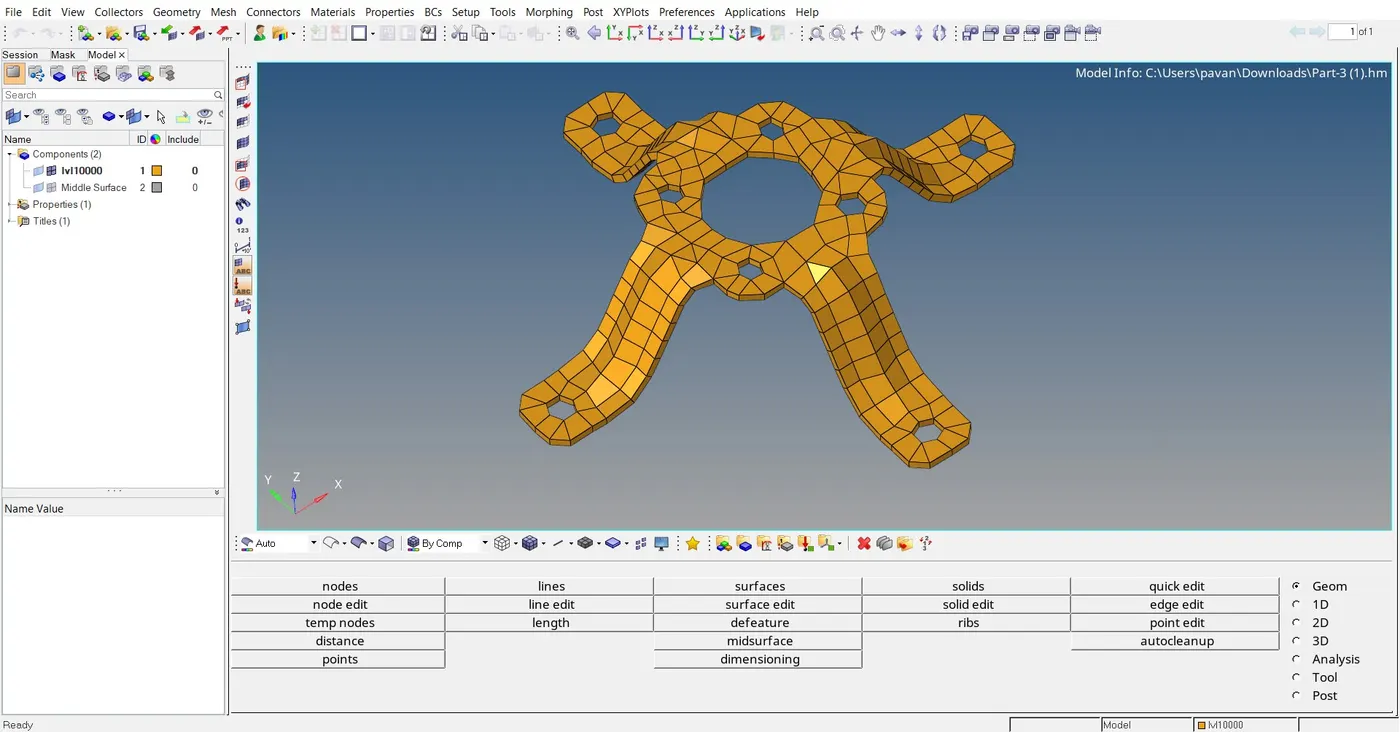
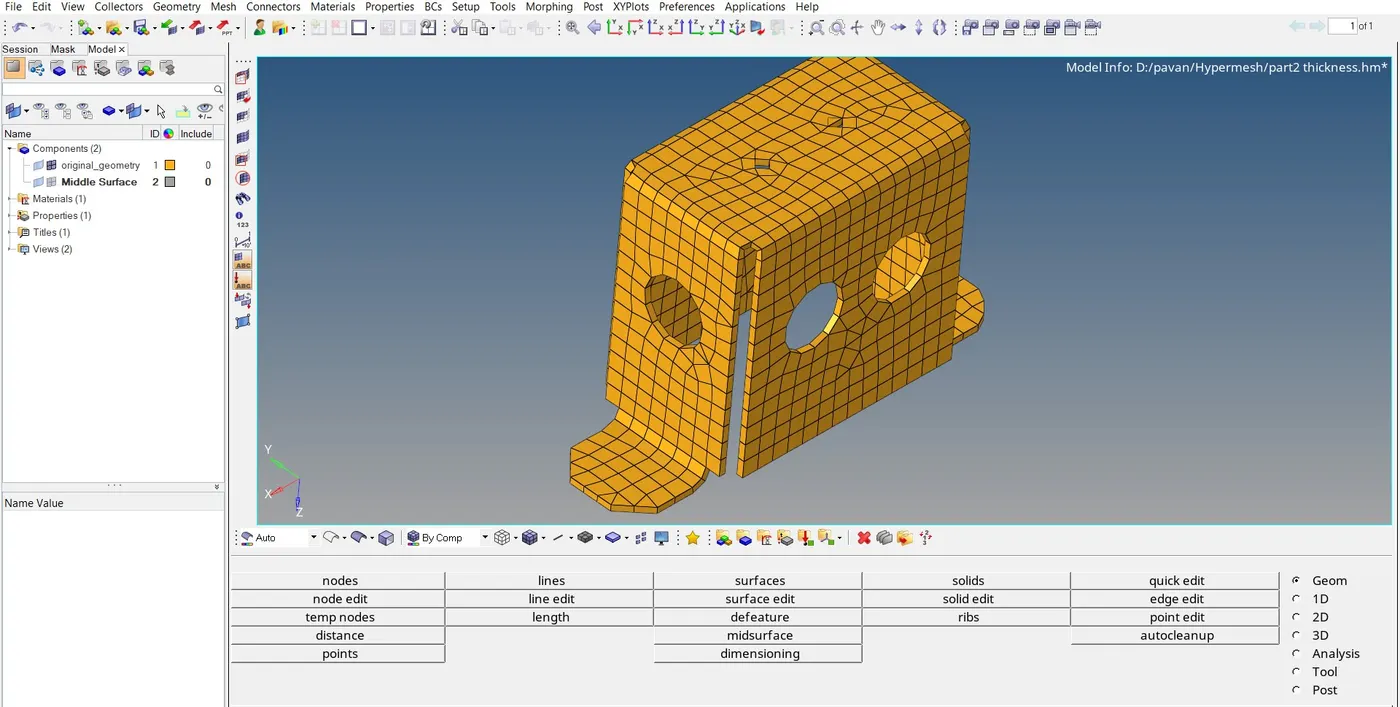
Conclusion:
- Removed geometric errors
- Mid-surfaced the model
- Meshed the model
- Checked the mesh qualities
- Product ID was assigned and thickness was given.