Assignment 1
AIM: To create Mid_surface and Mesh the given component using Hypermesh.
KEYWORDS: Toggle, Washer split, Equivalence, Project, Position, Node, Mesh etc.,
SOFTWARE: Hypermesh
OBJECTIVE:
- Check for Geometry clean up for the given component.
- After the clean up, create the mid surface using Auto-mid option.
- Apply meshing for the Mid-surface as per the Quality criteria.
- After completed the meshing, assign the thickness for the component.
I ). INTRODUCTION:
HyperMesh is the market-leading, multi-disciplinary finite element pre-processor which manages the generation of the largest, most complex models, starting with the import of a CAD geometry to exporting a ready-to-run solver file. Generating high-quality mesh quickly is just 1 of HyperMesh's core competencies. Meshing is an integral part of the engineering simulation process where complex geometries are divided into simple elements that can be used as discrete local approximations of the larger domain. The mesh influences the accuracy, convergence and speed of the simulation. Here, 3 components are given which has to be cleaned and meshed as per the quality criteria. Intially, check for the Geometry clean up for the given component by using toggle which connects the neighbour cons according to the tolerance value. After the Geometry clean up, create the Mid_surface using Auto mid option. After created the mid surface, 2D meshing (Mixed) as done as per the quality criteria. In meshing there are some off elements are present near the hole and features due to min length.
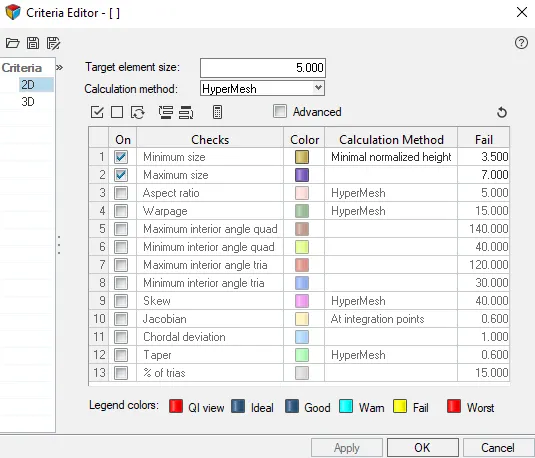
i ). QUALITY CRITERIA:
II ). GEOMETRY CLEAN-UP:
For the given components check for geometry error and clean up using suitable option. Here, toggle is used to connect the neighbour cons with proper tolerance value. There is no other error presented in the model. The 3 Actual components are shown below,
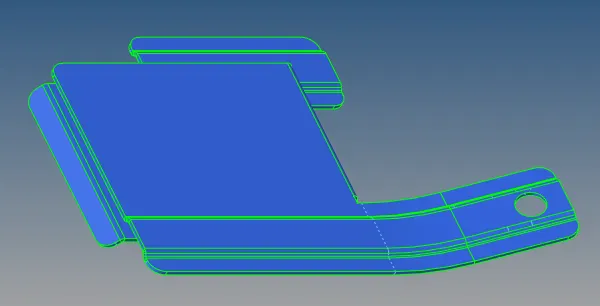
Part-1
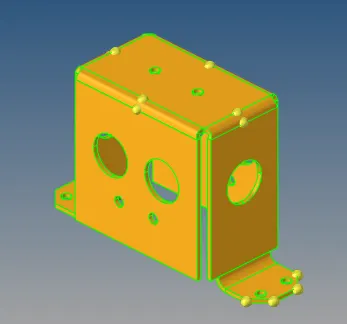
Part-2
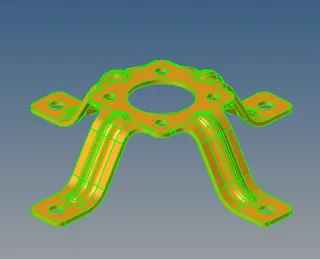
Part-3
II ). MID_SURFACE:
After Clean-up the geometry, Auto-mid option is used to create the Midsurface and some of the cons are arranged with respect to the quality criteria using toggle. All the components are created midsurface and shown below,
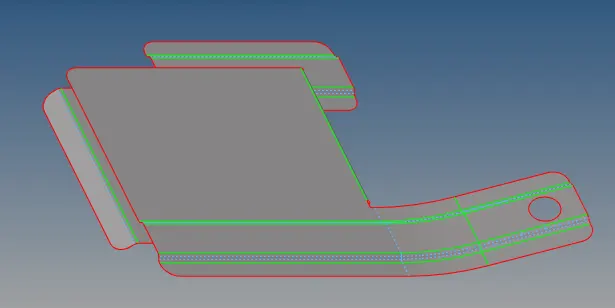
Part-1
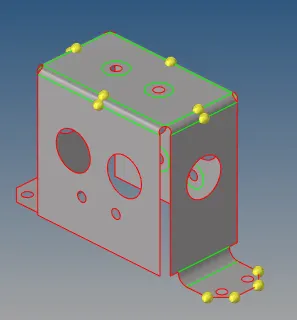
Part-2
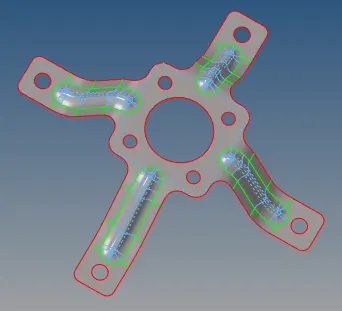
Part-3
III ). MESHING:
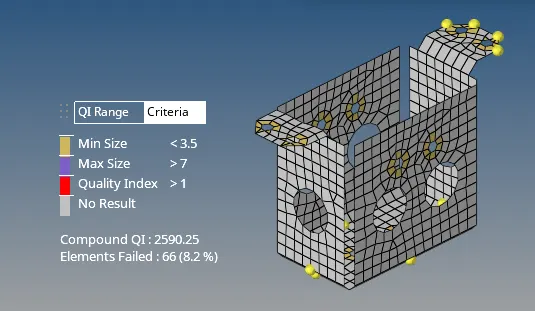
After created the Midsurface, 2D meshing is applied on the surfaces based on the quality criterai. The quality criteria is mentioned above fig (i) . For the symmentry component the elements can be copied symmentrically by using reflect, position command. For editing the element smooth & Remesh can be possible. There are some other commands can be used like, translate, rotate, node edit, combine, etc., There is no free edge in all the 3 components. The off elements are formed because of min length in all the 3 components as shown below,
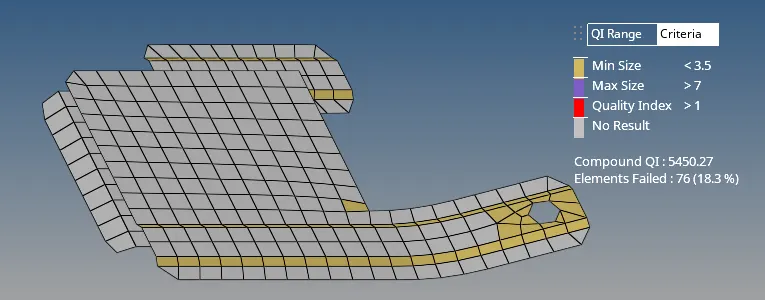
Part-1
Part-2
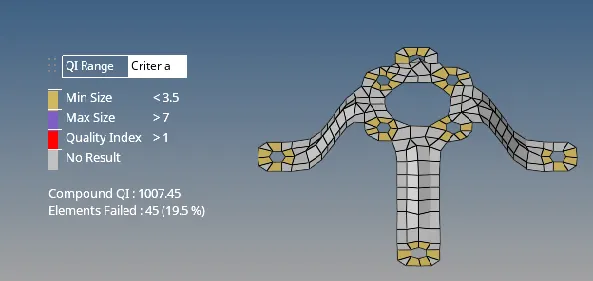
Part-3
IV ). MESHING WITH THICKNESS:
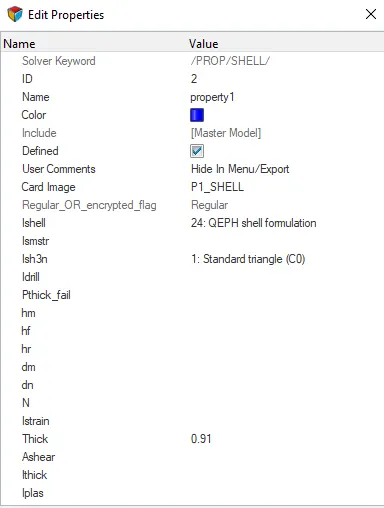
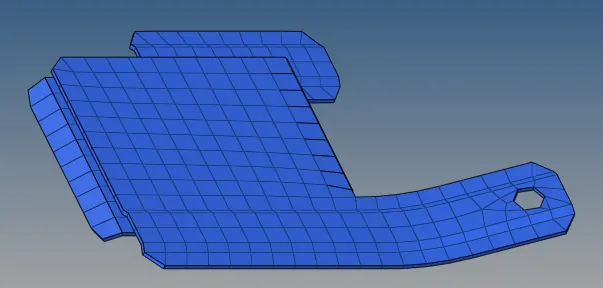
After completed the meshing, the mesh as to moved to the original component by using organize command. After moved the mesh to the original component, the property as to be set and the thickness is assigned accordingly.
Part-1
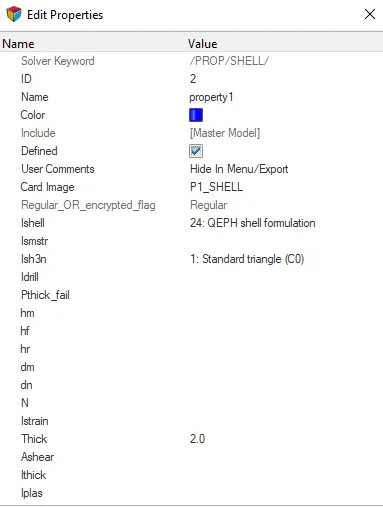
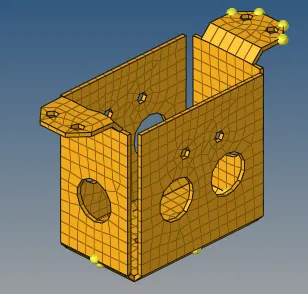
Part-2
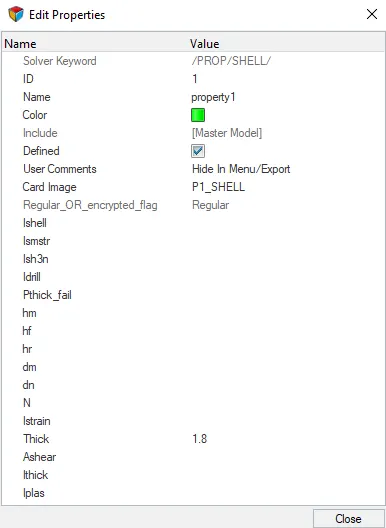
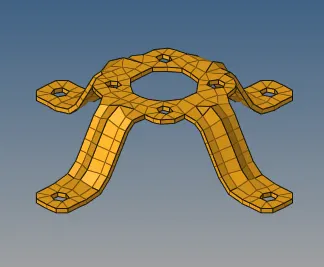
Part-3
CONCLUSION:
1. Geometry as cleaned up for all the 3 components.
2. Mid-surface as created for all the parts.
3. 2D Meshing as applied and moved to the original component.
4. Proper thickness is assigned for the component.
DRIVE_LINK:
https://drive.google.com/drive/folders/1S27aQ31INdF7Q0IaZjfi_OGQCVYoY62_?usp=sharing