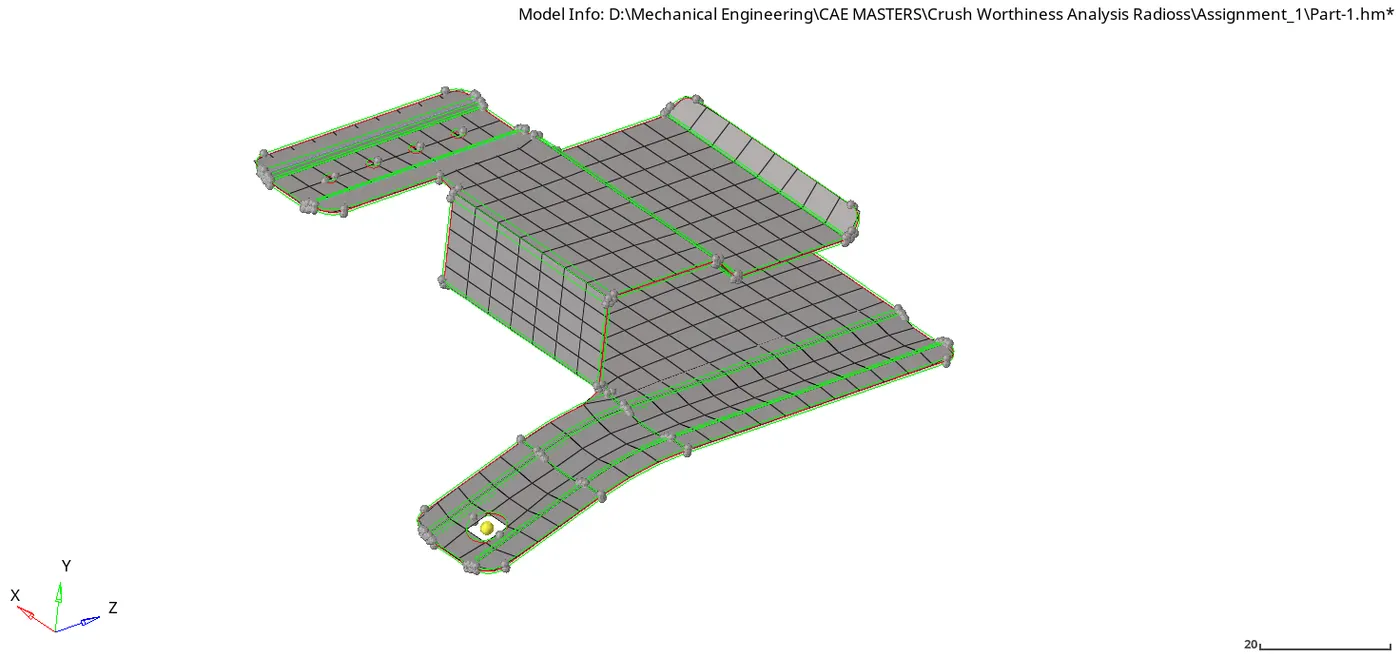
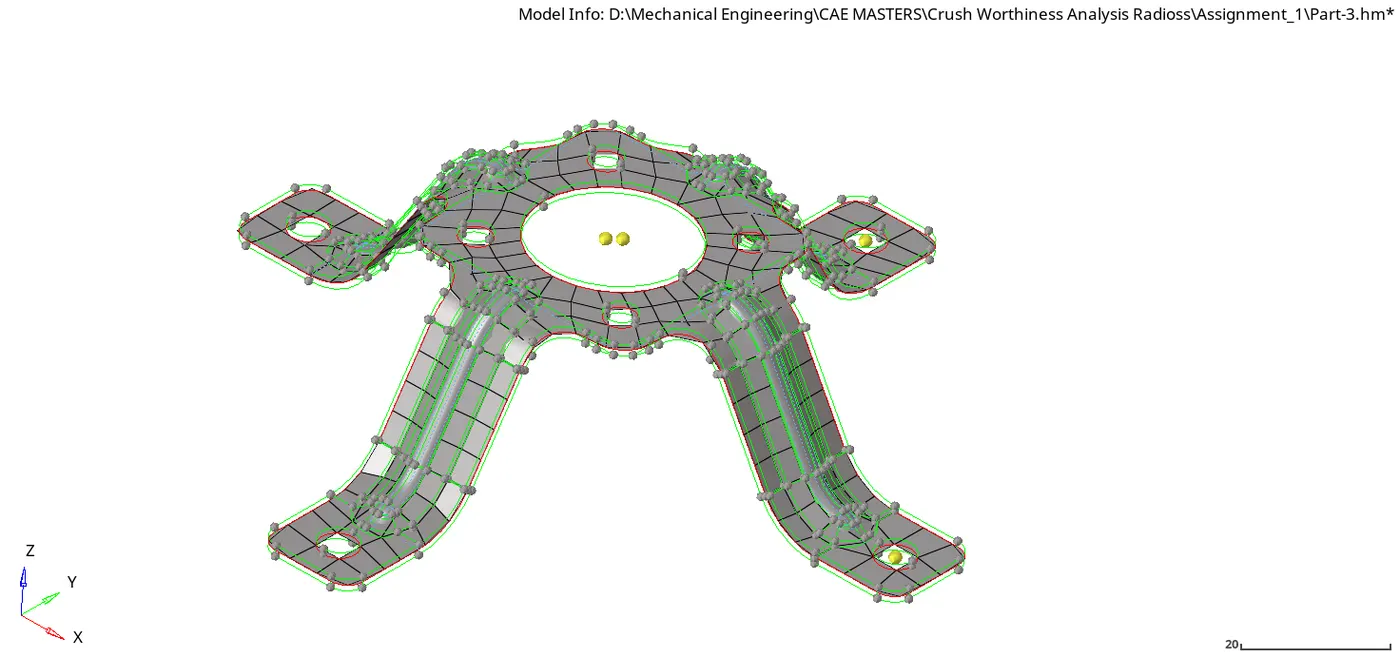
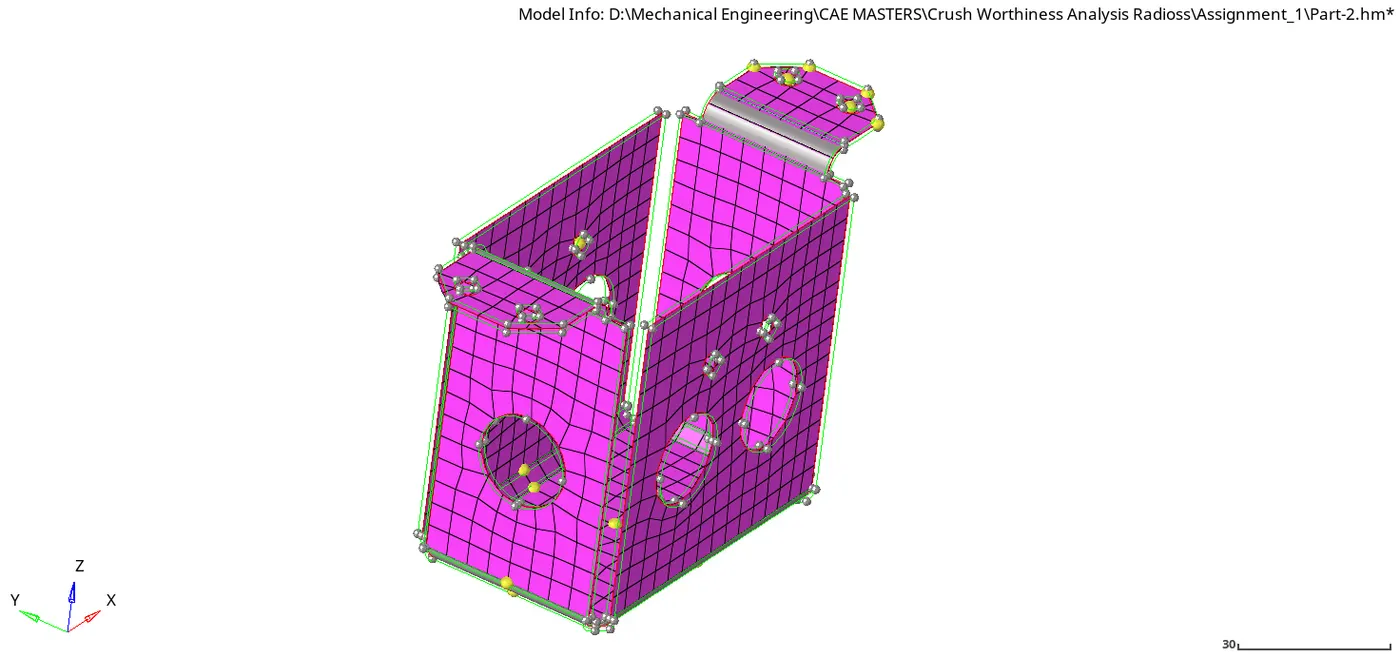
2D Meshing Of Metal Components
OBJECTIVE : Mesh the given components and perform mesh quality checks
Follow the Quality Criteria and mesh the following component and assign thickness:
Target Element Length = 5mm
Carry out the geometry cleanup operation on the given 3 files.
- Practice
- Clip Repair
- Mounting Bracket
There should not be any free edges, convert all of them into refine geometry.
- Clean the geometry.
- Extract midsurface.
- Clean midsurface geometry.
- Ignore holes less than dia 5mm.
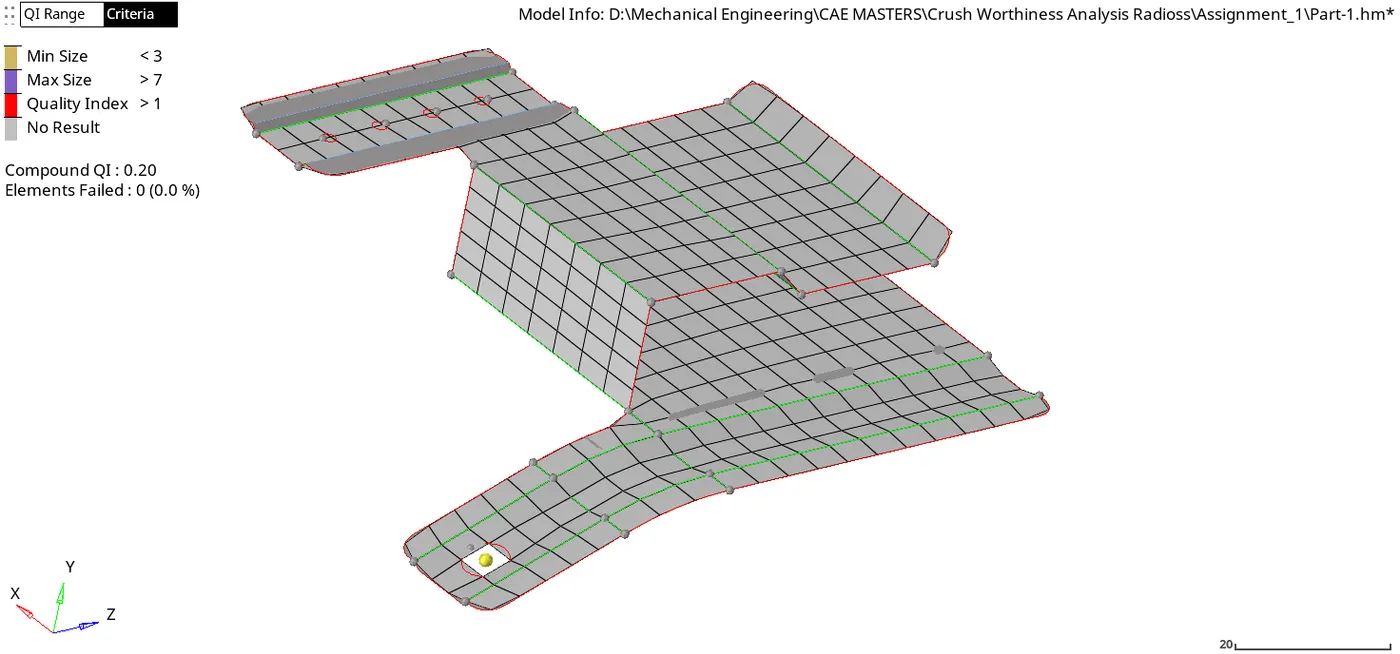
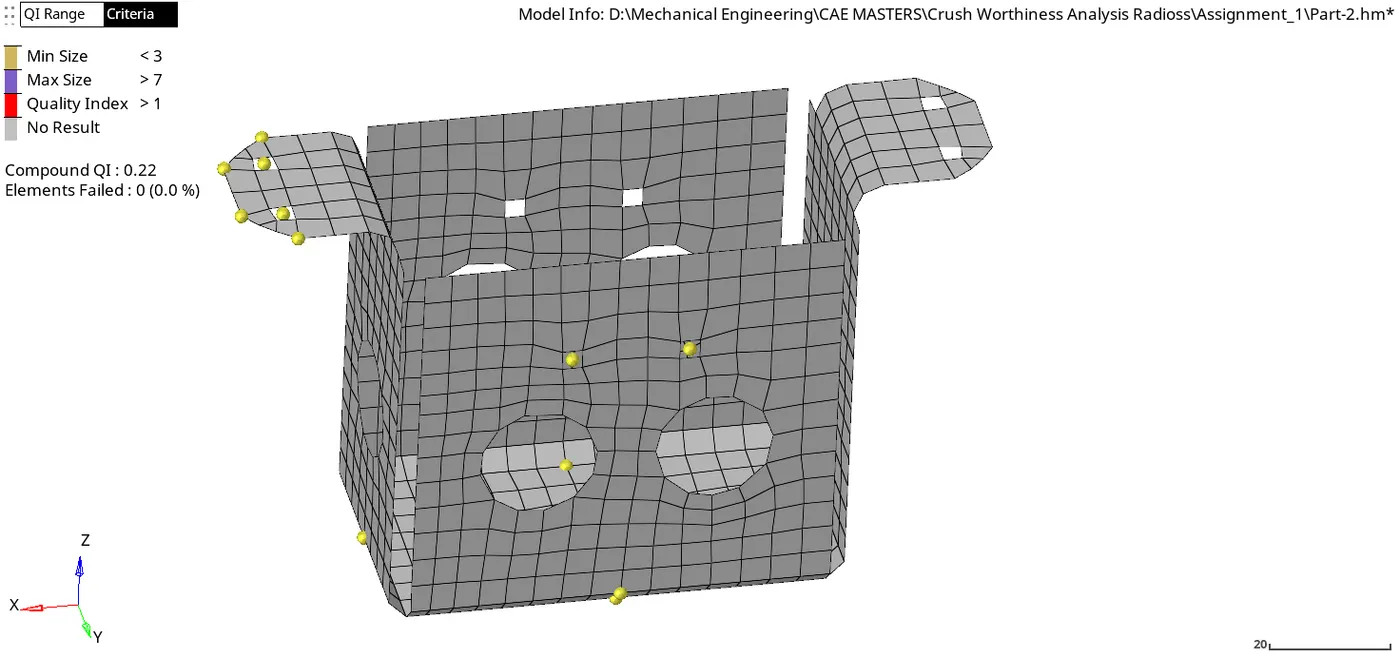
- Create 2D mesh with target length 5mm, min 3.5mm max 7mm.
- And assign proper thickness, by creating a generic property.
PROCEDURE
- IMPORT GEOMETRY EXTRACT MIDSURFACE
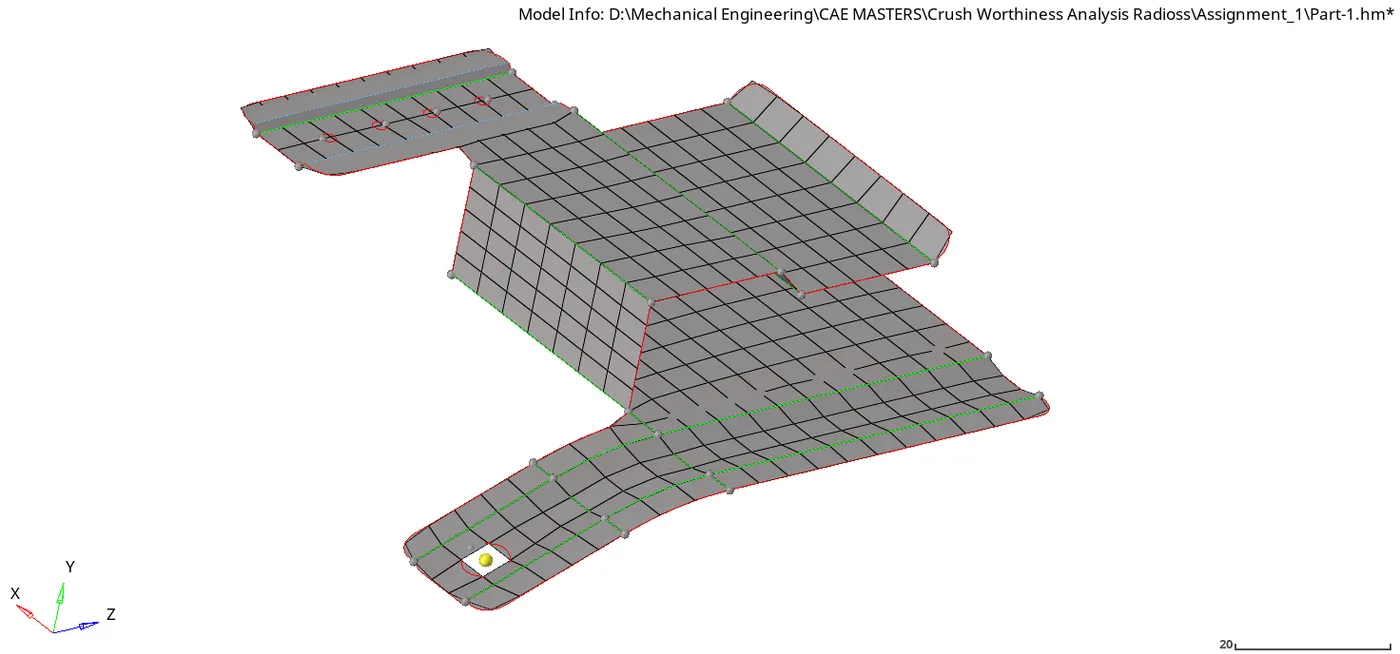
- The geometries are imported into hypermesh radioss module. A general cleanup is done on the surface to fix broken edges and to prepare the component for meshing. Practice component after impoting specifically had some free egdes which needed toggling.
- Defilleting and defeaturing of certain edges and lines are done on the component. Small fillets less than 3mm are removed to prevent elements from failing the minimum element size of 3mm. Practice component had some fillets which was defeatured.
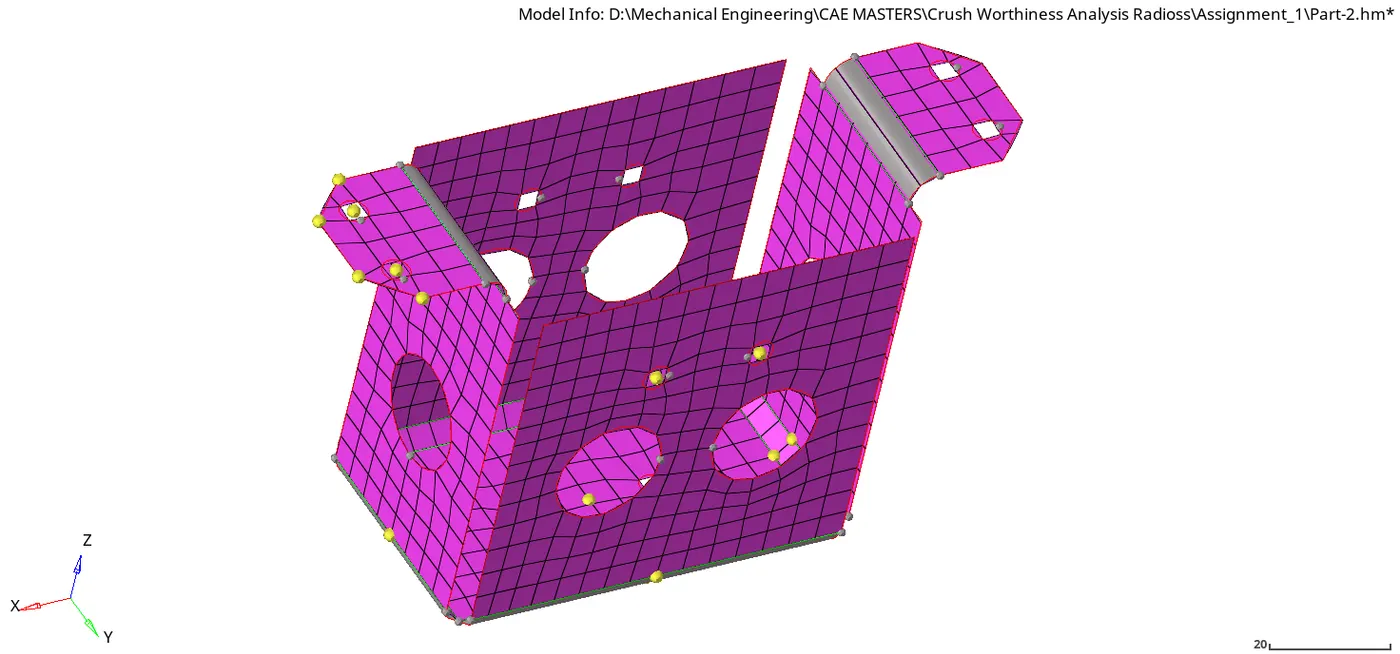
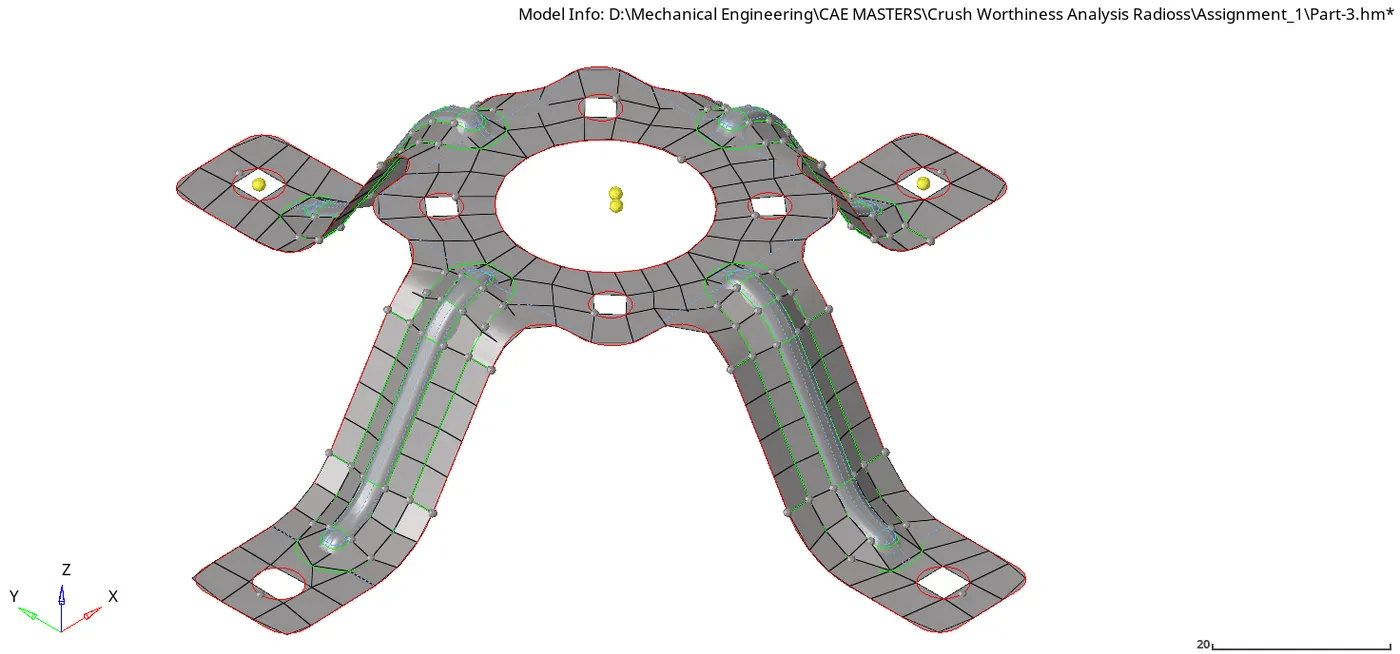
- The mounting Bracket and clip did not need much cleaning after importing
PRACTICE MODEL
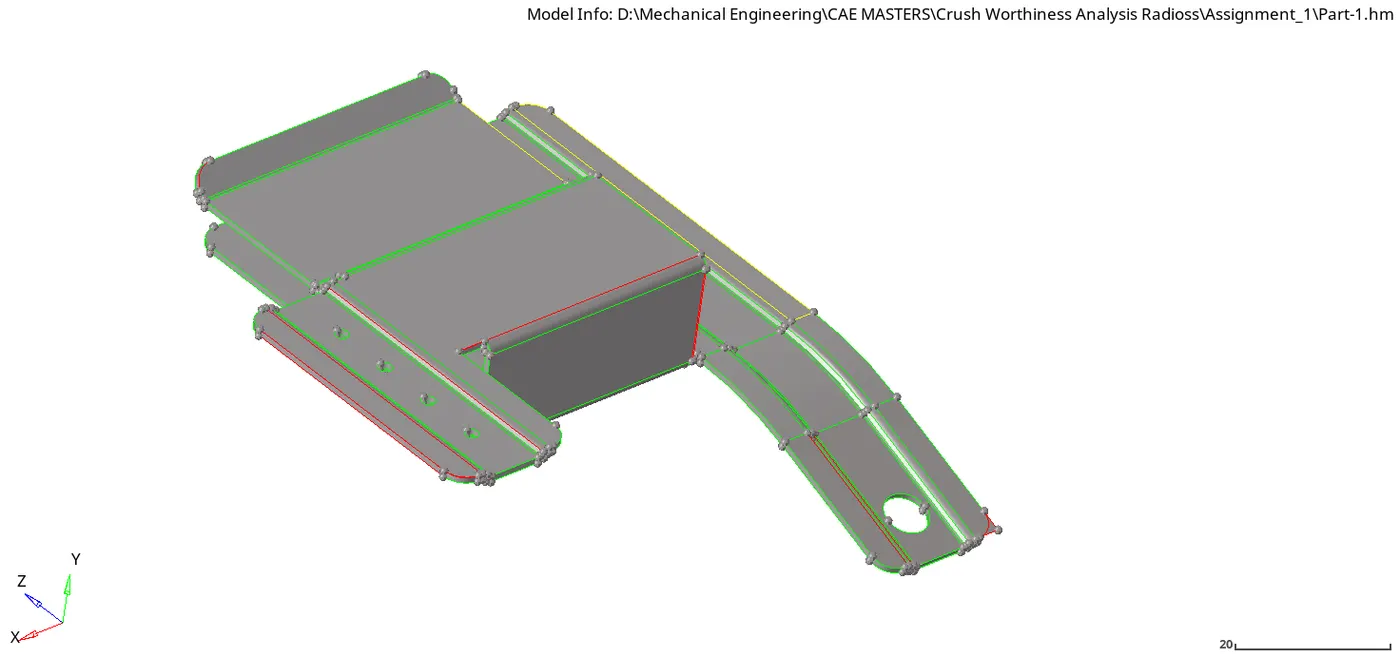
CLIP REPAIR MODEL
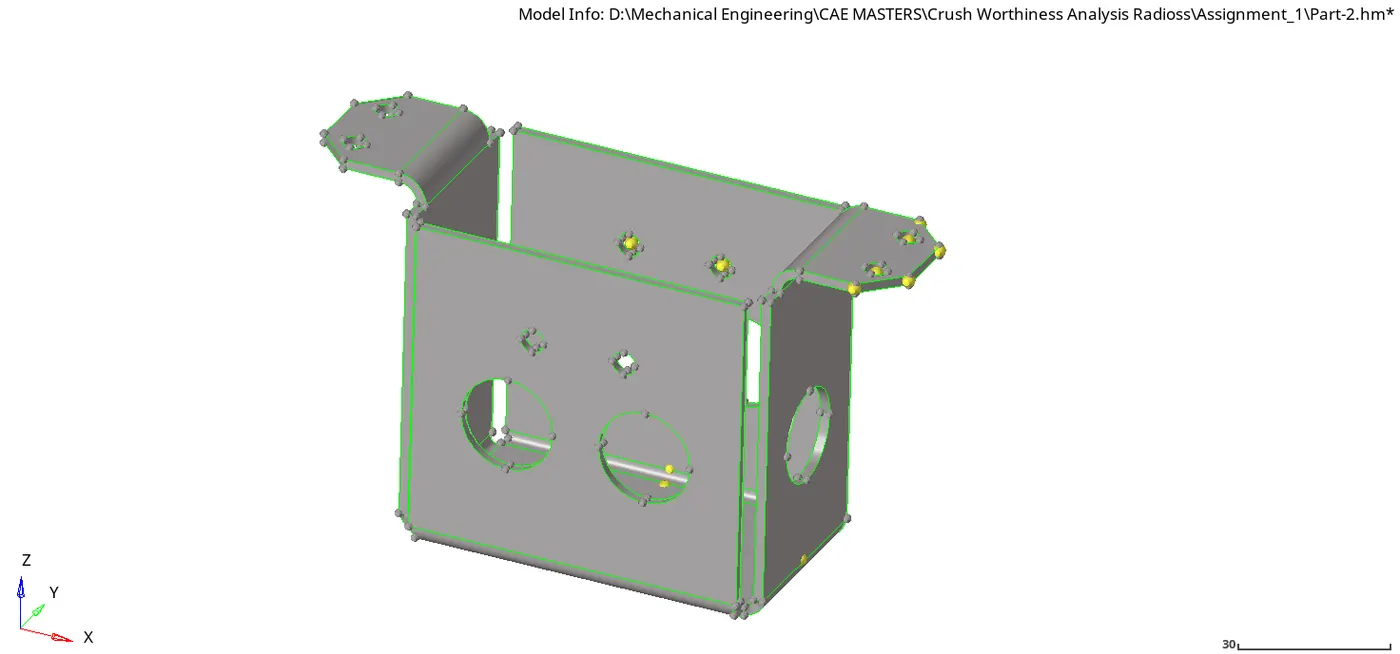
MOUNTING BRACKET
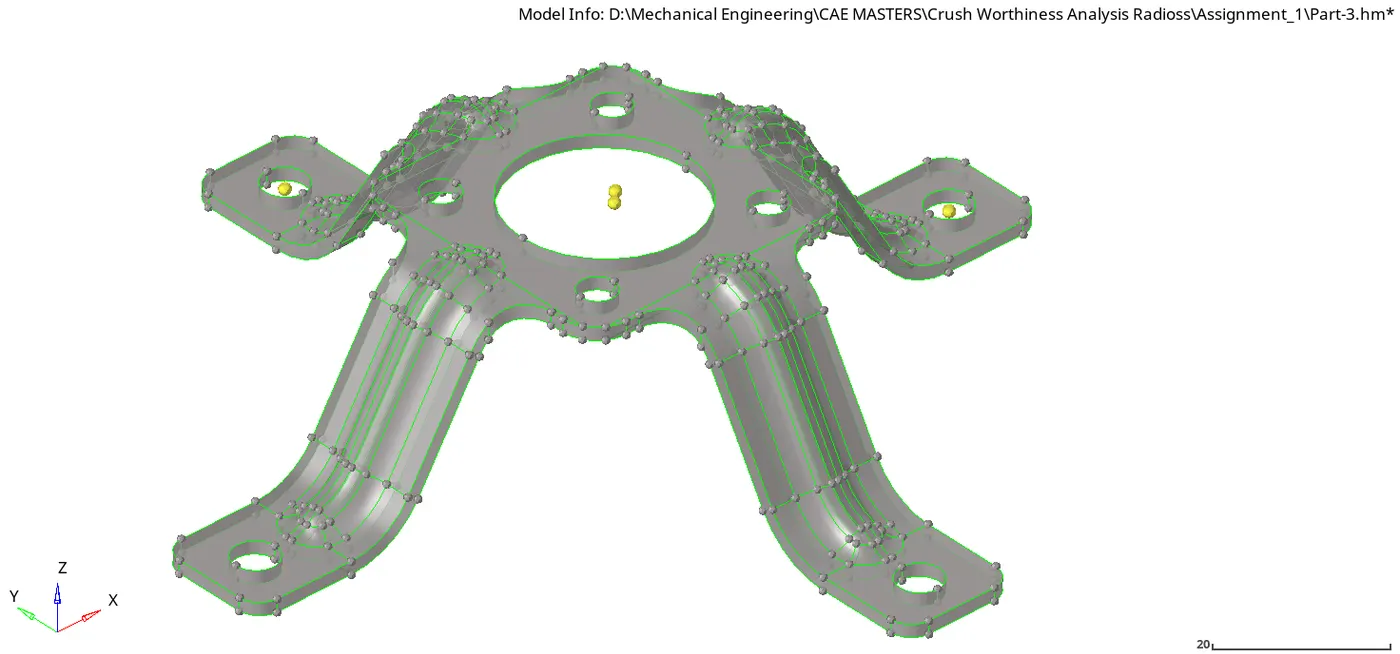
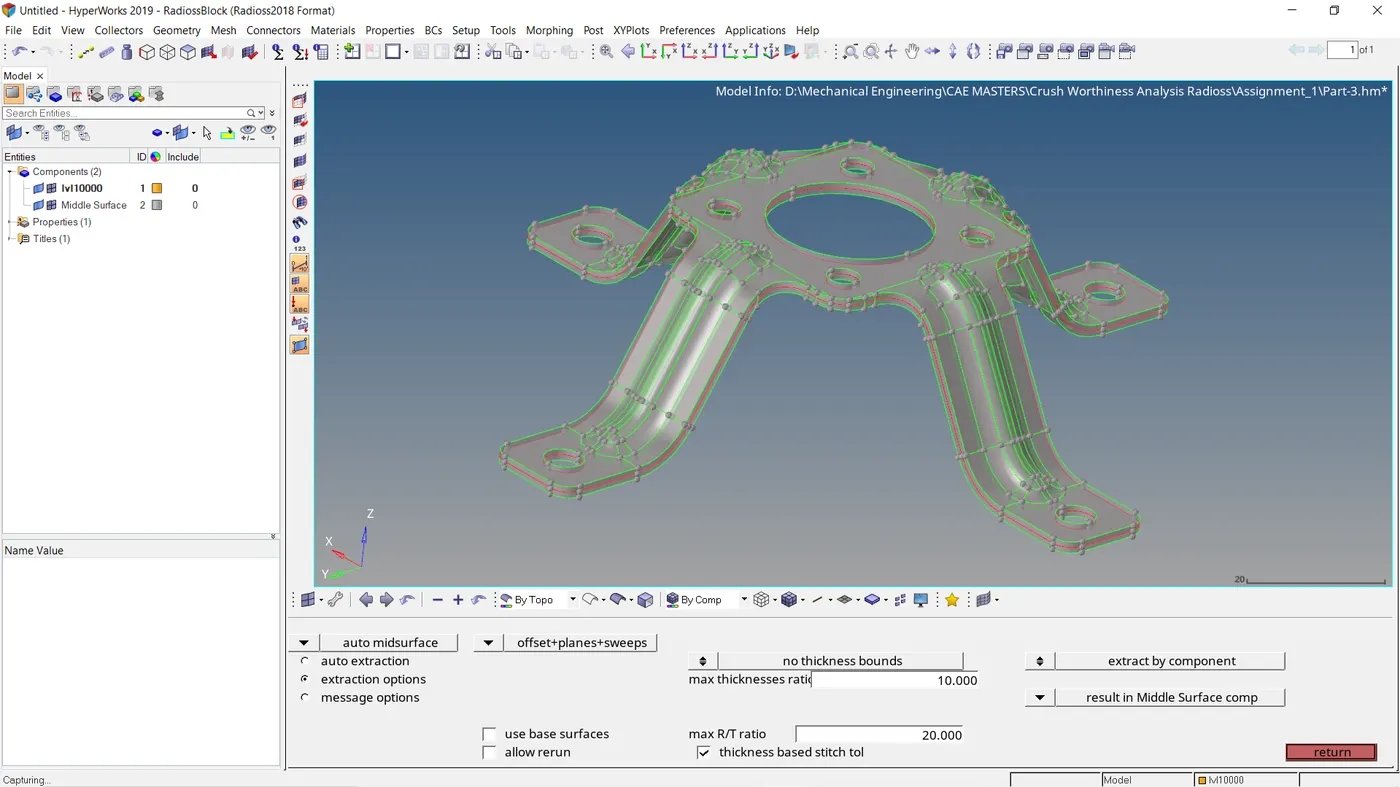
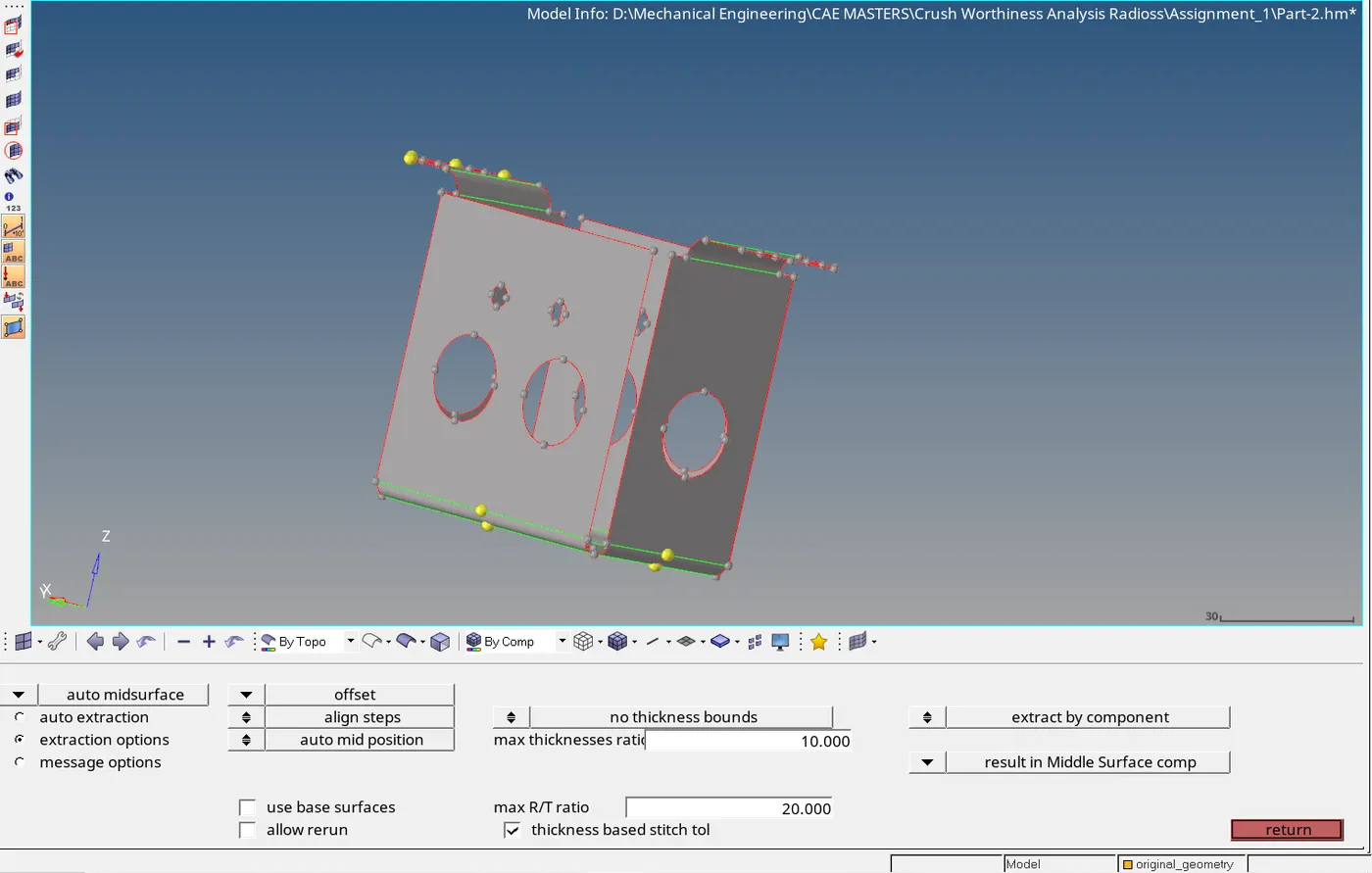
- The geometry is not very complex so the mid-surface is going to be extracted automatically
- Practice- offset/sweep/offset
- Clip-Repair- Offset
- Mounting Practice- offset/sweep/offset
- Holes with diameter less than 5mm are ignored.
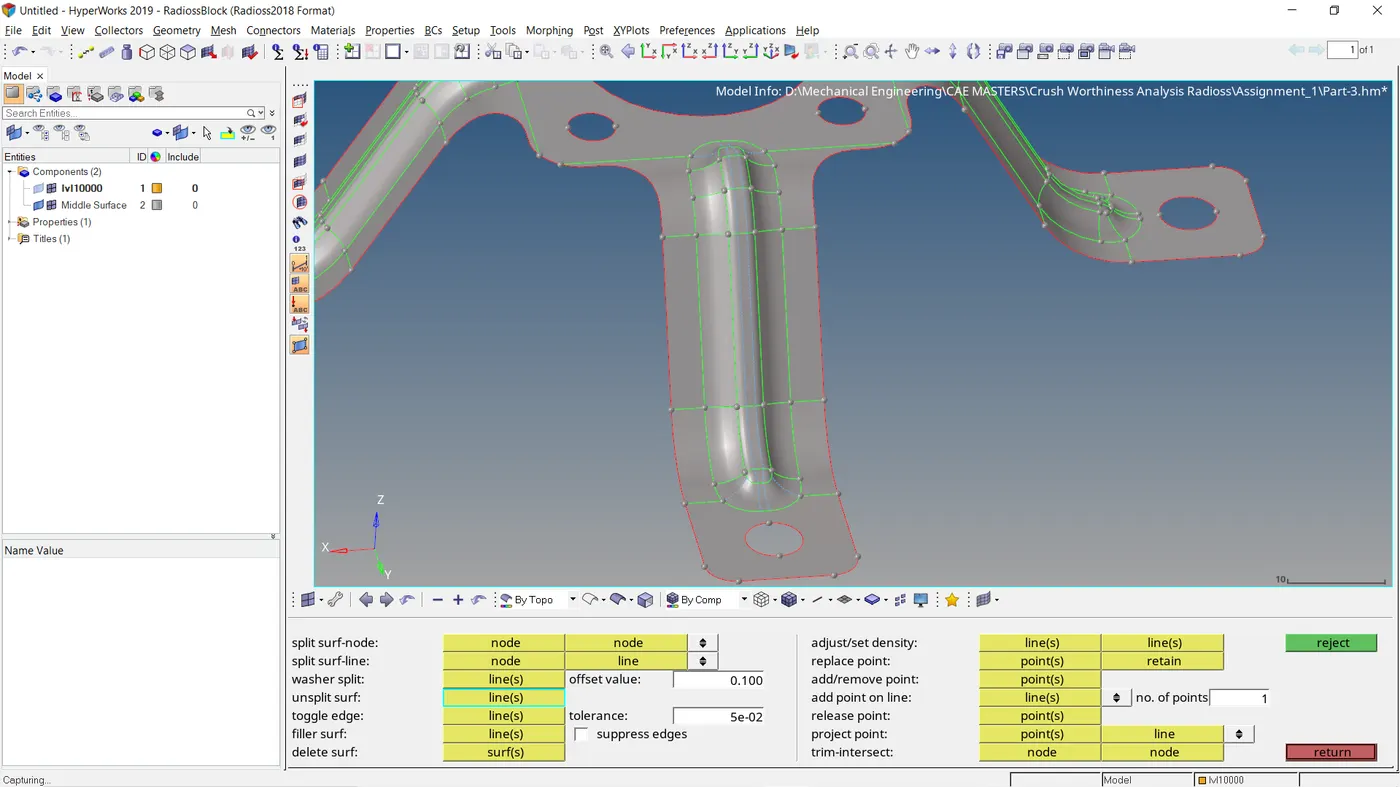
- Tools used are ( Toggles lines, surface offset, distance ,organise , replace node,add/remove nodes, lines extend , drag surface ,trim with line/node/nodes, rule surface, filler surface).
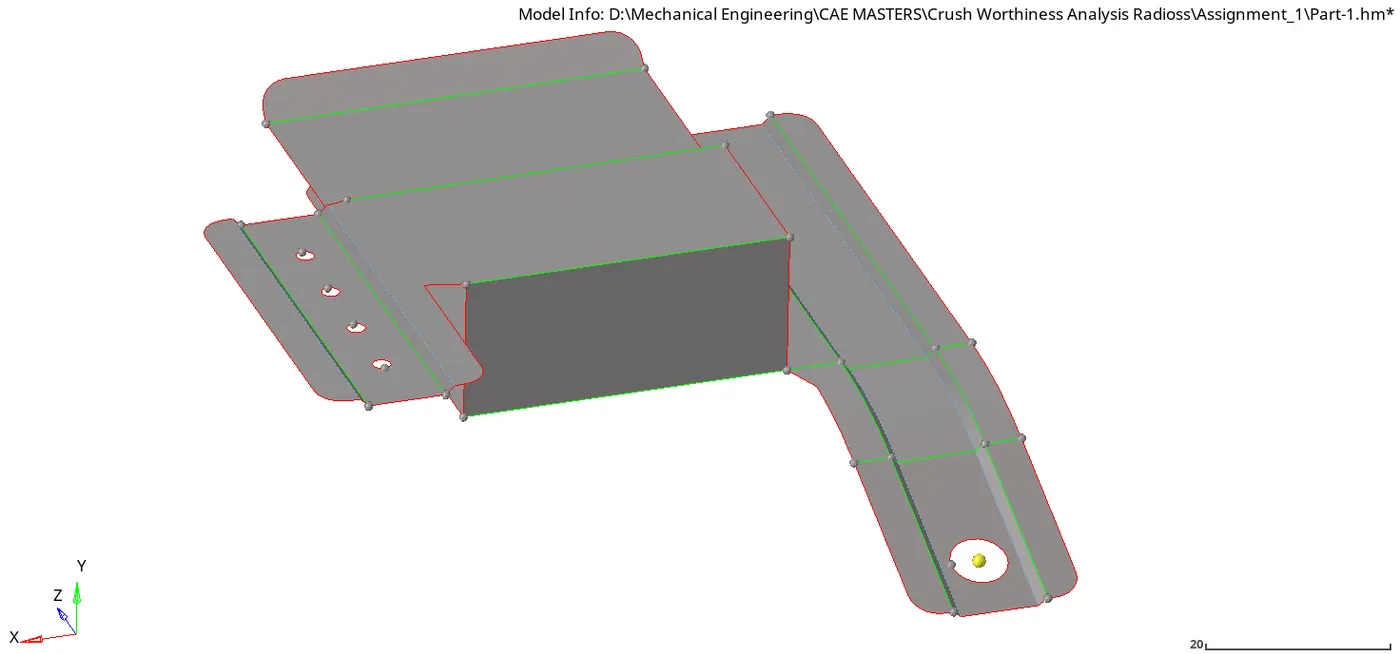
- MESHING THE PLASTIC COMPONENT
- After midsurface is extracted, the meshing of the part is to be done
- Meshing is done by meshing one component after the other.
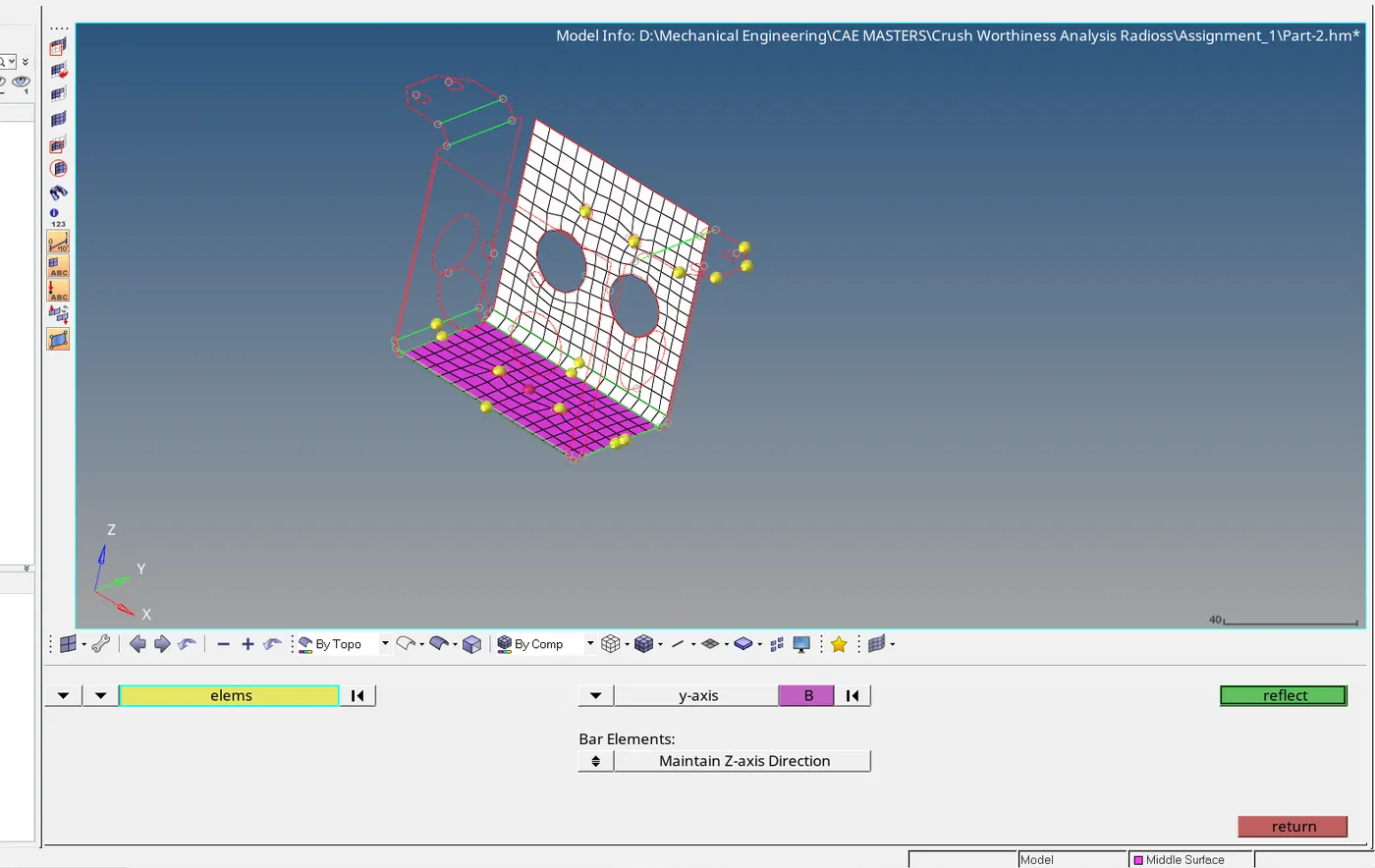
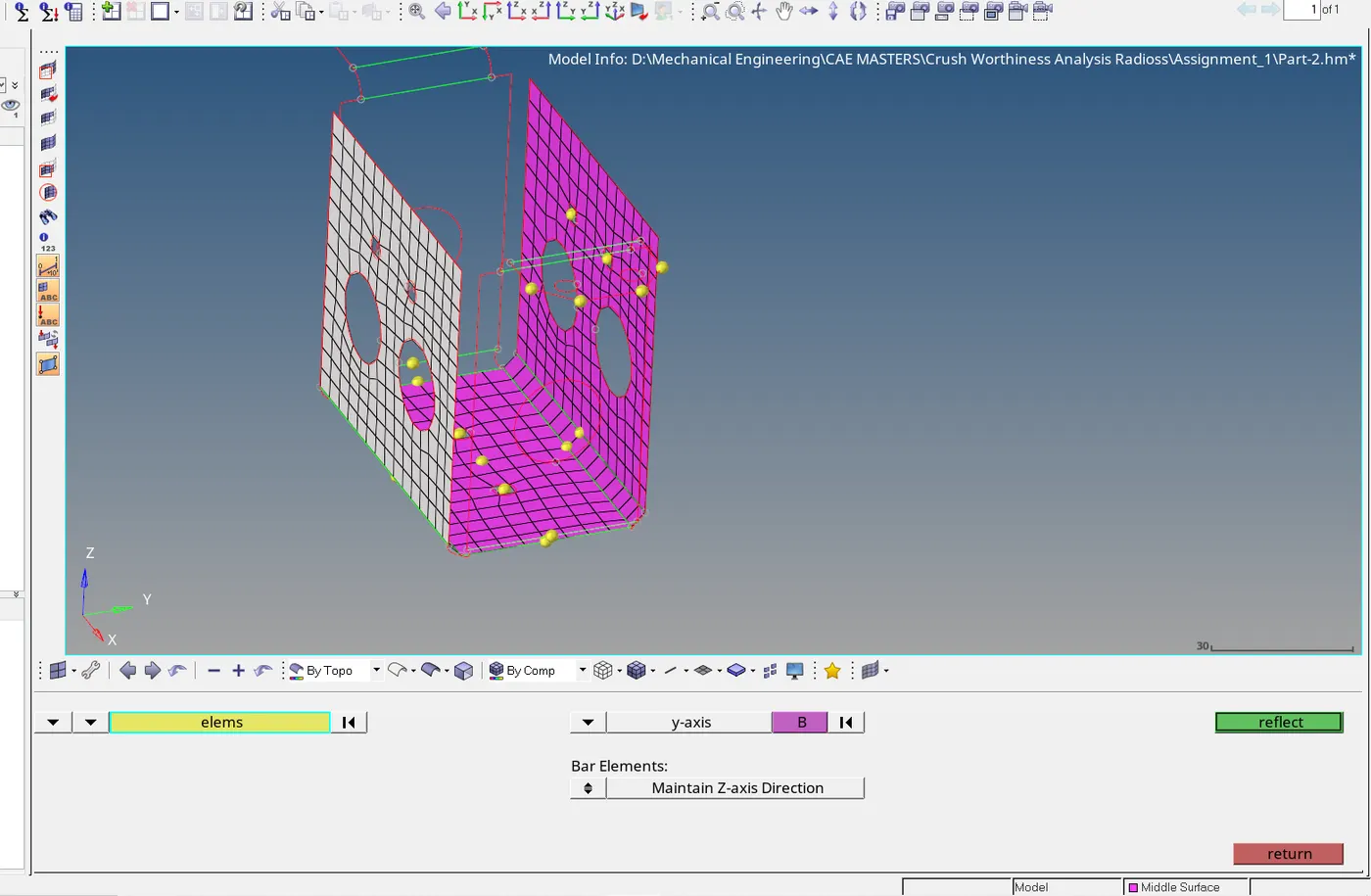
- Some parts are identical so a midpoint is reated and reflected accordingly .Example below
- Meshing is done with a target element of 5mm of minimum and maximum of 3mm and 7mm respectively.
- Tool Used : 2d Automesh
ELEMENT QUALITY CHECK
- Elements are optimised to be within a the criteria set by the instructor which can be seen at the objective section of this report.
- The element quality is improved by using various cleanup tools. Below are some of the tools used.
- Remesh elements
- Drag trias
- Edit elements-( Create ,split,combine)
- Smooth
- Project nodes- Used to project nodes to keep elements on the feature lines
- Eliminating trias ( Removing rotational quad, eliminate trial elements attopological edges,trials adjacent to each other,opposite trials.
- Final image of all elements passing given criteria below.
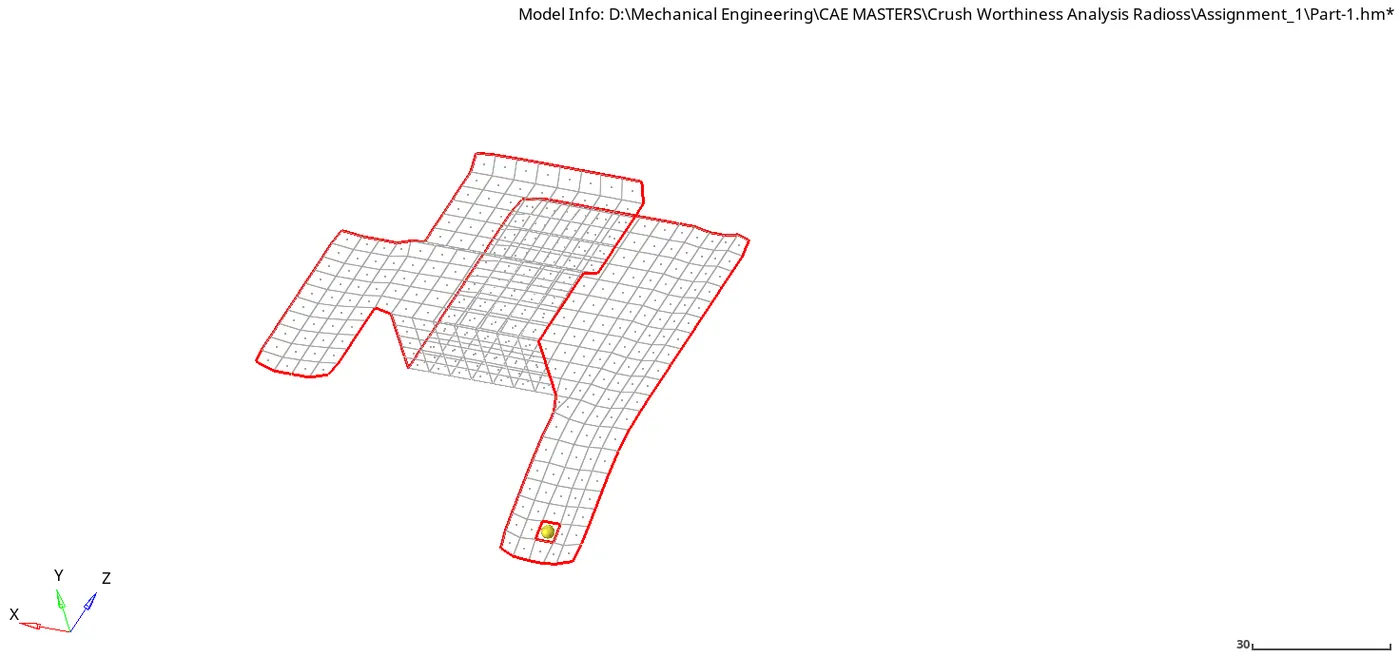
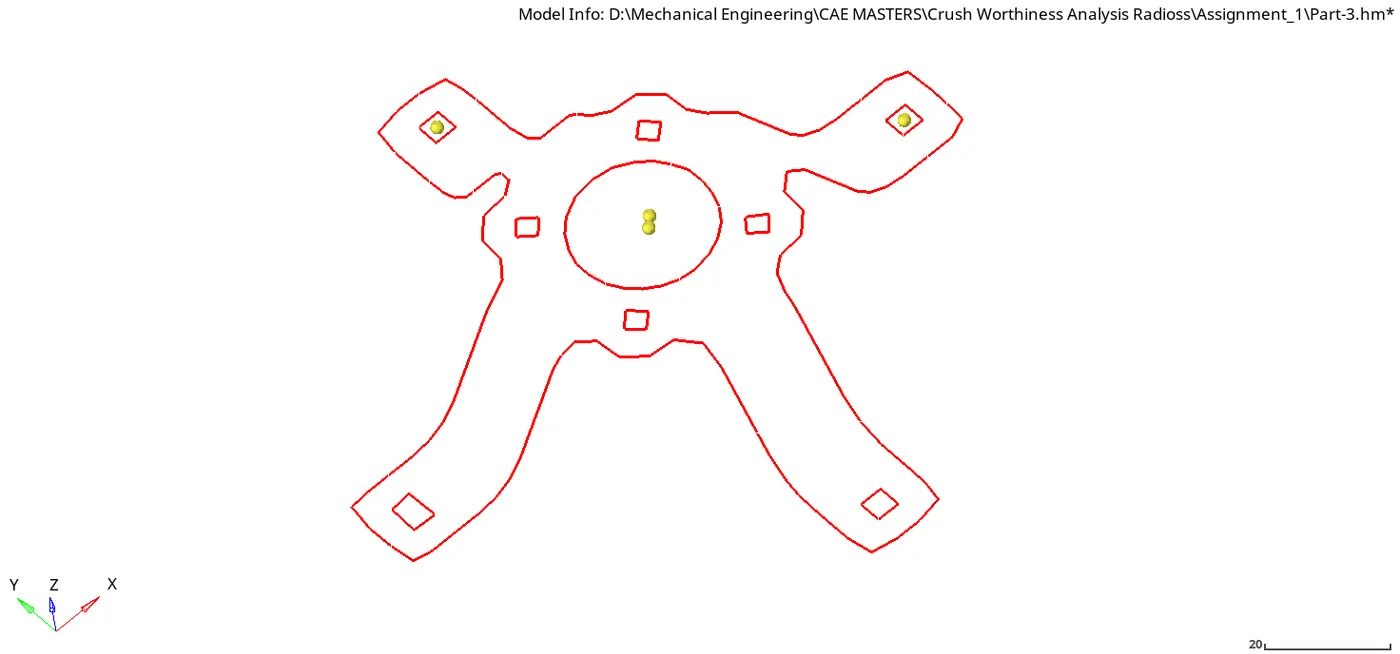
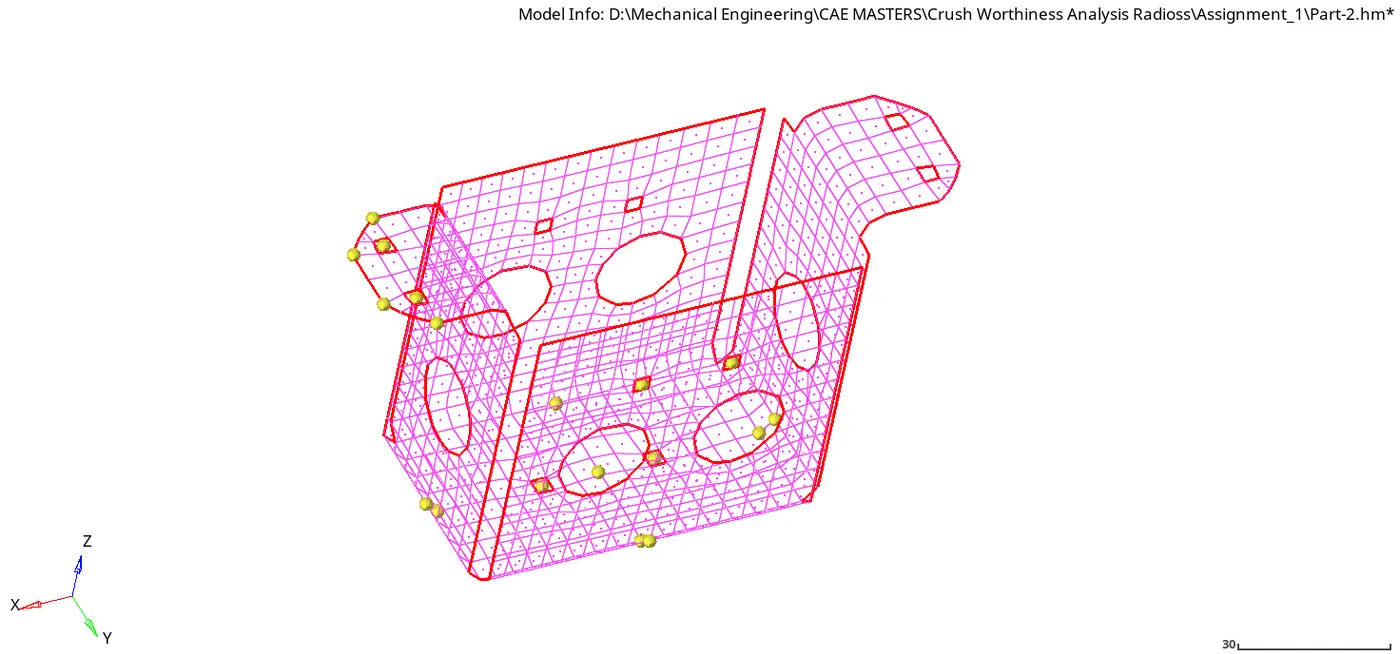
- Equivalence of elements is checked to make sure all elements are connected well with each other because its important in similations. Below is an image of the check
CONCLUSION
This project was successfully meshed .It is important to covert the 2d meshed element into 3D. The meshed elements are assigned properties based on their thickness and assigned specifically to the various components.
Properties of components
2D elements assigned thickness (View with 2d detailed element representation)
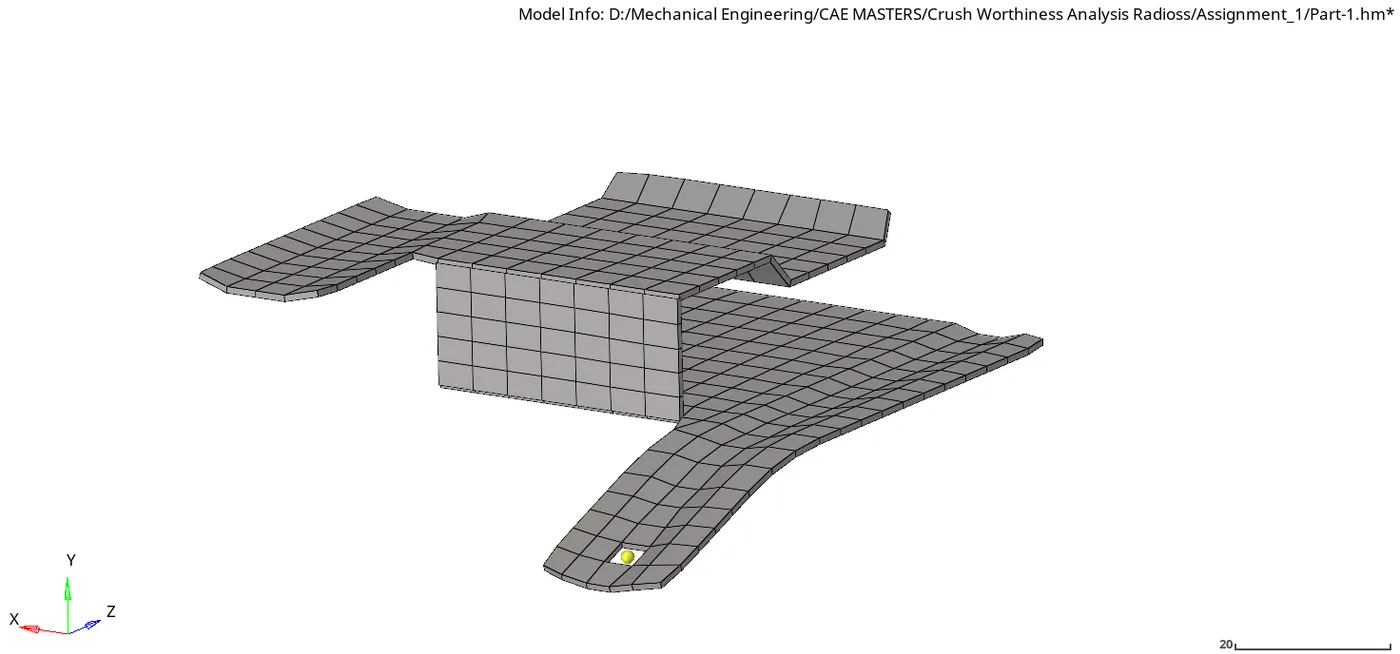
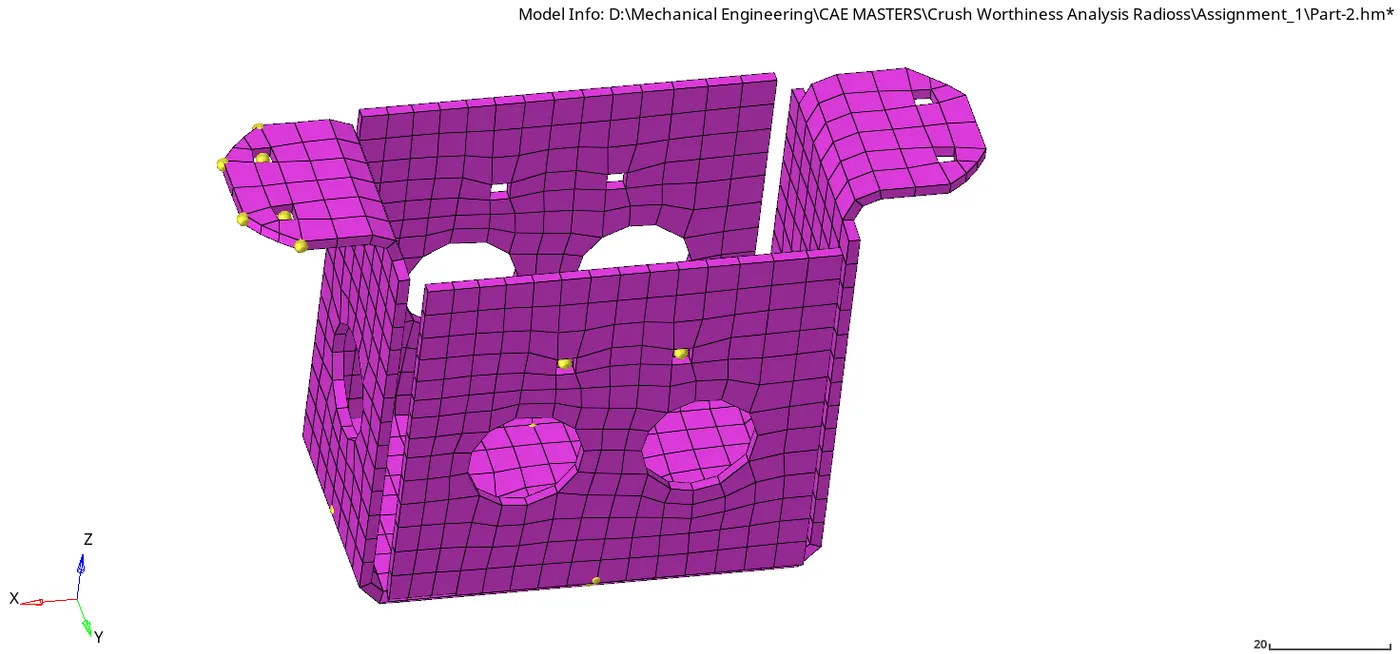
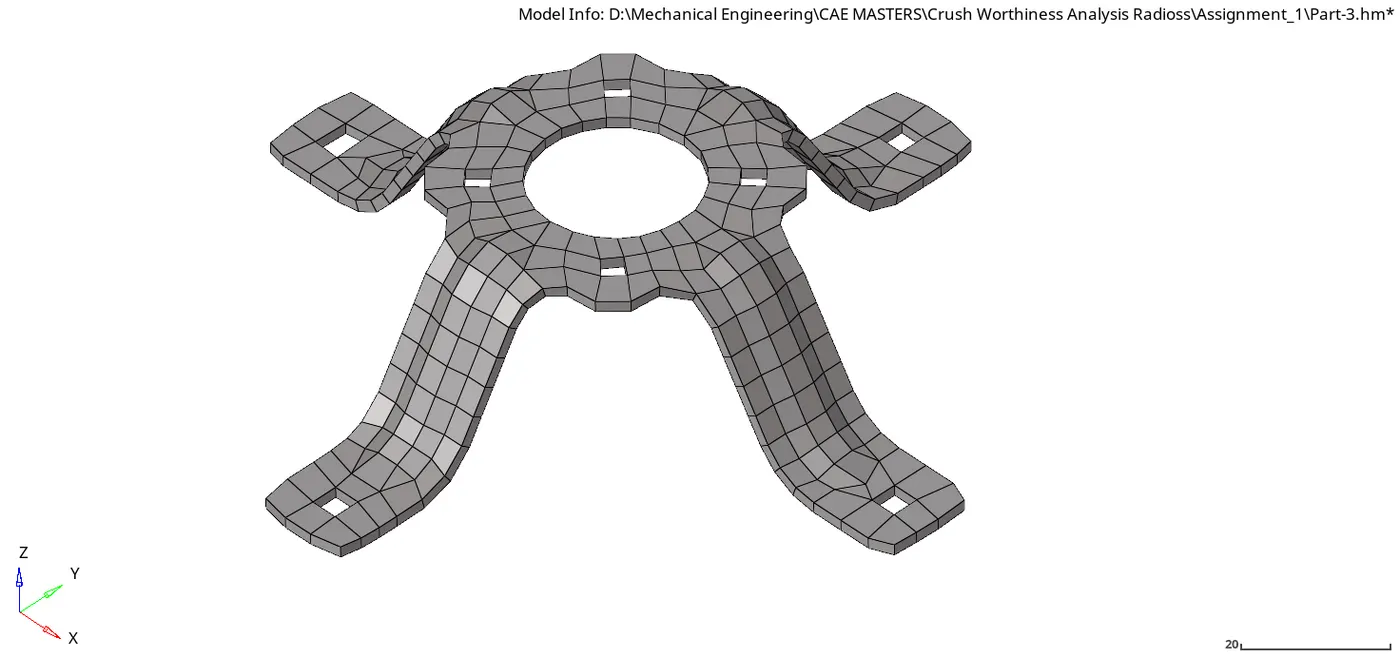
FINAL IMAGE OF ALL COMPONENTS