Analysis & Design of RCC shear walls in the model using ETABS
AIM:
- To run the Analysis and Design the RCC Shear Wall
- To extract values of Longitudinal Steel Ratio, Boundary Element Length and Shear Reinforcement ratio from Design results.
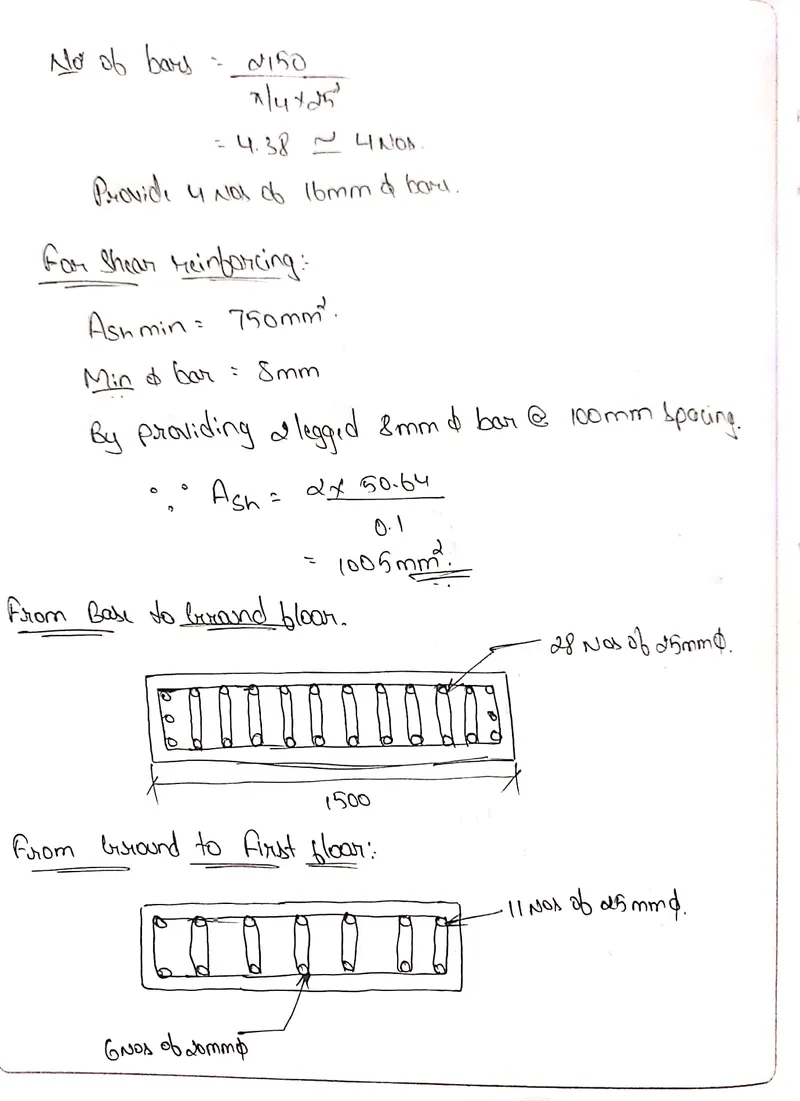
- To provide cross sectional steel arrangement of the shear wall from its base up to terrace, in compliance with provisions of IS 13920 – 2016.
- To provide elevation drawings of the reinforcement details of the shear wall from base up to terrace
PROCEDURE:
Initially open the given ETABS file.
Click on Analyse tab and select Run Analysis to perform the analysis function.
To view the selected design results Click on Design followed by Shear Wall Design and then select Display Design info.
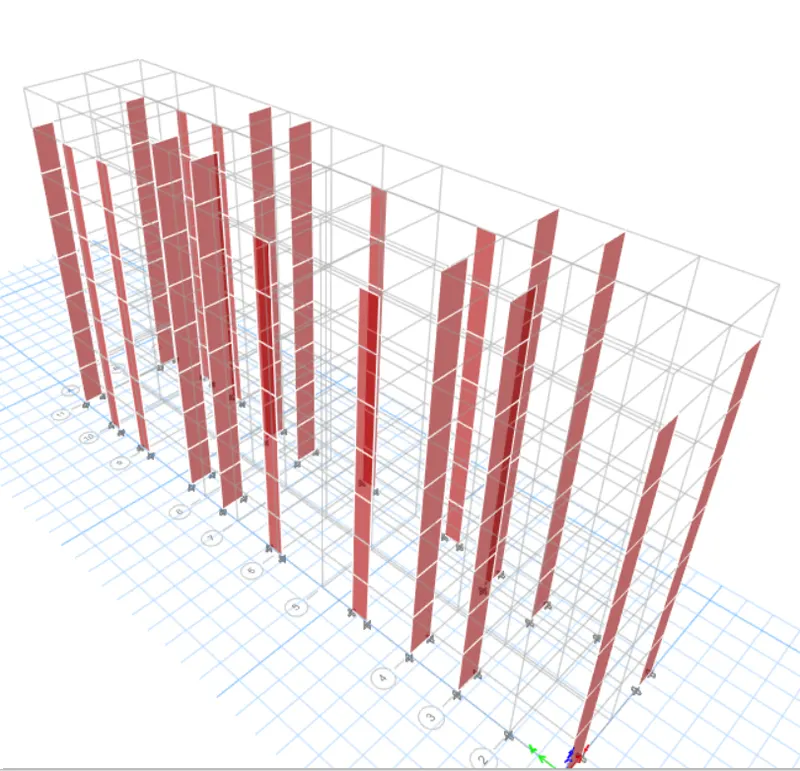
To view the selected design results Click on Design followed by Shear Wall Design and then select Display Design info.
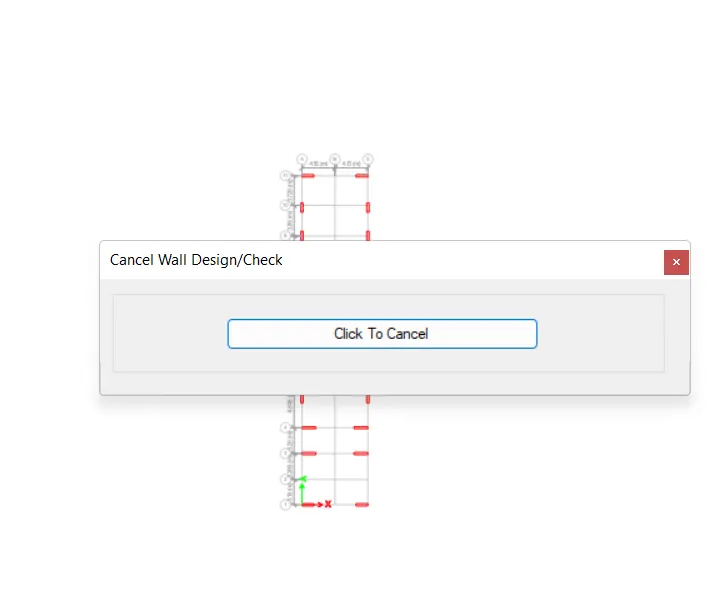
- Then Select the Labels check box under the Pier Assignments and click APPLY.
- Now we can see that the Pier Labels are assigned all over the shear walls as P1.
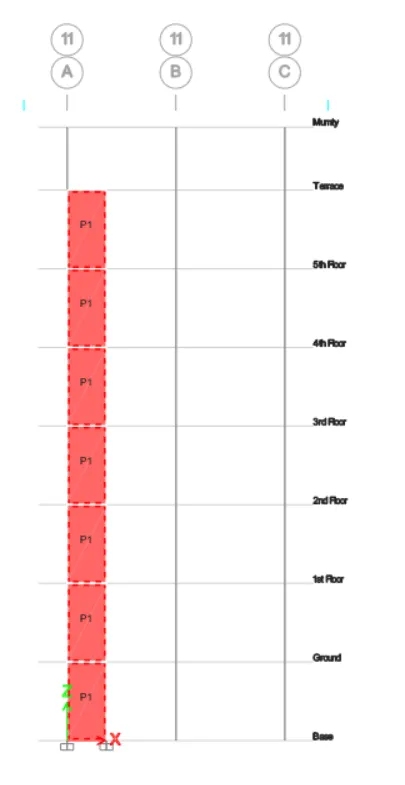
- After selecting the Display Design Information, the Display shear wall design Result Tab will be opened.
- From the opened Tab, Select Pier shear Reinforcement by dropping down the options of Design Output.
- Pier Longitudinal Reinforcement:
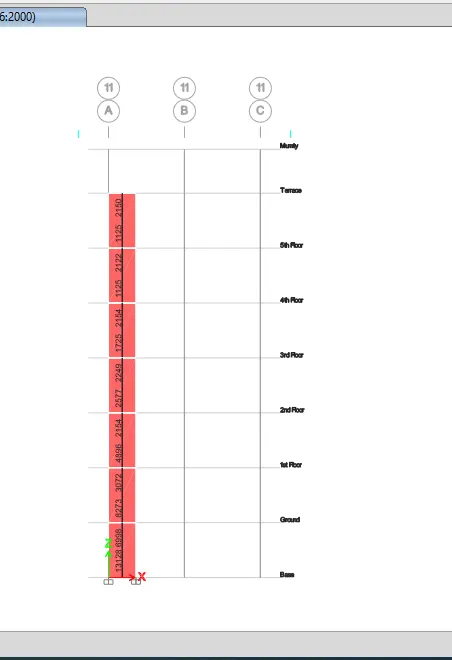
- Pier shear reinforcement:
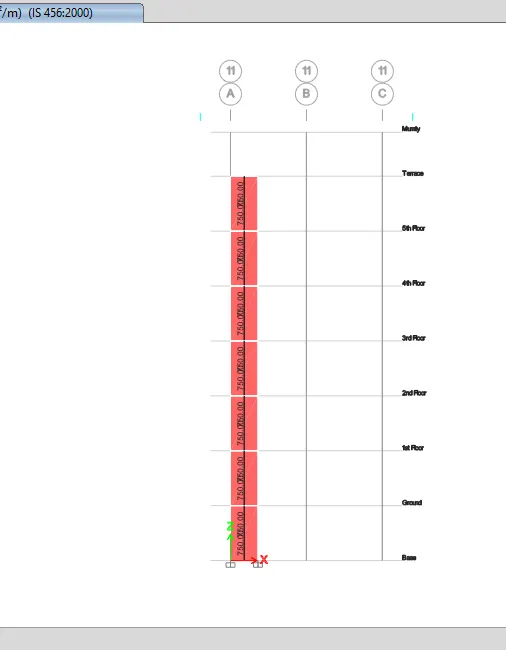
- Pier Edge/Boundary Zones Width:
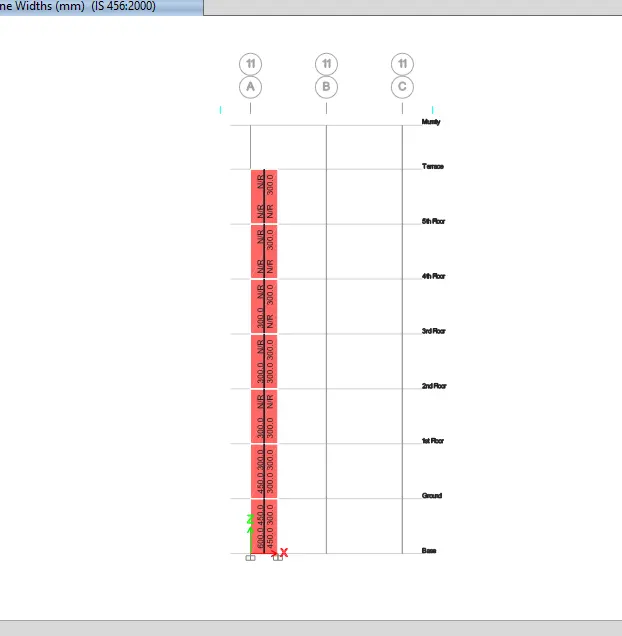
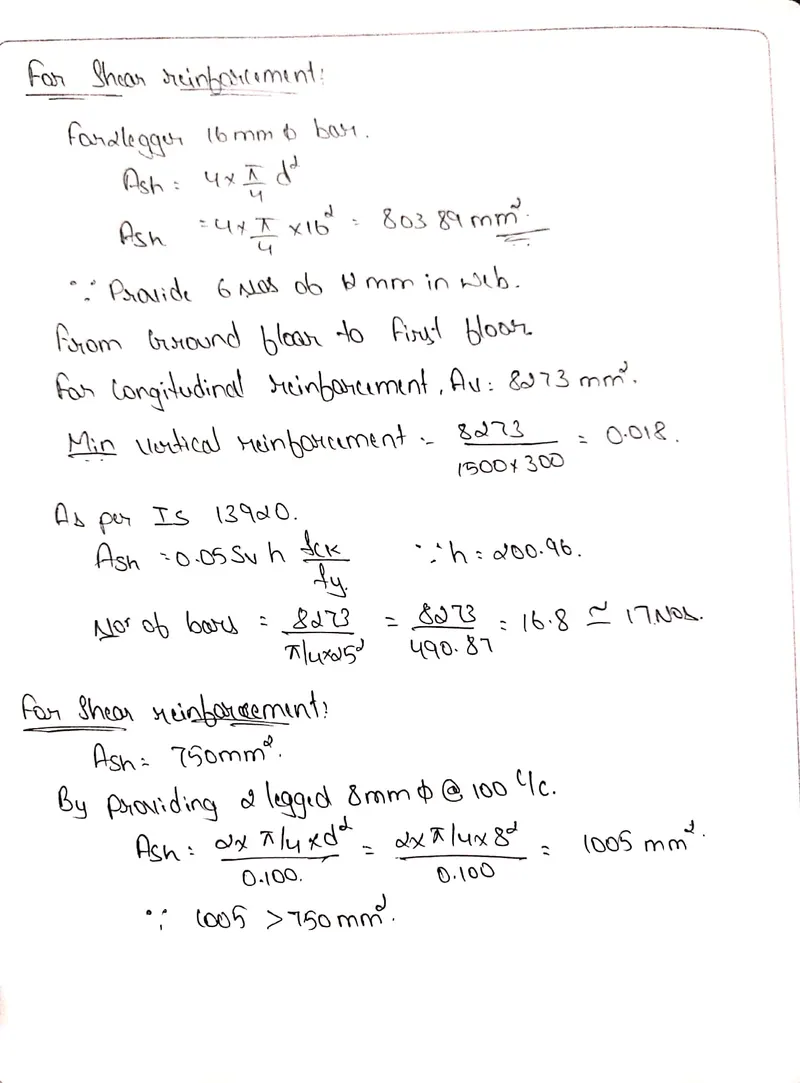
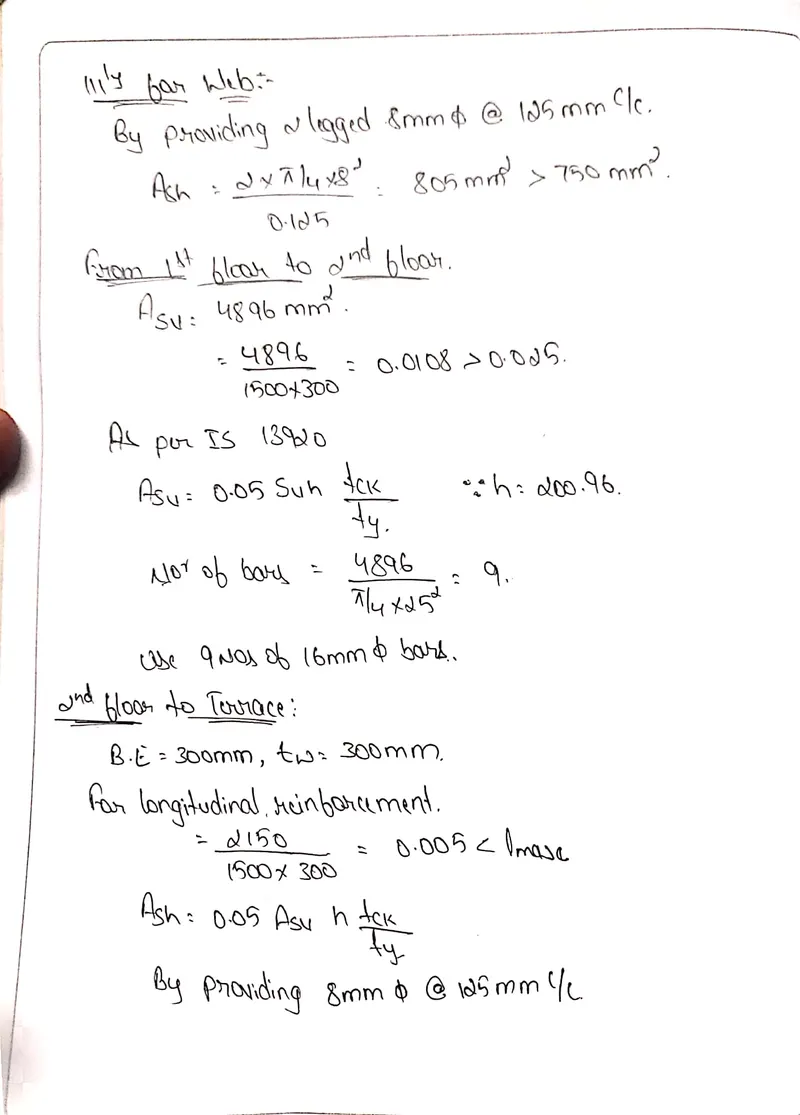
Shear Wall Detailing Calculation:
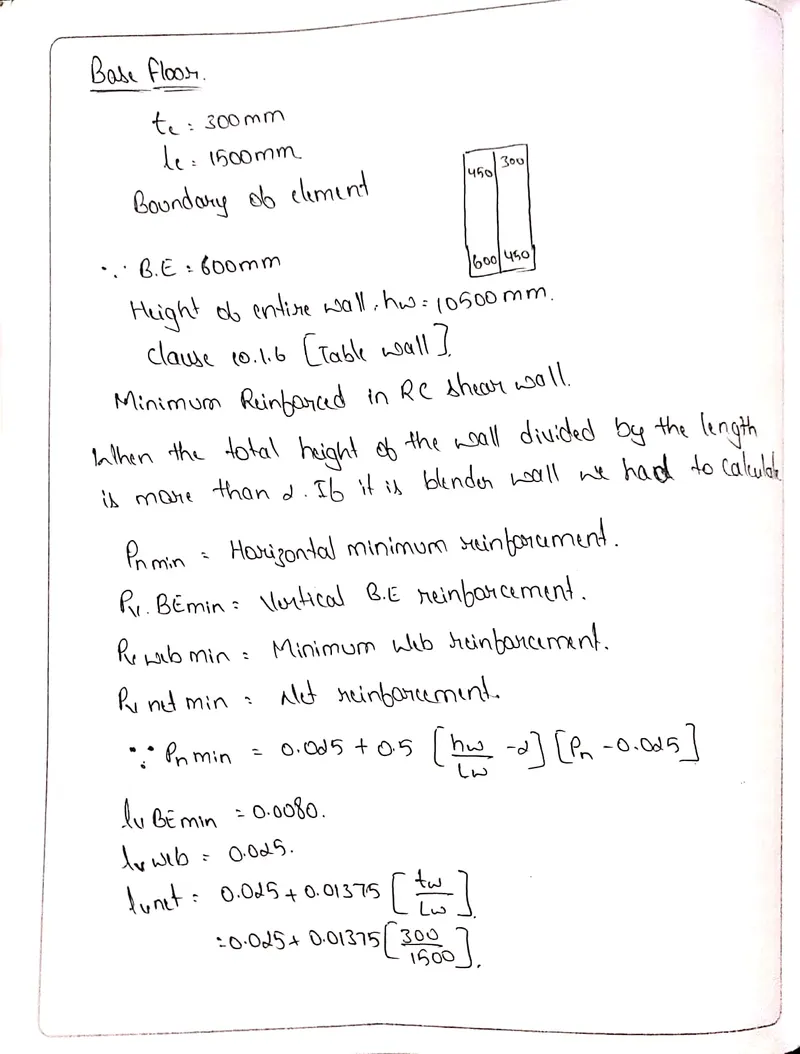
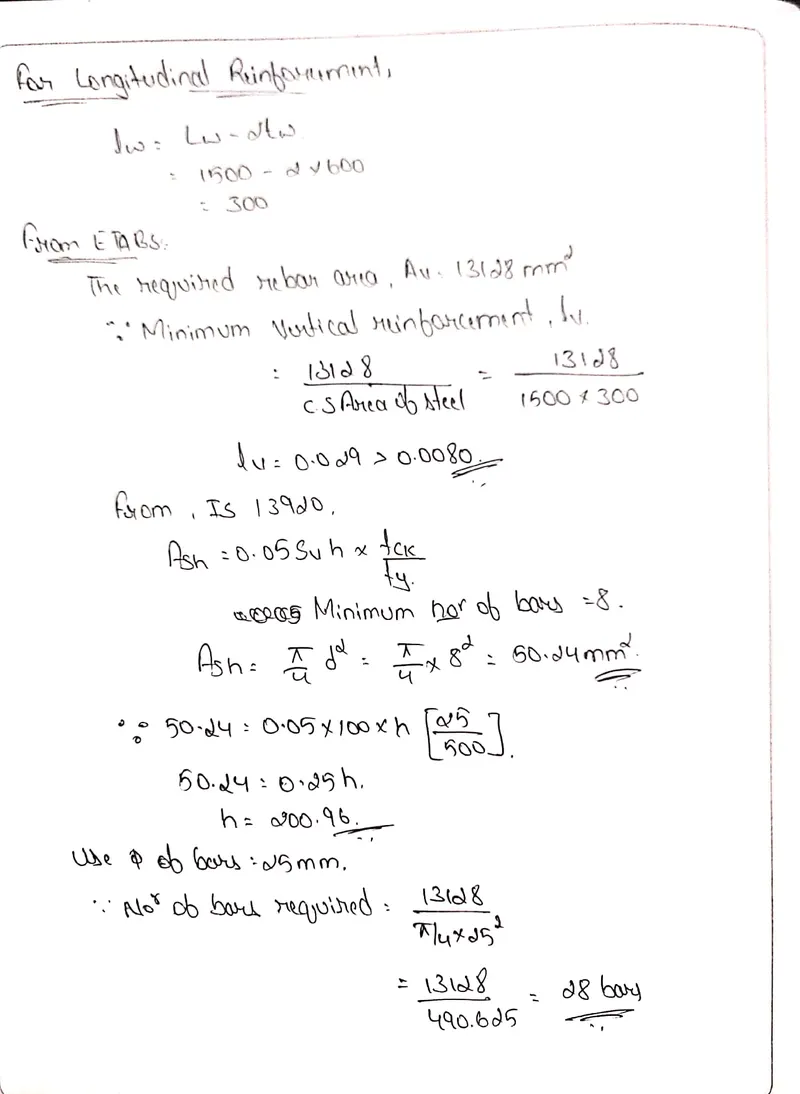
RESULTS:
- Analysis was performed and RCC Shear Wall was designed.
- Extracted values of Longitudinal Steel Ratio, Boundary Element Length and Shear Reinforcement ratio from Design results.
- Provided cross sectional steel arrangement of the shear wall from its base up to terrace, in compliance with provisions of IS 13920 – 2016.