Advanced Sheet Metal Design Using NX Cad Challenge_5_Odd Shaped Enclosure
Odd Enclosure in NX cad sheet Metal Application
Objective
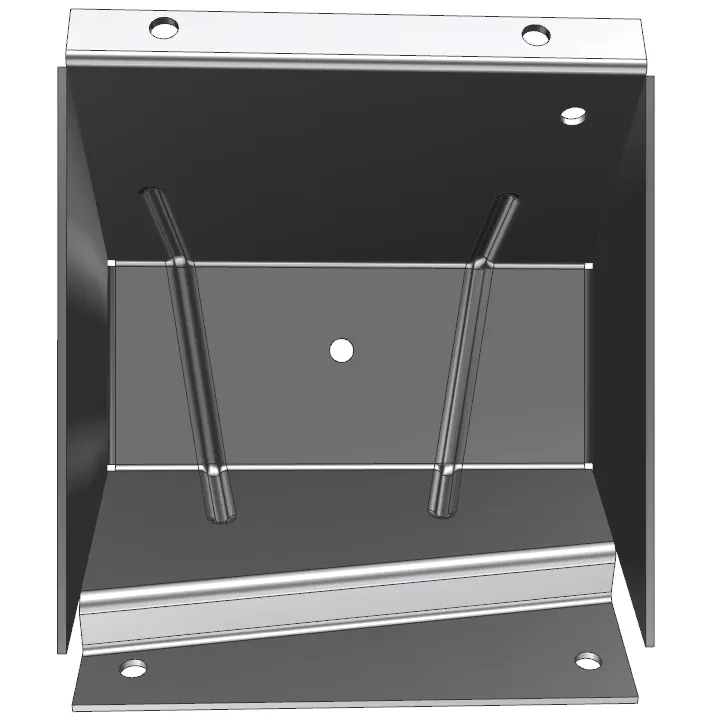
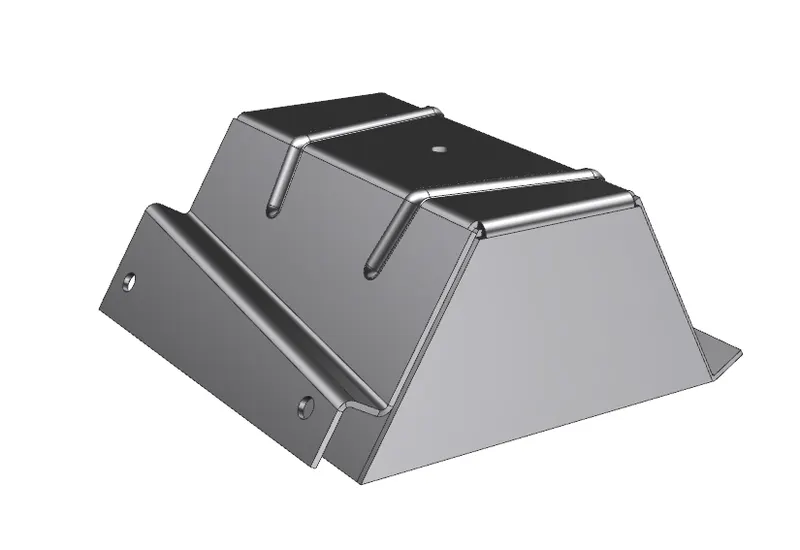
The main objective of this project is to design an Odd Enclosure in the NX cad sheet metal application workbench. Also to perform the drafting for the part.
Introduction:
The sheet metal application provides an environment for the design of sheet metal parts used in Machinery, Automotive, and Aerospace. Enclosures, Brackets, and other parts are normally manufactured with a brake press. The sheet metal application is widely used in the
- Aircraft Bodies
- Automobiles
- Utensils (domestic purposes)
- Beverage cans
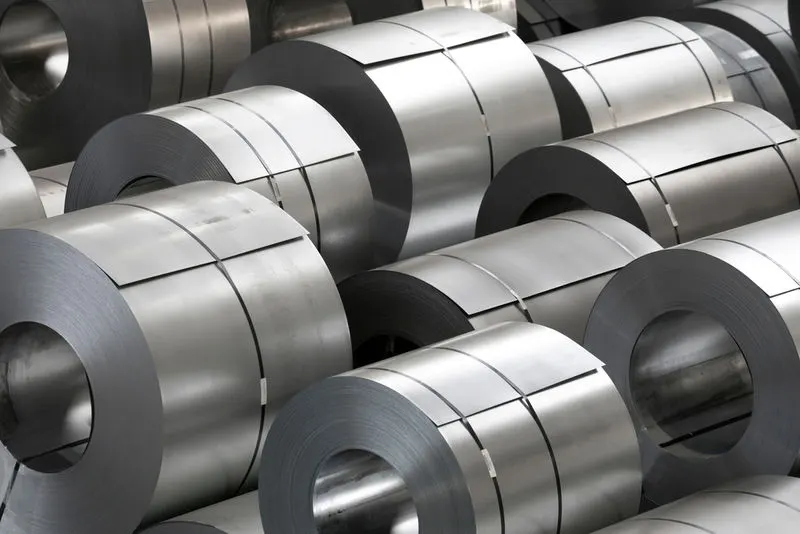
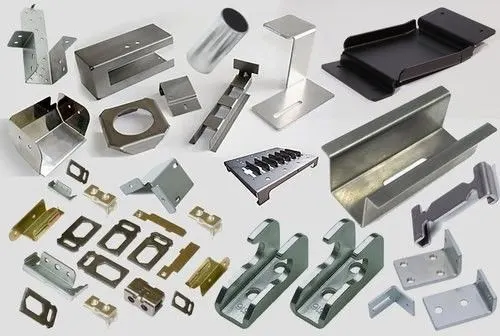
In sheet metal application we can create uniform thickness sheet metal parts using basic features such as flange, tabs, and jogs. We can also do close corners, cutout, and stiffening features. The complex sheet metal part can be designed in the solid model workbench and then we can convert it into a sheet metal part. We can also import, clean up and convert a non-sheet metal part into a valid sheet metal part. Flat pattern sheet metal data can be used for the manufacturing process. The Material parameters such as thickness, bend radii, and bend relief can be easily set as default settings.
Design Methodology:
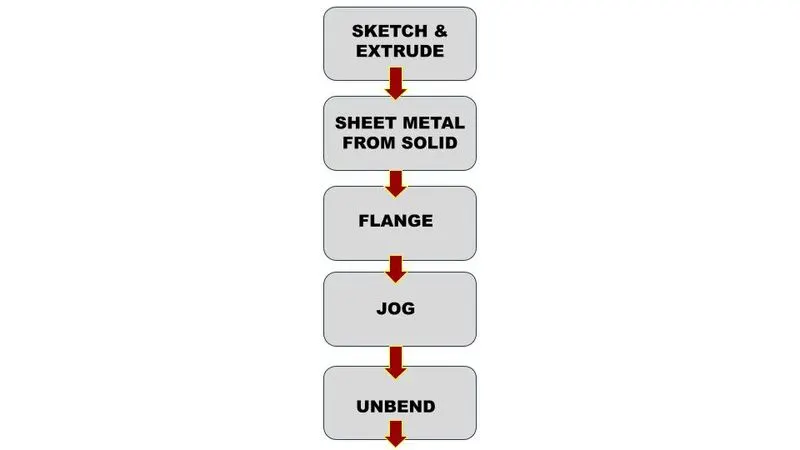
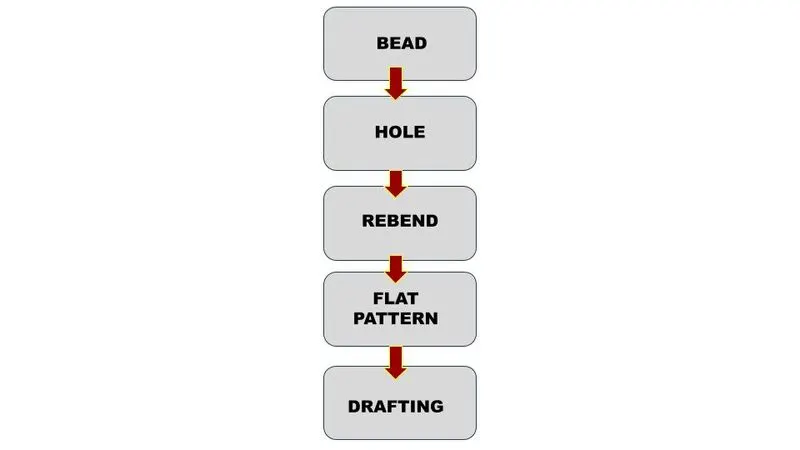
DESCRIPTION:
NX CAD (Sheet Metal):
Open NX CAD sheet metal model.
SET PREFERENCES:
Sets parameters and characteristics for Sheet Metal Commands.
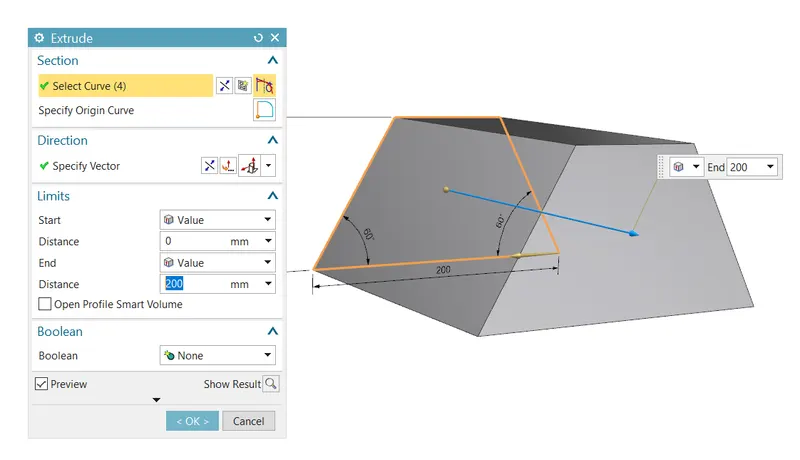
EXTRUDE:
Creates a feature by extruding a section along a vector.
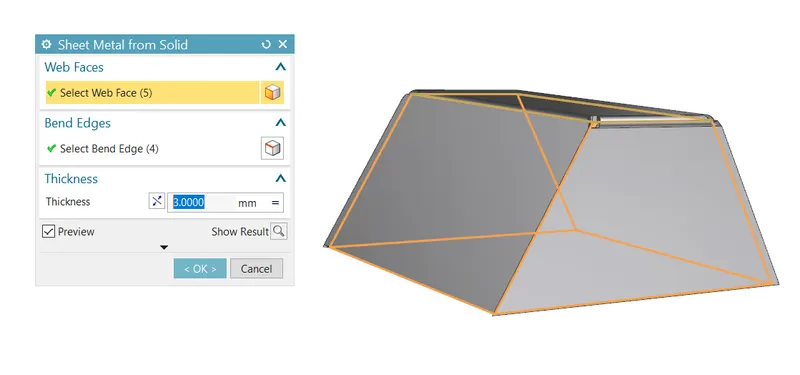
SHEET METAL FROM SOLID:
Builds a sheet metal model that takes its shape from a collection of planar faces.
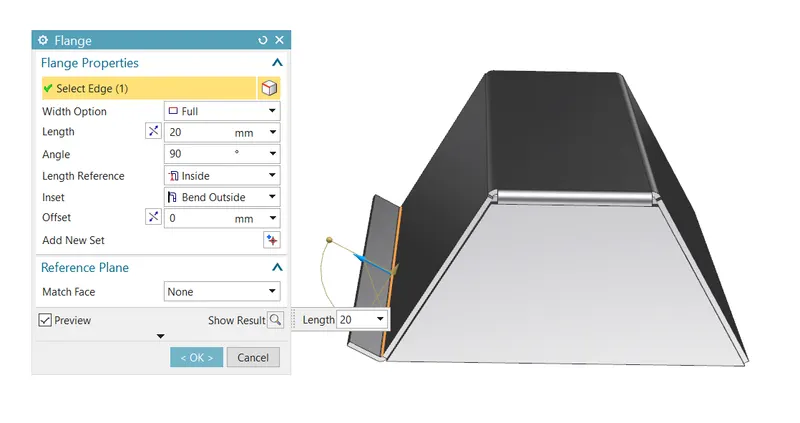
FLANGE:
Adds a flat flange at an angle to a planar face and adds a bend between the two.
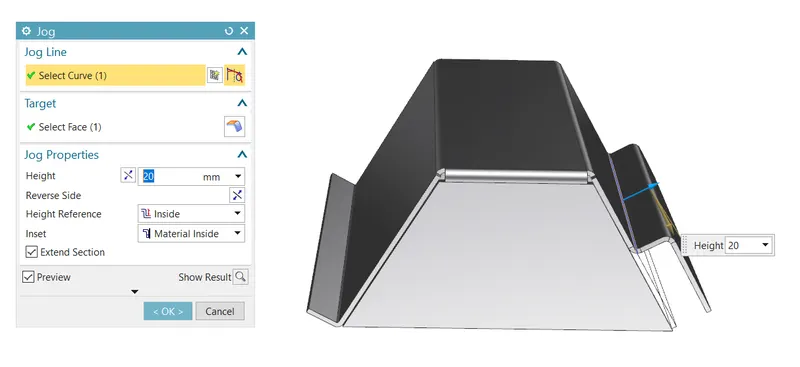
JOG:
Modifies the model by lifting material on one side of a sketch line, adding a flange between the two sides.
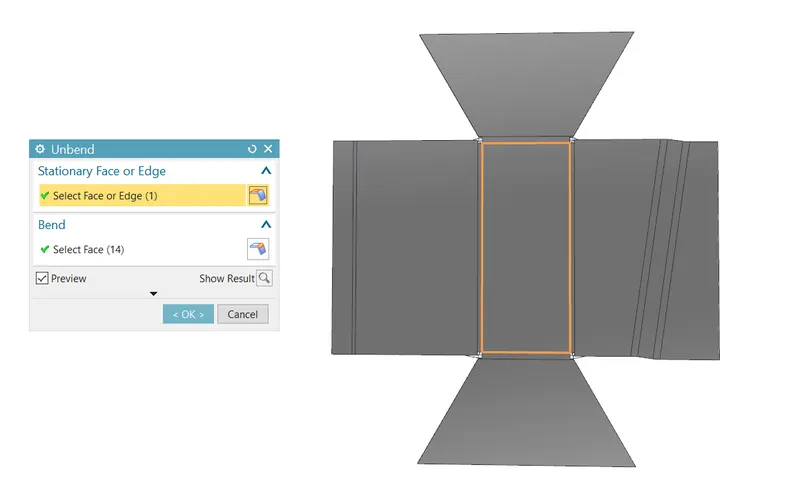
UNBEND:
Flattens a bend and the material adjacent to the bend.
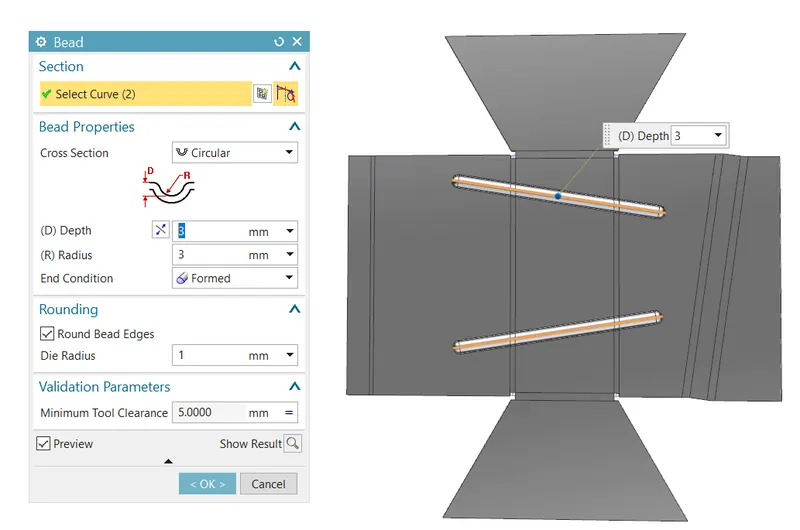
BEAD
Lifts material along the contour of a sketch that simulates a stamping-tool
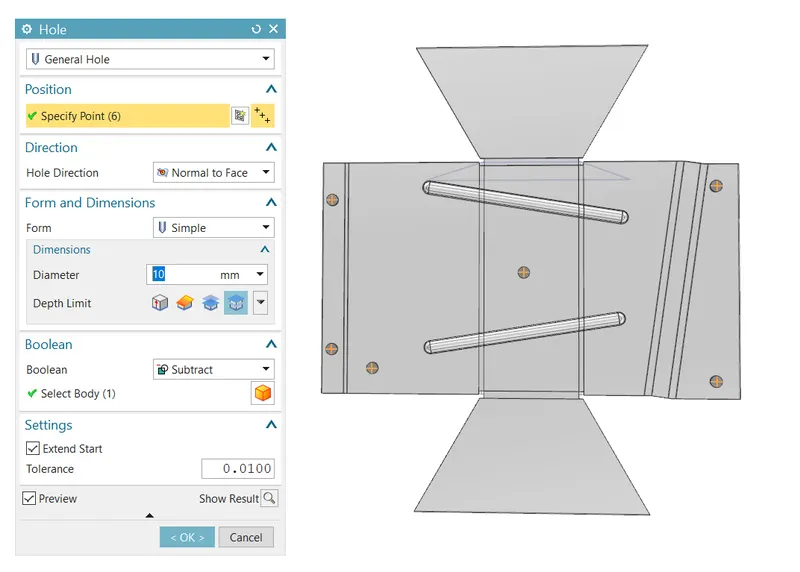
HOLE:
Adds a hole to one or more solid bodies in a part or assembly with options for counterbored, countersunk, and threaded.
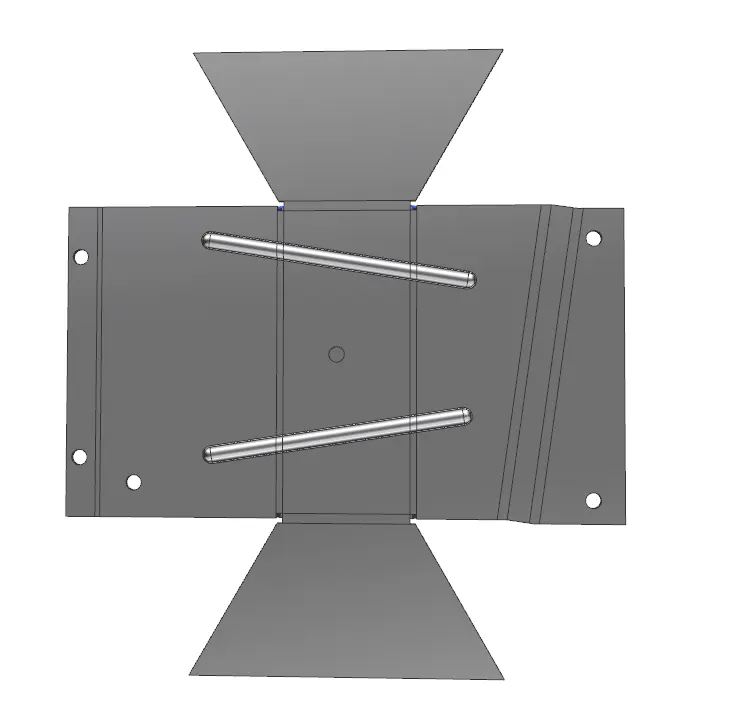
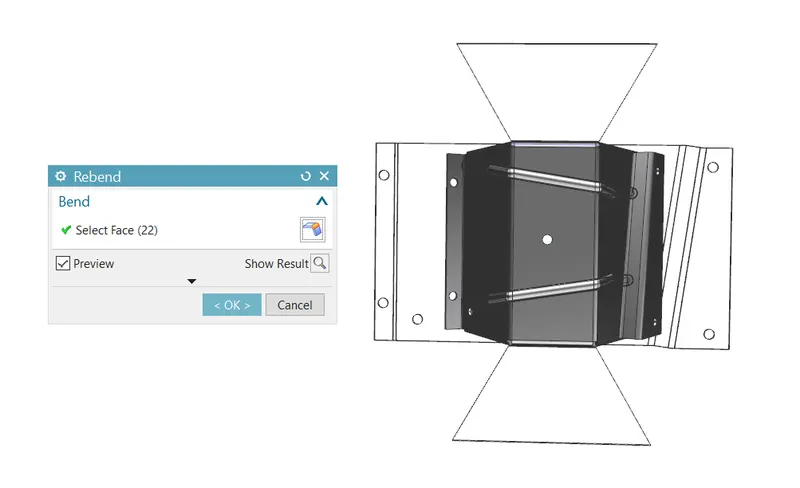
REBEND:
Restores an unbend feature to its previous bent state, along with any features added after the unbend feature.
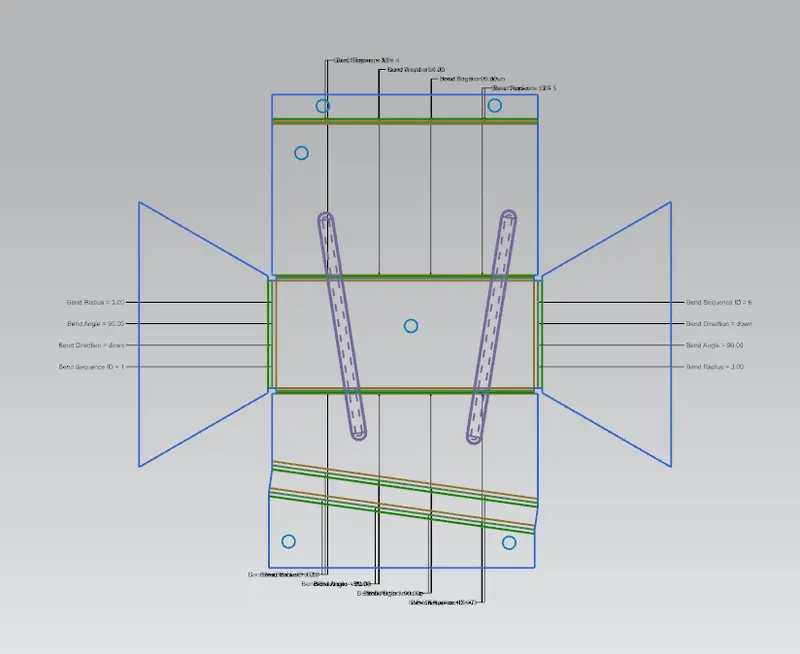
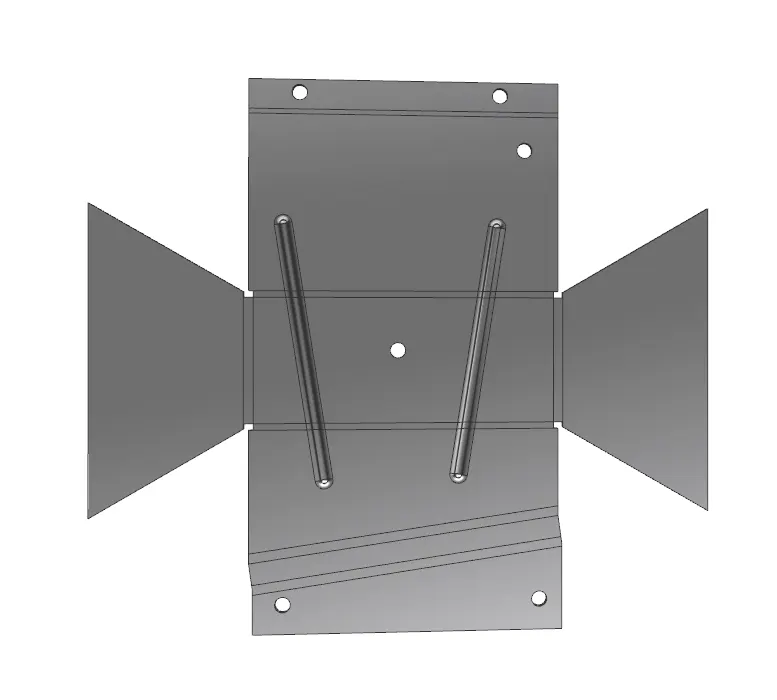
FLAT PATTERN:
Creates a flat pattern feature from the formed sheet metal part.
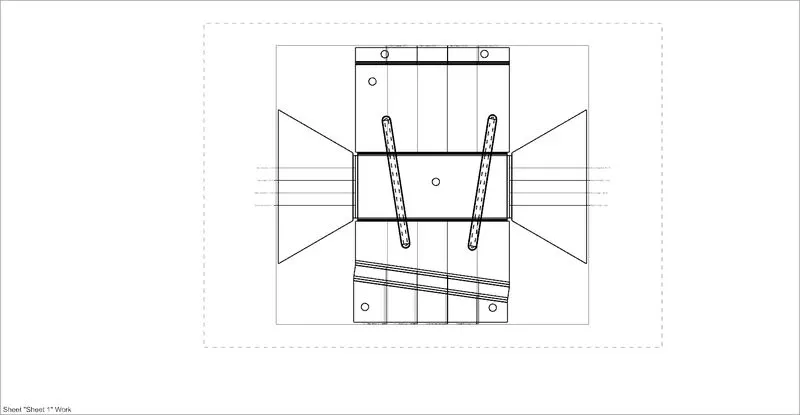
DRAFTING:
Starts the Drafting application, which provides tools to create and maintain drawings of the design model.
New Sheet: Creates a new drawing sheet
Base View: Creates a model-based view on the drawing
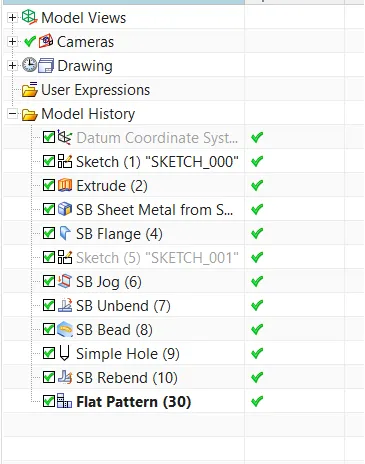
Feature Tree
Side View
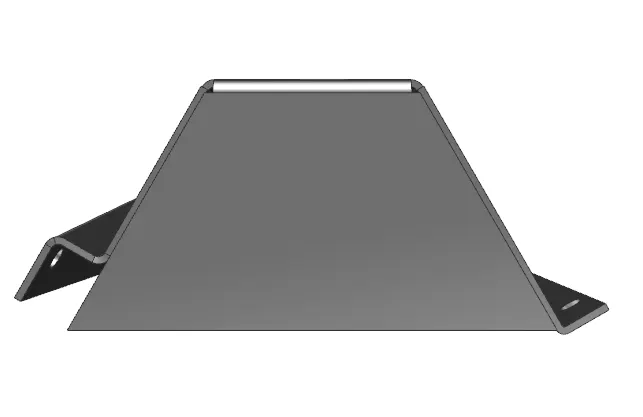
Front View
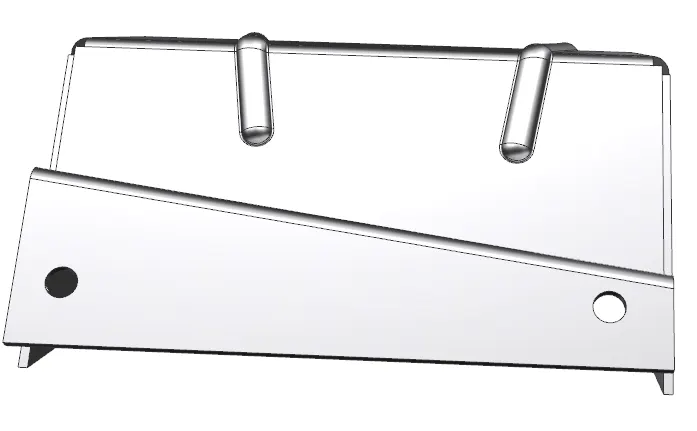
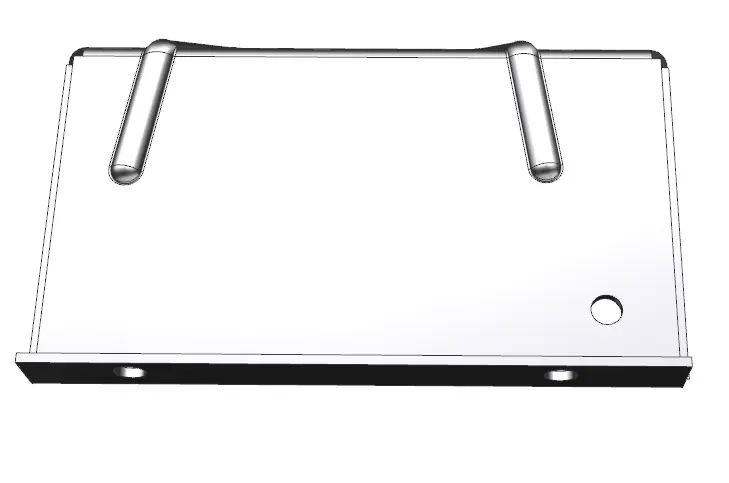
Top View
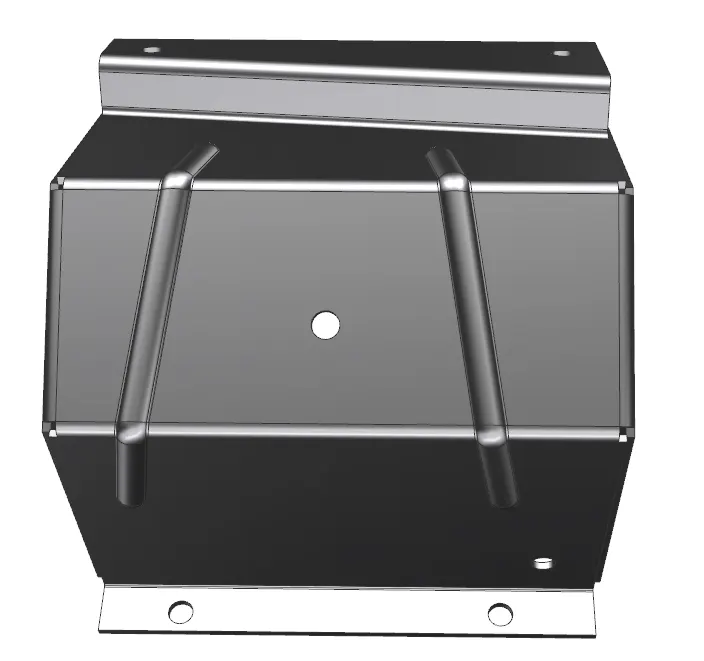
Bottom View
CONCLUSION:
Therefore the Sheet metal Odd Enclosure is completed by applying the required features at the required dimensions to the sheet metals.