Advanced Sheet Metal Design Using NX Cad Challenge_5_Odd Shaped Enclosure
ODD ENCLOSURE
OBJECTIVE:
To create a sheet metal from a solid by using the given procedure.
INTRODUCTION:
To create a sheet metal from a solid body using the advanced NX sheet metal tools.
- Sketch- To create a drawing of required dimensions.
- Extrude - To create a solid from the sketch by giving thickness.
- Sheet metal from solid body - Creates a sheet metal from any solid body.
- Flange - Creates a flange with the edge of Tab or flange.
- Jog - Creates a flange by giving a line as a input.
- Unbend- The bend areas are unbended by specifying the base face.
- Bead - A small projection created with the use of Sketch.
- Hole- Simple holes created with required dimension at specified areas.
- Rebend- By specifying the Stationary face it rebends back to the original position.
- Flat Pattern - Creates a 2D sketch for the given sheet metal.
METHADOLOGY:
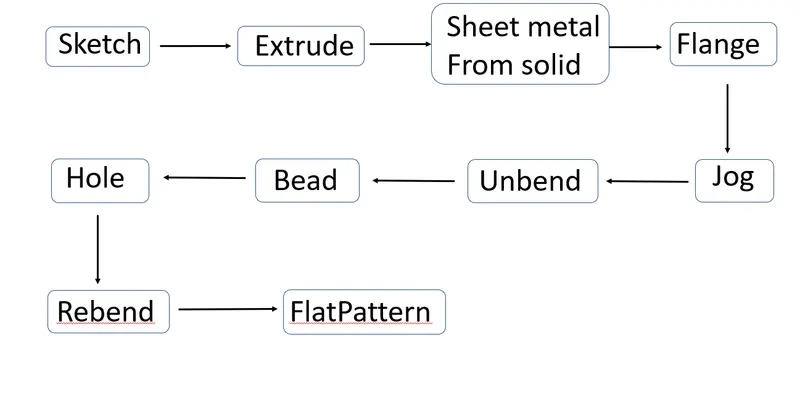
DESCRIPTION:
Create a sketch on the ZX plane.
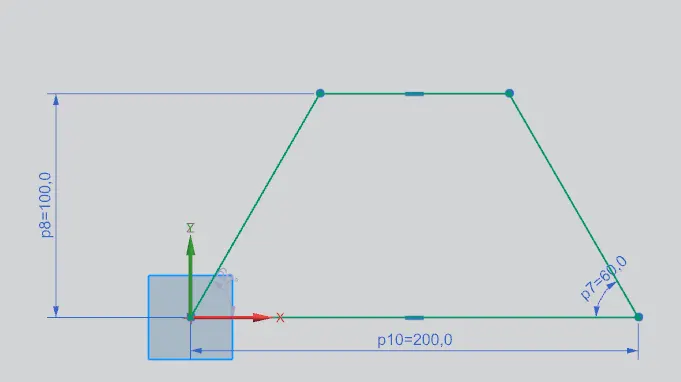
Extrude it to the required distance.
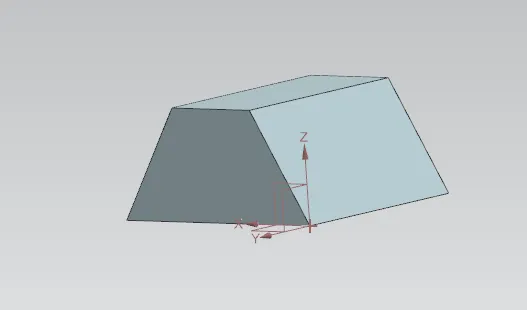
Create sheet metal from solid by selecting the adjacent faces and edges.
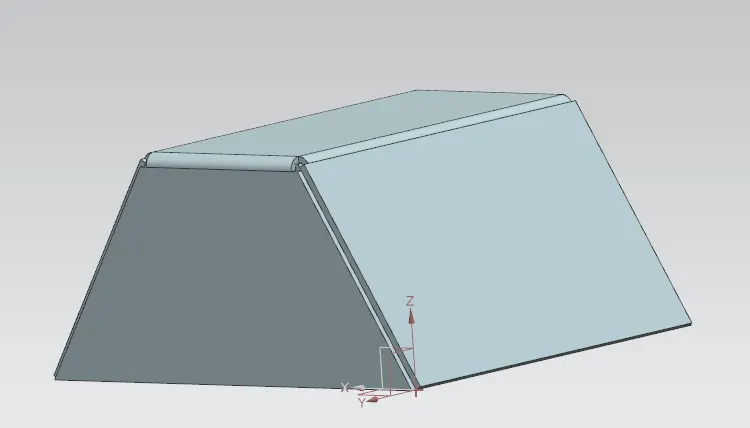
Create a flange at one of the edges
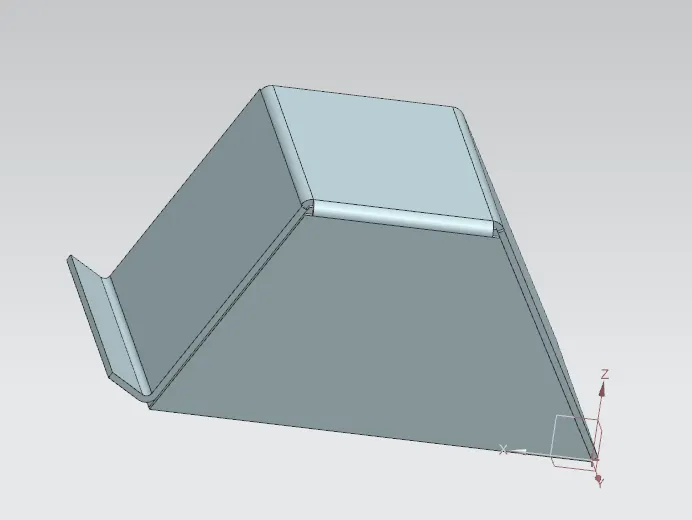
Create a jog using the sketch of line.
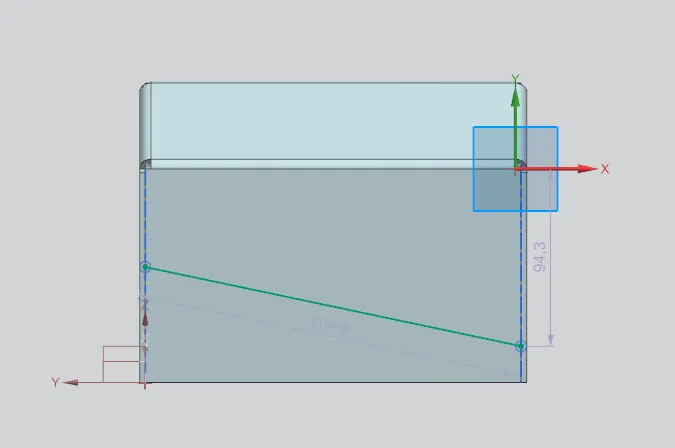
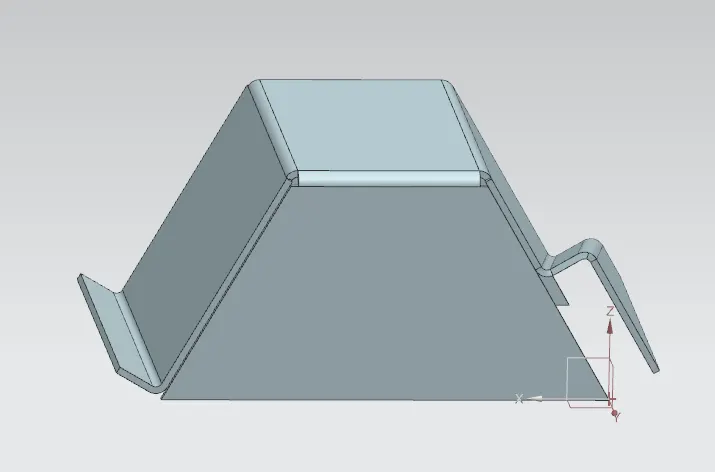
Unbend the sheetmetal by specifying the stationary face.
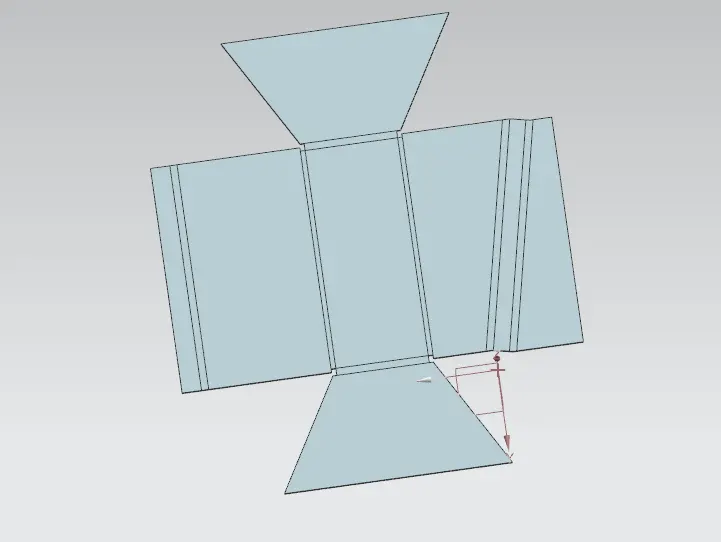
Create a bead using the sketch. Bead gives strength to the part.
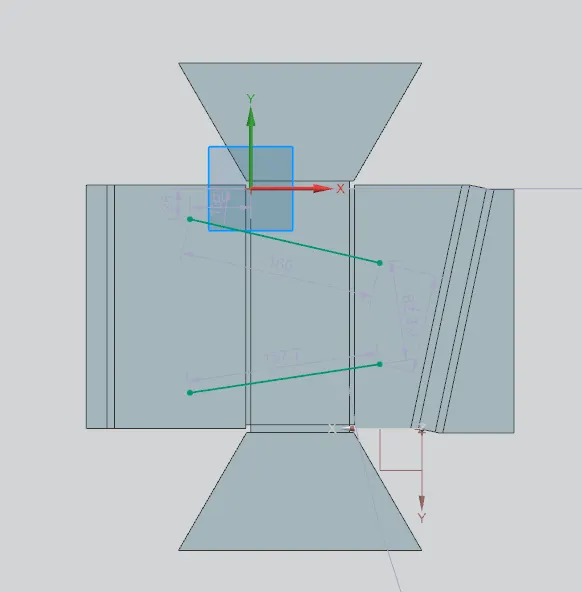
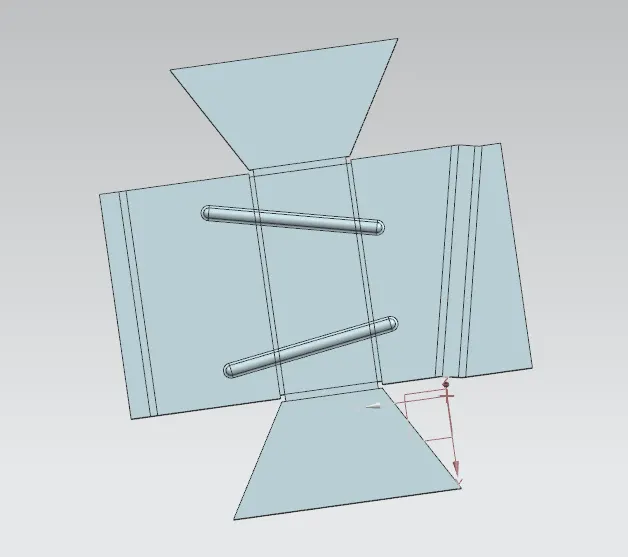
Create holes by specifying points on the sheet metal with the diameter of 10mm.
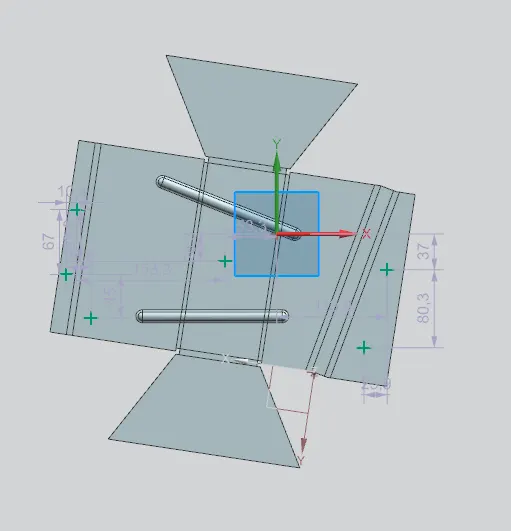
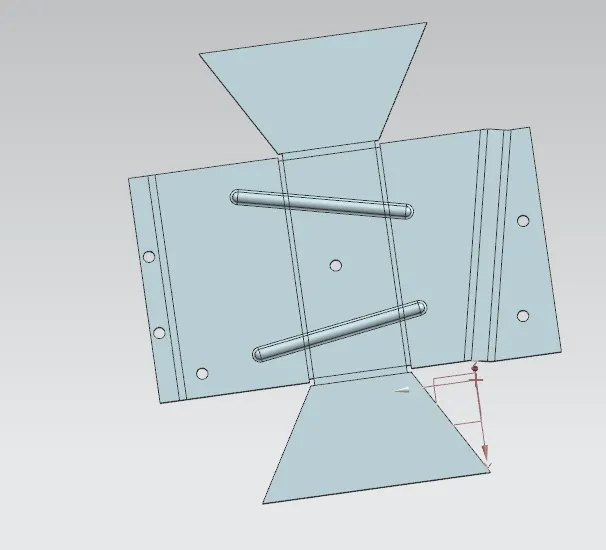
Rebend it to the original position.
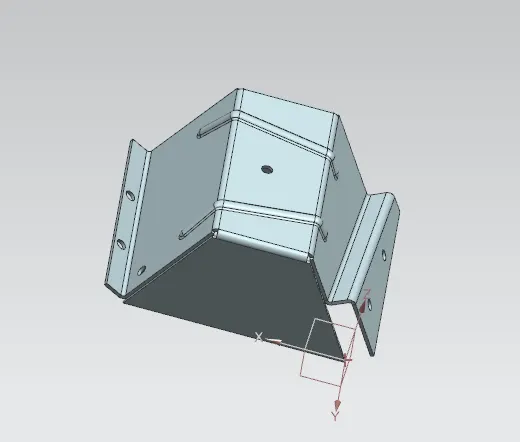
Create the flat pattern for the part by specifying the base face.
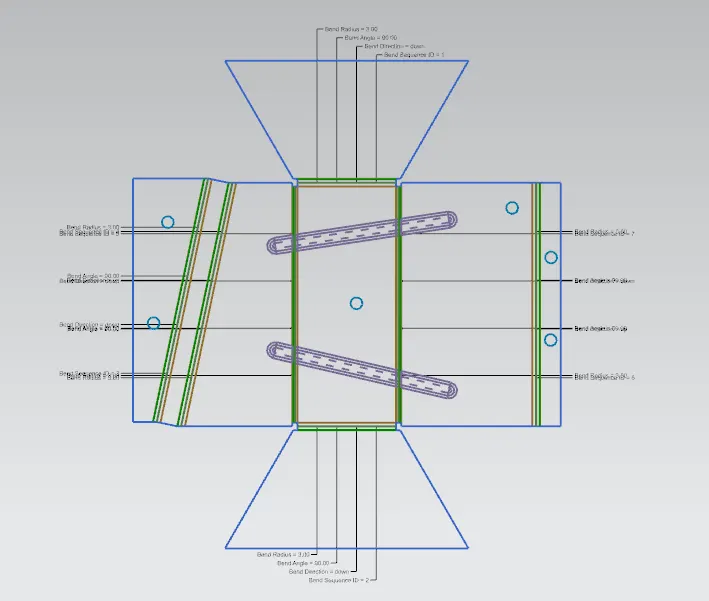
VIEWS:
ISOMETRIC VIEW:
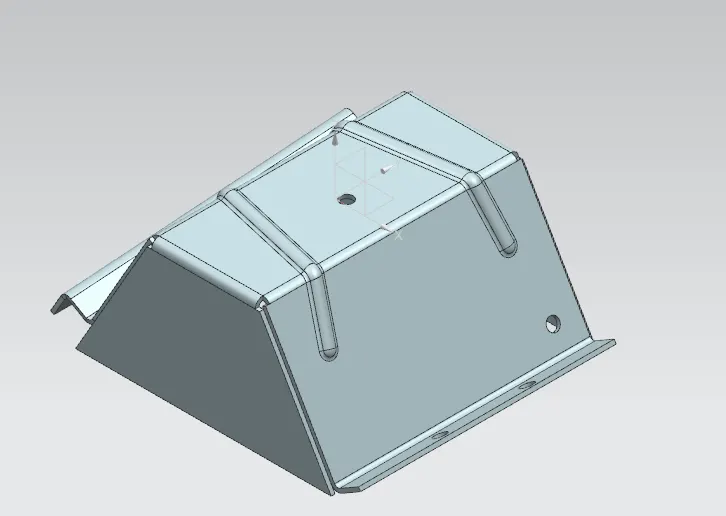
FRONT VIEW:
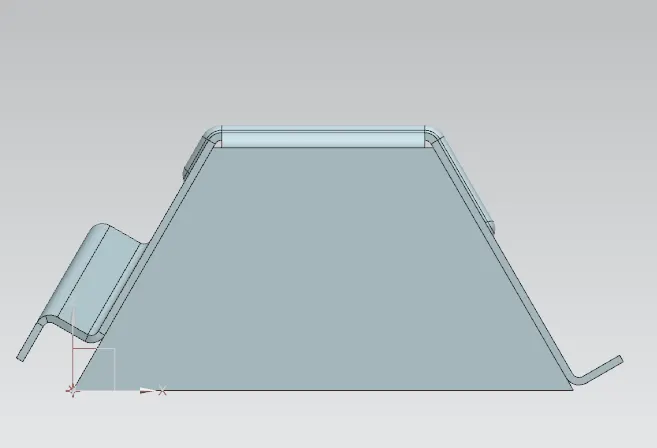
SIDE VIEW:
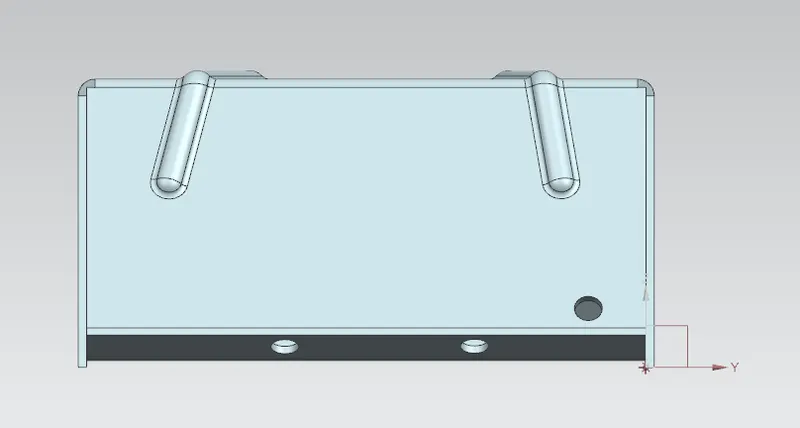
TOP VIEW:
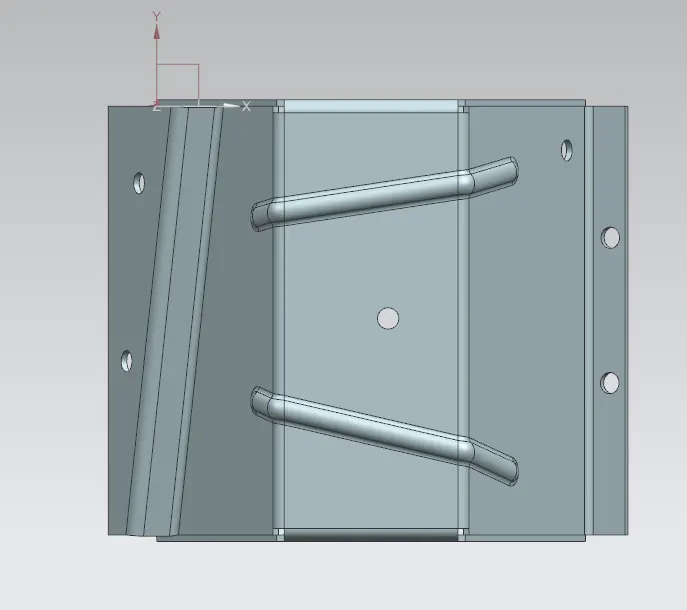
DRAFTING:
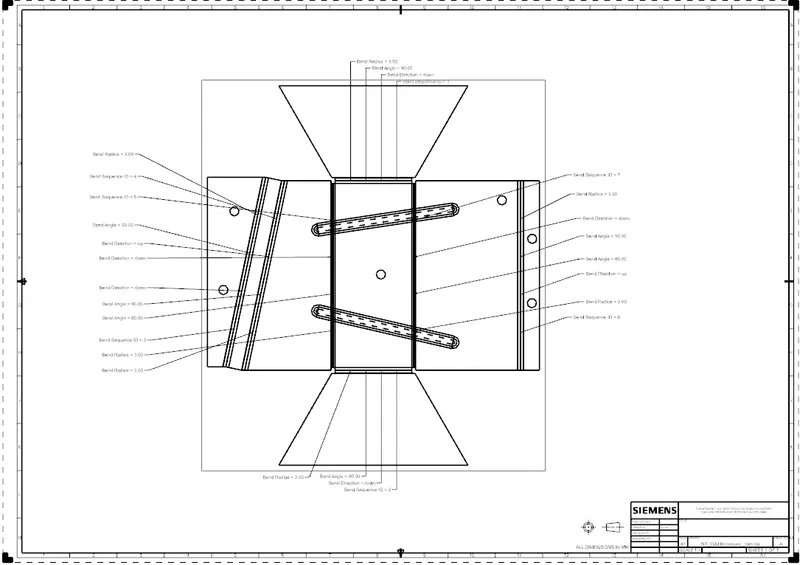
CONCLUSION:
Thus the sheet metal with given procedure is created using the Advanced NX Sheet Metal tools.