Advanced Sheet Metal Design Using NX Cad Challenge_1_Casing Design
CASING DESIGN
OBJECTIVE
To create a sheet-metal casing design using the tools in SIEMENS NX 12.0 cad under the applications tab.
INTRODUCTION
The following sheet metal design is performed in NX 12.0 formerly known as ‘UNIGRAPHICS’. It is used in the mainly in Design; Engineering applications; Manufacturing sectors. Also known as CAD/ CAM/ CAE applications. It was founded in 1972 and became the world’s first CAM end user product.
Because it used by many industries and professionals for its reliability and performance ; also for its easy accessibility, it is still used and is successful for its output. Thus for performing my Casing design I’ve used this software for its great accessibility.
DESIGN METHODOLOGY
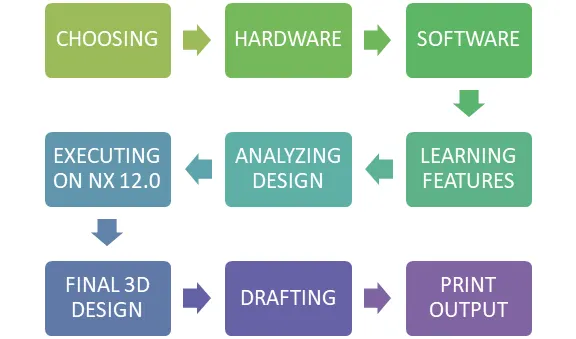
DESCRIPTION
Using some basic advanced features in the Applications tab -> Sheetmetal. Some of the used features is listed as below:
- TAB
- FLANGE
- NORMAL CUTOUT
- BEND
- BREAK CORNER
- UNBEND
- REBEND
- HOLE
- DIMPLE
- BEAD
TAB
This feature is used with sheetmetal thickness of 1 mm that is already set in the preferences under the menu. With this feature we can obtain thickness as set in the preferences box.
FLANGE
This feature is used to create a flange wherever necessary along the edges on the tab created in the previous step.
NORMAL CUTOUT
This feature is used to create a cutout blank out from the created sheet metal.
BEND
This feature is used to create a bend wherever needed over the sheetmetal along with a bend radius that is set in the preferences box earlier.
BRAKE CORNER
This feature is used to close all the sharp edges from harming whiling handling. In short this close to fillet.
UNBEND
This feature is used to make a flat sheet metal with all the changes made after the first step of TAB feature, so to transfer and understand the requirement of the necessary sheet metal by the production team.
REBEND
This feature is used to again bend the sheet metal to the necessary shape as it was before the unbend feature.
HOLE
This feature is used to create holes on the existing sheet metal .
DIMPLE
This feature is used to create a crate over the sheet metal tab created.
BEAD
This feature is used to create a bead that is nearly equal to Dimple feature.
IMAGES OF MODEL
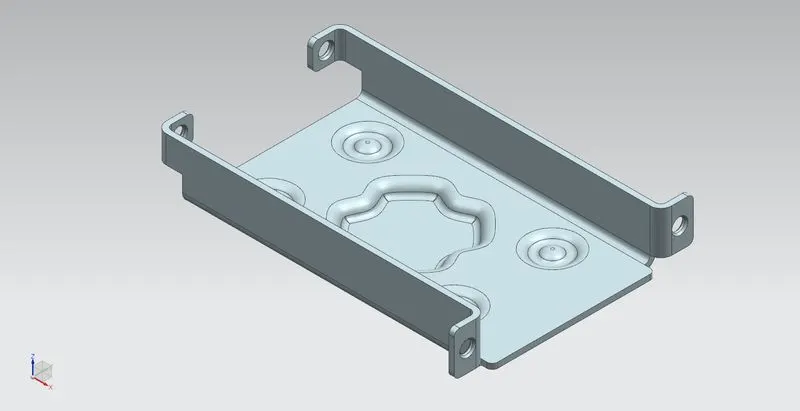
ISOMETRIC VIEW
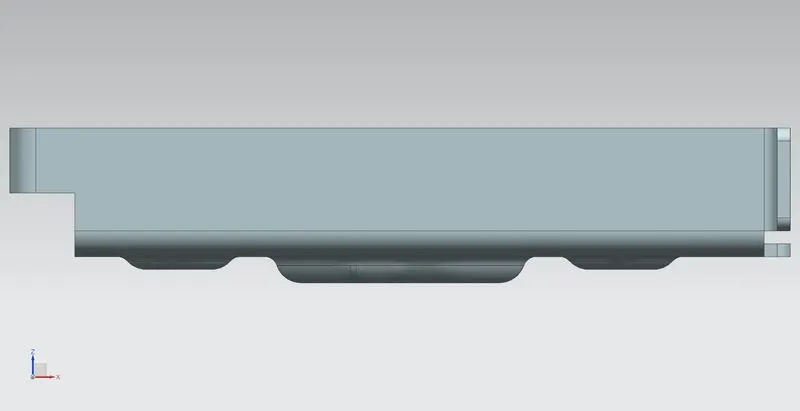
FRONT VIEW
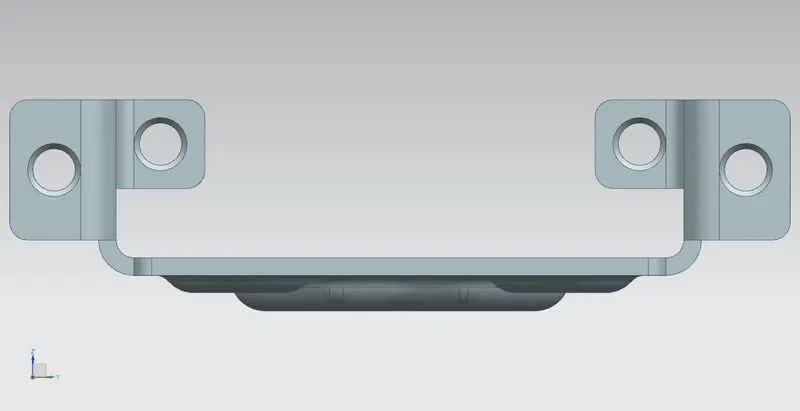
RIGHT VIEW
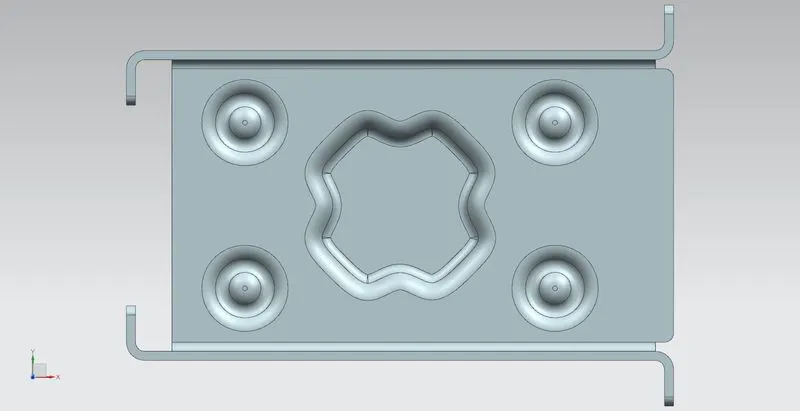
TOP VIEW
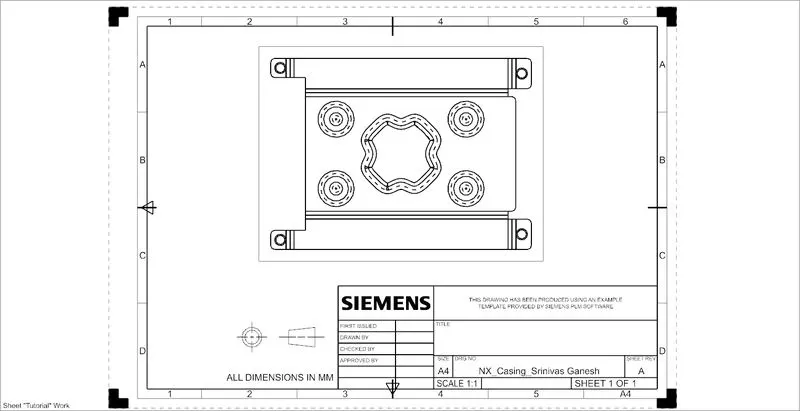
DRAFT DRAWING
CONCLUSION
Thus the Creation of the Casing design was successful and first step of learning module was completed through Siemens NX 12.0 .