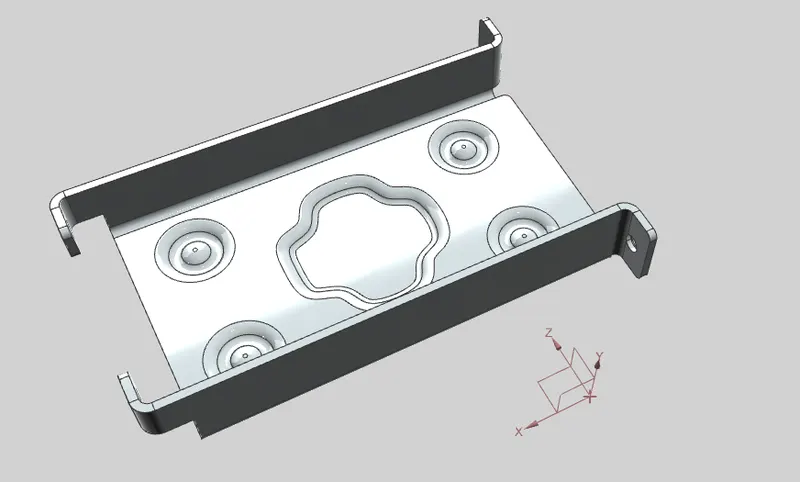
Advanced Sheet Metal Design Using NX Cad Challenge_1_Casing Design
Title of the Project:- Advanced Sheet Metal Design Using NX Cad.
Objective:- To design a Casing with the help of NX advance sheet metal.
Introduction:- NX Siemens is software used for the modeling, aerospace, simulation, sheet metal. It is very well known for the User friendly environment and a user friendly tools which makes the work more easy and accurate. We will design the Odd Shaped Enclosure model in the sheet Metal modelling.
Sheet metal is one of the fundamental process in metal working in which sheet metals are converted to bends for the required purpose. Sheet Metal Modelling is very much necessary in the most of the industries like Aerospace, Utensils, and covering Cases for all electrical components. Sheet metal Modelling now a day had become more easy due to the Use of different software’s .In this we are also creating a Sheet Metal of Odd Shaped Enclosure using NX Siemens.
Design methodology / approach:-
New sketch in XY plane of 60mm and 50mm rectangle
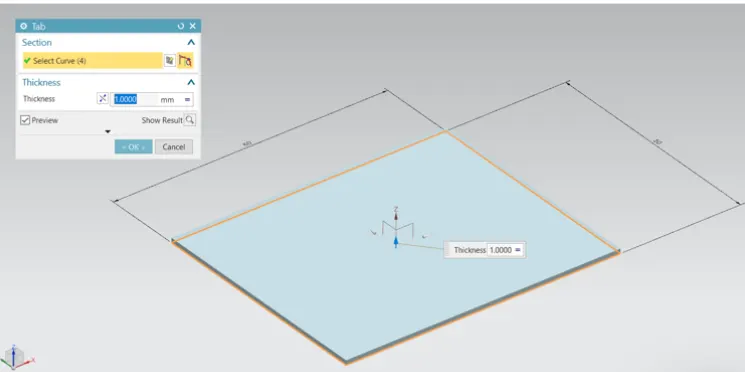
Adding thickness of 1mm by clicking on TAB command
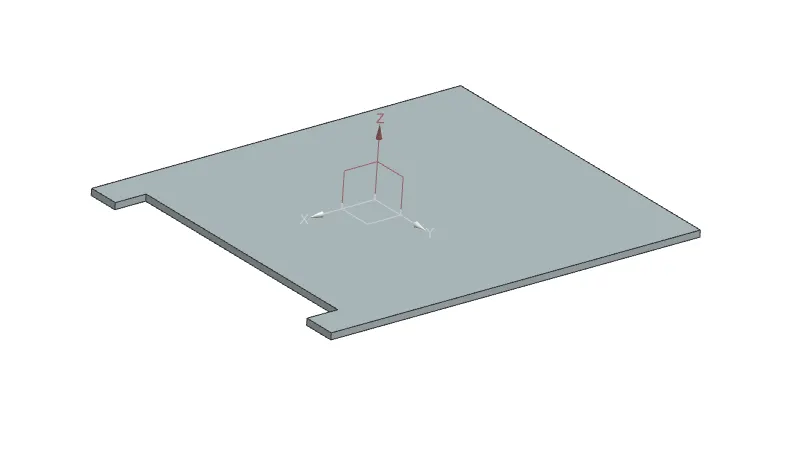
Cut 5mm X 400mm material using CUTOUT command
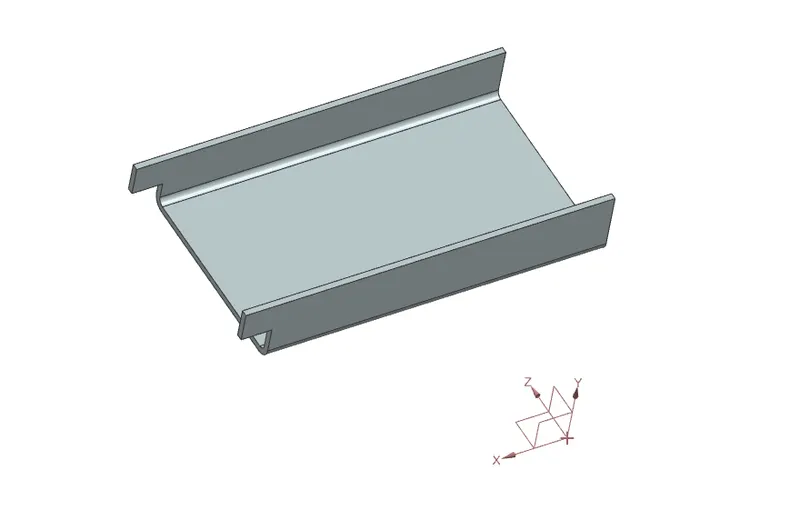
Applying bending w.r.t. reference line
Applying flanges of 5mm
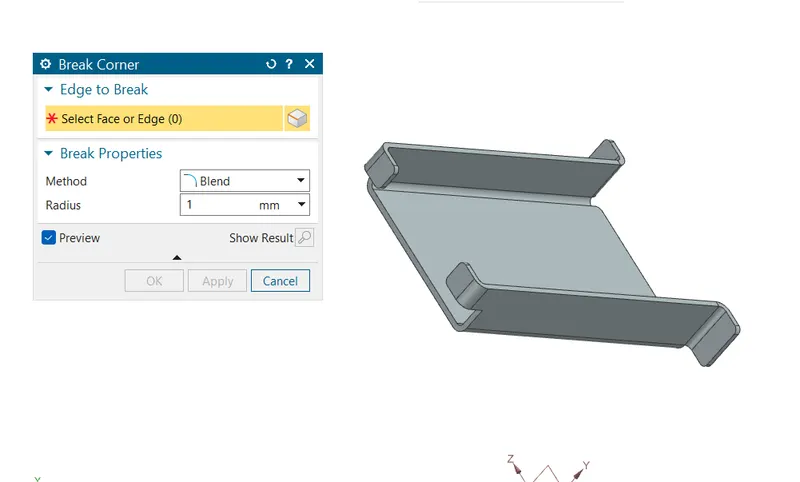
Applying break corner of 1mm
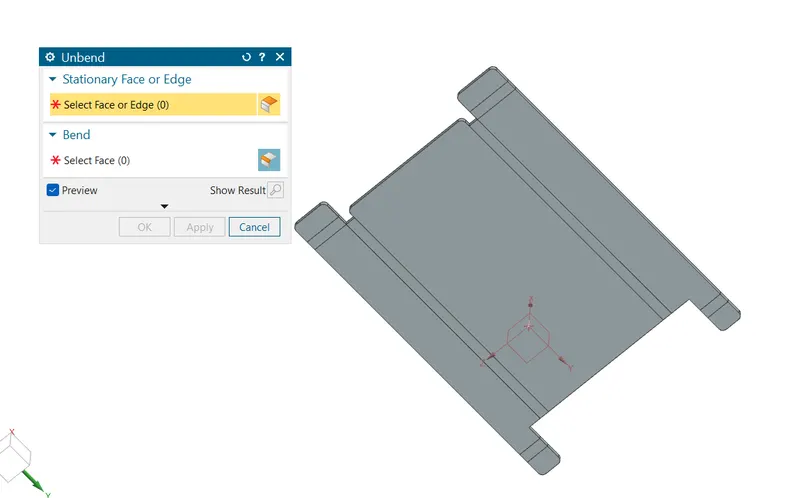
Unbending the metal sheet
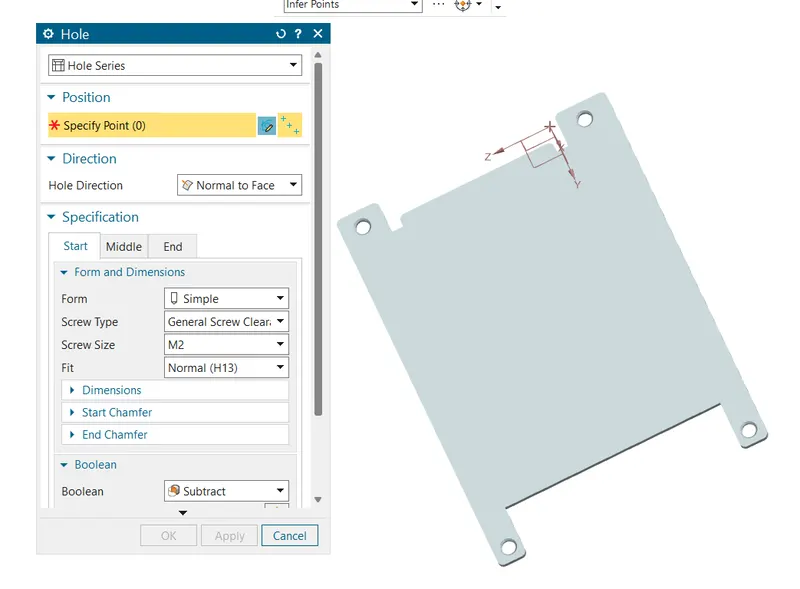
Adding holes of M2 size
Adding dimple in sketch
Adding beads
Re-bending the metal sheet
Drafting
Description:- The important tools which used during designing of Casing are as follows-
TAB:- Creates a base feature by extruding a sketch along a vector by a thickness value or adds a material to a plane face.
Cutout:- Cuts the model perpendicular to the sketch.
Bend:- Modifies the model by bending material on one side of a sketch line adding a bend between the two sides
Flanges:- Add flange to an angle to a planar face.
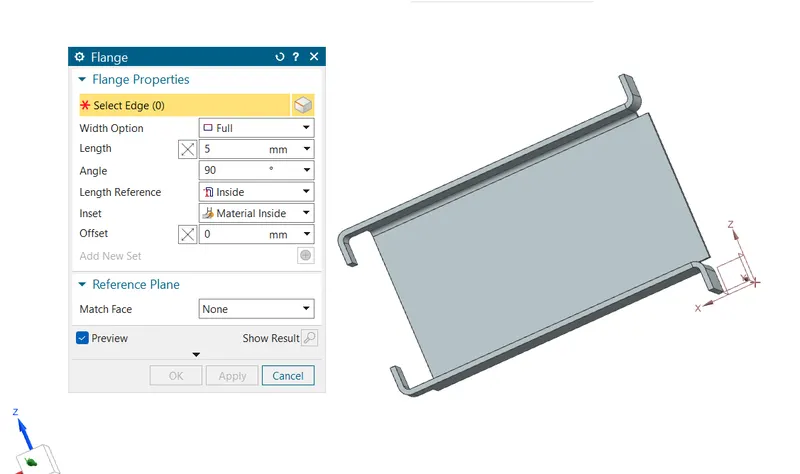
Break Corner:- Round a sharp corner.
Unbend:- Flattens a bend
Hole:- Make M2 size hole using hole command.
Studio Spline:- Creates spline through defined points. We can change positions of points or drag points while the command has been activated.
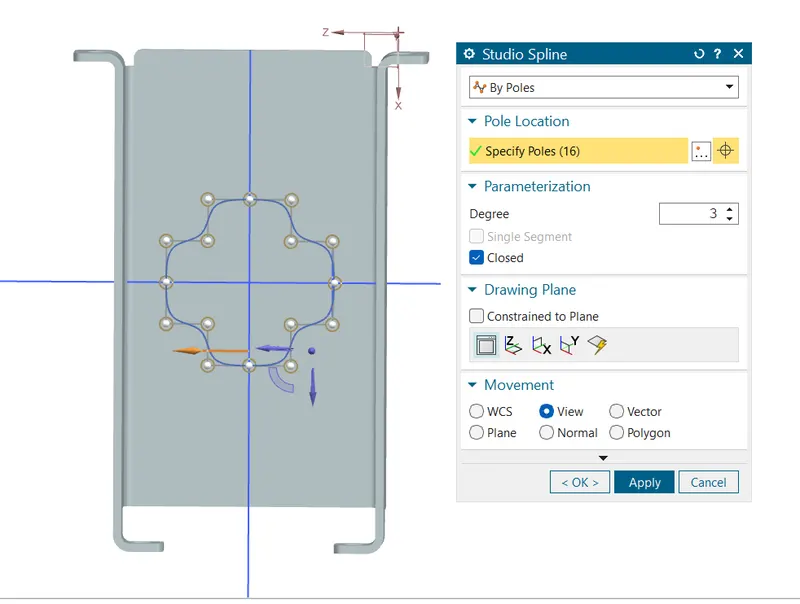
Dimple:- Lifts an area of the model inside a sketch that simulates stamping a tool.
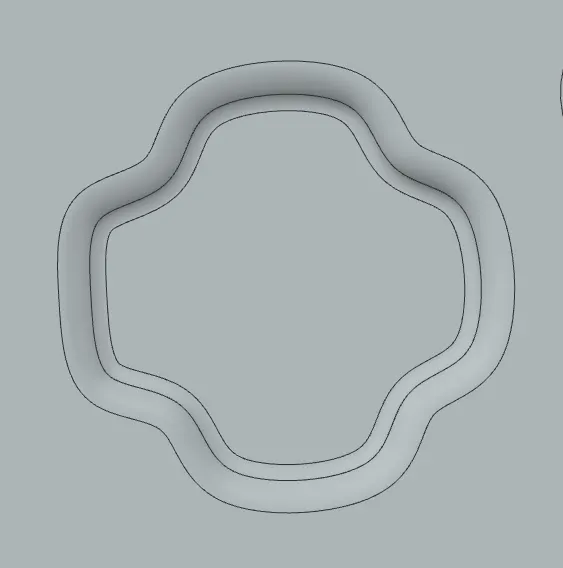
Bead:- Lifts a material along a counter of sketch that simulates stamping a tool.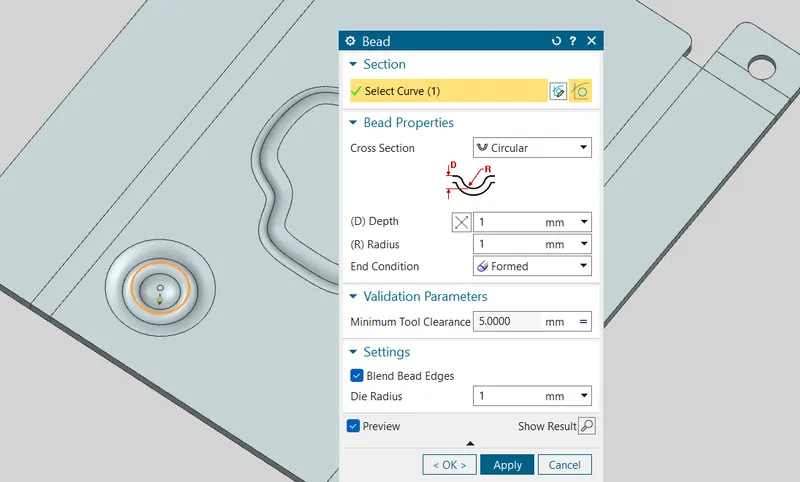
Mirror:- Used to mirror w.r.t plane or reference.
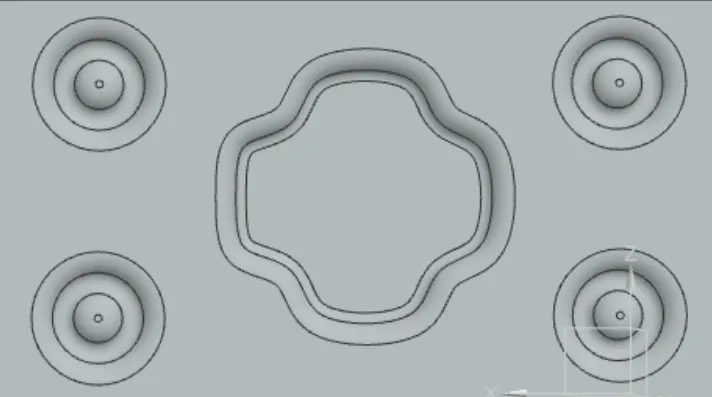
Rebend:- Restores a bend
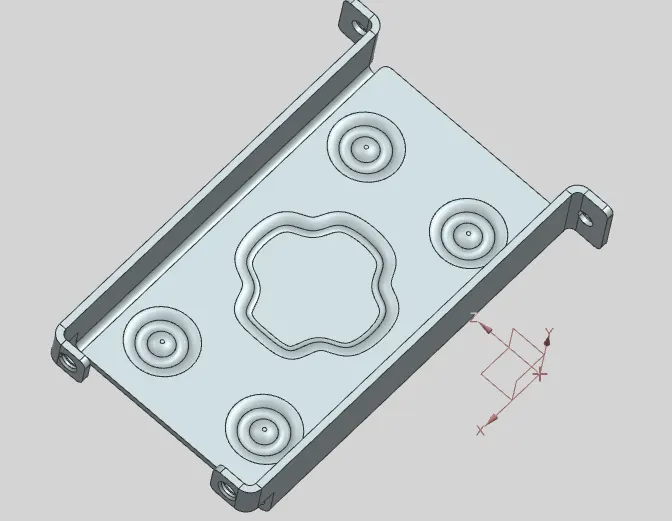
Isometric view-
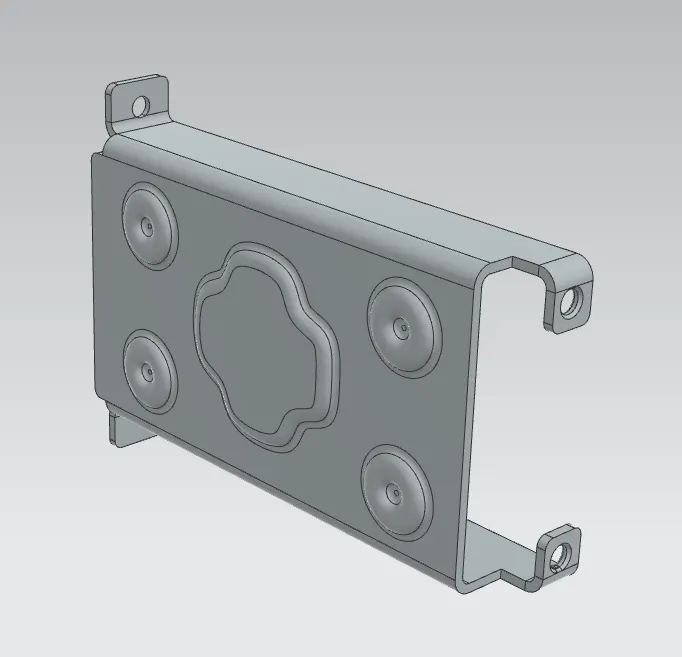
Top view-
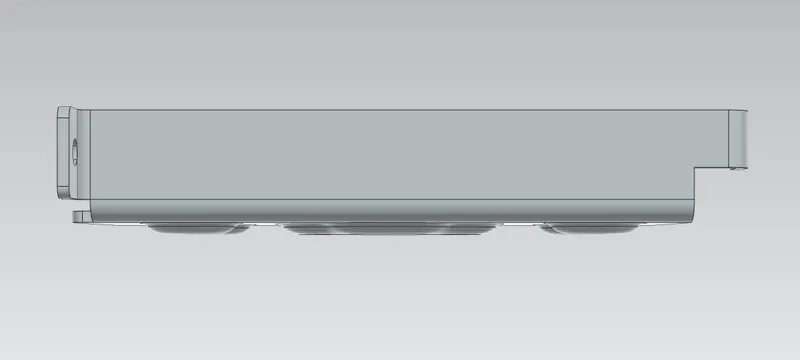
Front view-
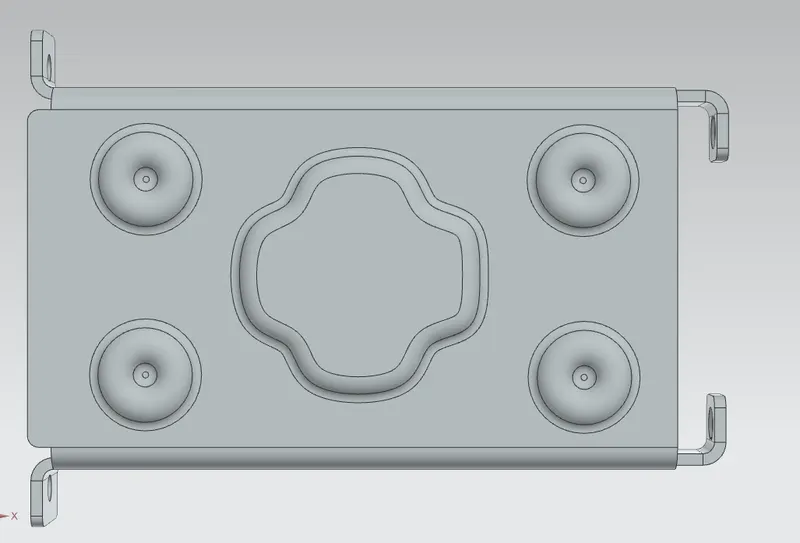
Right view-
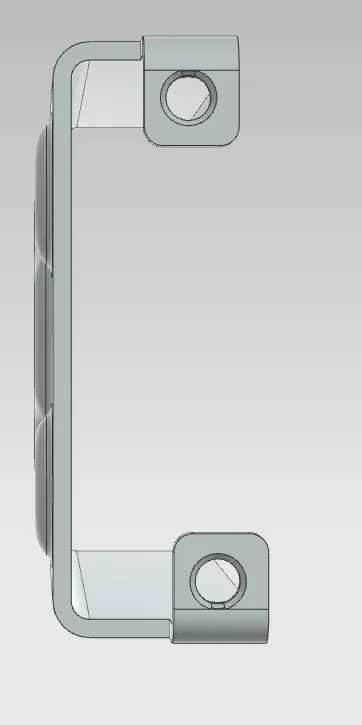
Back view-
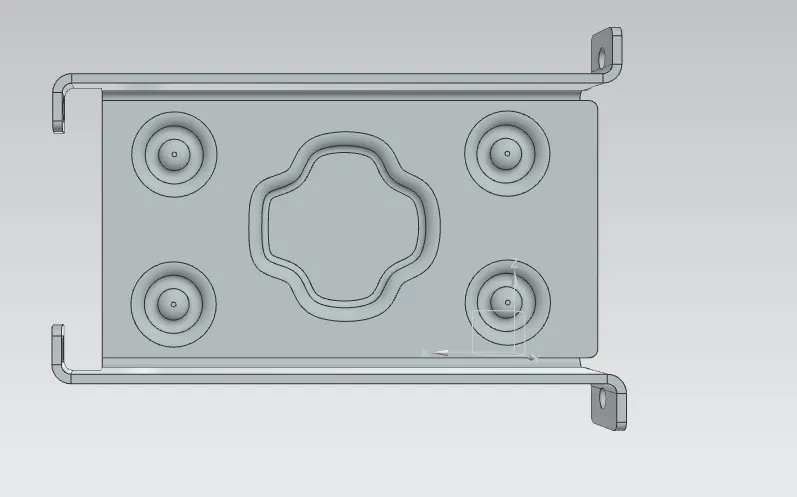
Bottom view-
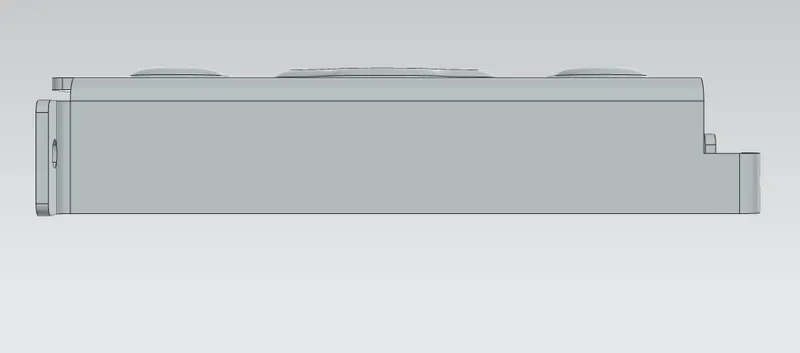
Left view-
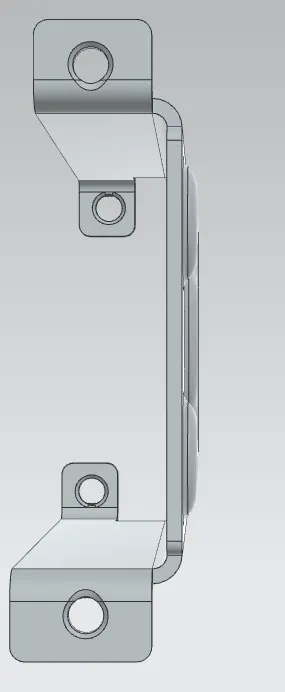
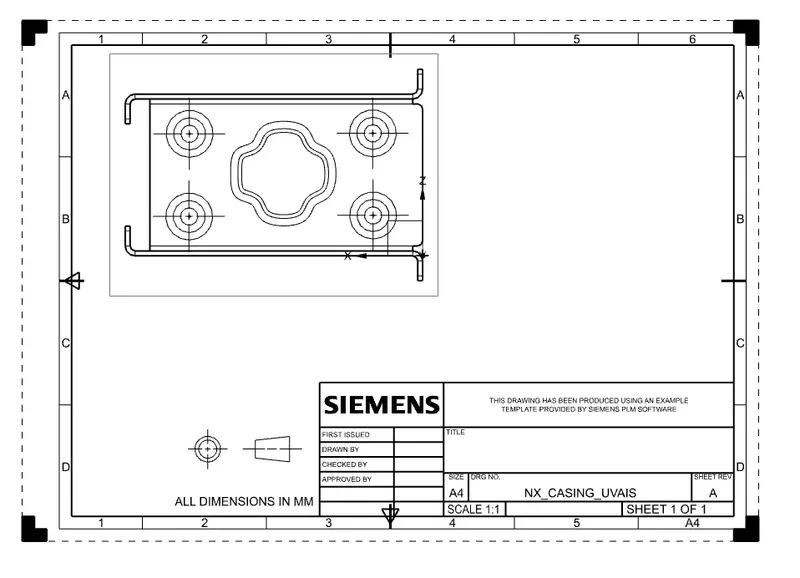
Attach Detailed Drawing Sheet Image-
 Conclusion:- While designing a casing I have understand and learnt different tools such as Tab, Flange, Dimple, Bending, unbending and many more in sheet metal of NX.