2R ROBOTIC ARM SIMULATOR BY USING PYTHON
AIM :
To write a program in python to simulate the forward kinematics of a 2R robotic arm.
OBJECTIVE :
1) To create a 2R robotic arm with proper constraints.
2) To use the mathematical module like math, matplotlib and numpy.
3) To save the position of 2R robotic arm at which each and every loops in separate figures.
4) To convert into gif file from images by using software called imagemagick.
5) Finding the manipulator workspace over the each position.
INTRODUCTION :
1) A robotic arm is a type of mechanical arm, with similar functions to a human arm. It have two link, each link will rotate about an corresponding joint, a manipulator has fixed at end of the link 2. A manipulator is allowing either rotational motion or translational motion.
2) Now a days, a robotic arm is very help to works for which pick and place the object.
3) It has parts consists of two links, joint for which connects into eachother and manipulator or End effector.
PYTHON PROGRAM :
# Forward kinematic 2R robotic arm
import math
import matplotlib.pyplot as plt

# Inputs
L1 = 2                                                                 # Length of the link 1
L2 = 1.5                                                               # Length of the link 2

n_theta = 10                                                           # Number of angle between from starting angle to ending angle

theta_start = 0                                                        # Theta1 angle from respective x axis
theta_end = math.pi/2                                                  # Theta2 angle from respective x axis

theta1 = []                                                            # Empty array or list of the theta1
theta2 = []                                                            # Empty array or list of the theta2

for i in range(0,n_theta):
	tmp =theta_start + i*((theta_end - theta_start)/(n_theta - 1))
	theta1.append(tmp)
	theta2.append(tmp)

x0 = 0                                                                 # x0 is one of the starting point of the link 1
y0 = 0                                                                 # y0 is one of the end point of the link 1

ct = 1                                                                 # Counting the no of for loops
for t1 in theta1:
	for t2 in theta2:
		# Link 1 & Link 2 Joint
		x1 = L1*math.cos(t1)                                           # x1 is projection of first link length on a x axis.
		y1 = L2*math.sin(t1)                                           # y1 is projection of first link length on a y axis.
                                                                       # both x1&y1 is end point for first link and starting point for second link.

		# Cooridinator of manipulator
		x2 = x1 + L2*math.cos(t2)                                      # x2 is projection of both first & second link length on a x axis
		y2 = y1 + L2*math.sin(t2)                                      # y2 is projection of both first & second link length on a y axis
                                                                       # x2 & y2 is ending point for second link.

		filename = str(ct) +'.png'                                     # Create a figure with png format
		ct = ct + 1                                                    # Increase next successive integer

		plt.figure()                                                   # Create a new figure window for plotting the position of robotic arm
		plt.plot([x0,x1],[y0,y1],'r')                                  # Plotting the first link
		plt.plot([x1,x2],[y1,y2],'y')                                  # Plotting the second link
		plt.xlim([-0.1,4])                                             # X axis range
		plt.ylim([-0.1,4])                                             # Y axis range
		plt.savefig(filename)                                          # Save the file with name
ILLUSTRATION :
1) Importing the all needed modules in our programming at where type on top.
2) Math module is one of the mathematical function, it contains functions for calculating various trigonometric ratios for a given angle. The functions like sine, cosine, tangent, etc need the angle in radians or degree as an argument.
3) Matplotlib module is another one of the mathematical function, it is plotting library for python programming language.
4) Provide the input values like length of the first & second link, provide start angle & end angle and number of angle interval from angle start to end.
5) After that, create a 'for loop' for which appending values to theta 1 & theta 2 array or list. If we want to appending the theta 1 & 2 value, we have to write a appropriate formula by using our input values.
6) Next, we create an 'nesting loop' for extracting the multiple figures. In the looping, theta 1 is consider as t1 and theta 2 is consider as t2.
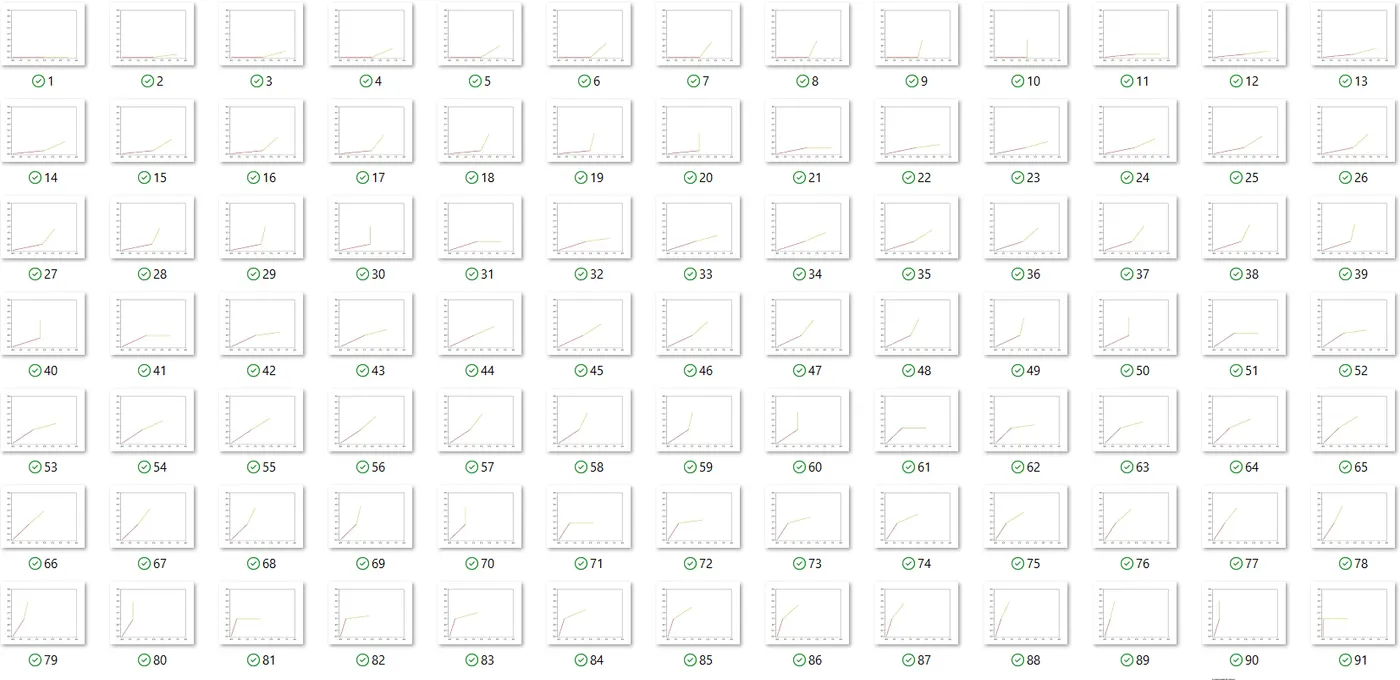
7) At the end of the each 'for loop' we get one figure, that figure has to be saving in '.png' image format.
8) Afterthat, a counter will increasing to successive integer. That figure has saved to respective folder with unique name.
9) We have mandatory to convert into gif file from image format. So, we use software called 'imagemagick'.
RESULTS AND DISCUSSION :
IMAGES SAVED FOLDER :
ANIMATION GIF FILE :
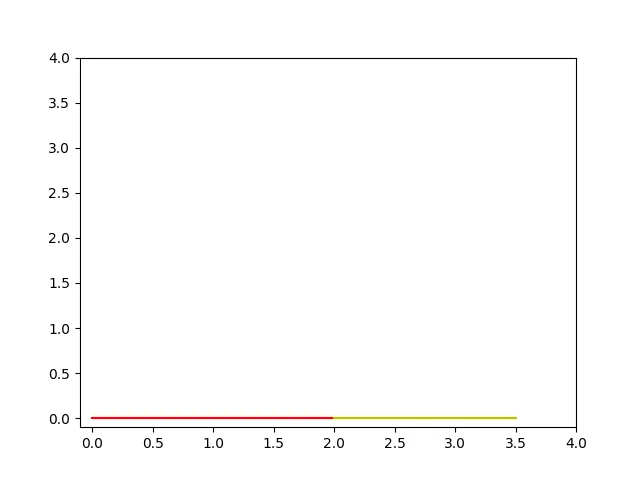
1) After the each angle interval of the link 1, a link 2 will moved from zero degree to 90 degree.
2) At the end point of the link 2 each position is called workspace.
CONCLUSION :
A forward kinematic 2R robotic arm is successfully ran and also finding workspace positions.