 Free · 3 lessons · no payment
Excel Skills and Data Analysis for Construction Project Management: 3 free lessons
Free lessons from Skill-Lync's Excel Skills and Data Analysis for Construction Project Management course. The first three sessions start from the Excel interface and data entry, then cover relative, absolute and mixed cell references with the F4 key, and the keyboard shortcuts used for files, editing and selection.
Last updated 16 Nov 2026 · 3 free lessons (1 h 18 min) · full course: 41 lessons (19 h 24 min), paid · ₹40,000
 Free lesson 1 · 37 minGetting Started with Excel: Interface, Data Entry and Autofill
What will you learn in the free Excel Skills and Data Analysis for Construction Project Management lessons?
- The Excel ribbon, formula bar, name box and quick access toolbar
- Entering data and using autofill for patterns
- Relative, absolute and mixed references such as A$2 and $A2
- Shortcuts for saving, editing, selecting rows and columns, and Alt-key navigation
Free lessons you can watch now
- Lesson 1 · 37 minGetting Started with Excel: Interface, Data Entry and AutofillThe instructor outlines the week one agenda and learning objectives, then shows three ways to launch Excel and how to check the installed version. It describes the quick access toolbar, tabs, ribbons, formula bar and name box, and demonstrates entering and editing data and pattern autofill with a student marks table.
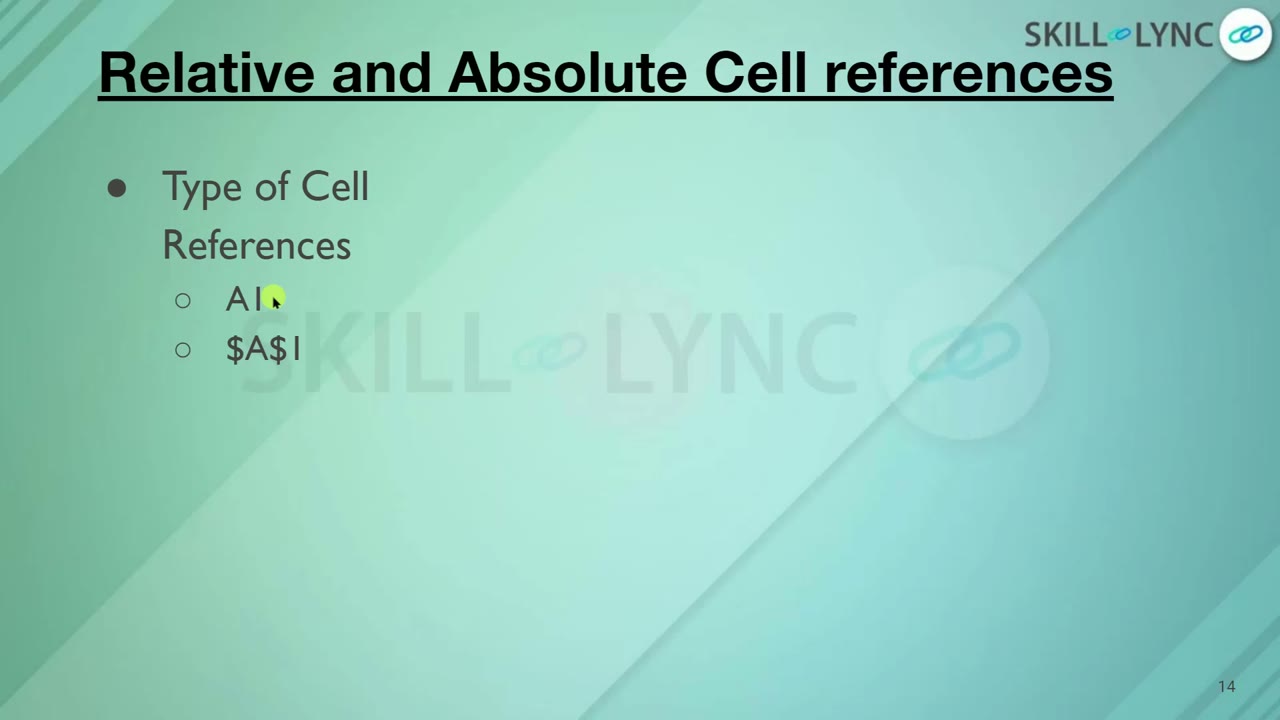 Lesson 2 · 29 minRelative, Absolute and Mixed Cell References in ExcelThe instructor shows how cells are addressed by column and row, then writes a sum formula for student marks and copies it down with the fill handle. Relative references are compared with absolute references using dollar signs and the F4 key, followed by mixed references such as A$2 and $A2.
 Lesson 3 · 13 minExcel Keyboard Shortcuts for Files, Editing and SelectionThe instructor recaps the week so far and demonstrates common Excel shortcuts. These include creating, opening, saving and closing workbooks, the difference between Save and Save As, copy, cut, paste and undo, and print. It also covers filling from the cell above, selecting whole rows or columns, and Alt key navigation.
Which lessons of Excel Skills and Data Analysis for Construction Project Management are free?
The first 3 lessons are free on Grow by Skill-Lync: 1 h 18 min of video from Skill-Lync's Excel Skills and Data Analysis for Construction Project Management course that you can watch here at no cost: leave your name and phone number once and they play (as of 16 Nov 2026). The full course is paid (₹40,000); its other 38 lessons are listed in the outline below so you can see what each one covers.
How long is the Excel Skills and Data Analysis for Construction Project Management course?
The full course has 41 lessons and 19 h 24 min of recorded video, plus the projects and assignments that come with enrolment. The free lessons alone take about 1 h 18 min, so you can finish them in an evening and decide whether to continue.
What comes after the free lessons?
Lesson 4 onwards is in the paid Excel Skills and Data Analysis for Construction Project Management course on Skill-Lync, with mentor support and a certificate. For a career in Construction management, the Post Graduate Program in Construction Project Management goes further with industry projects and placement support.