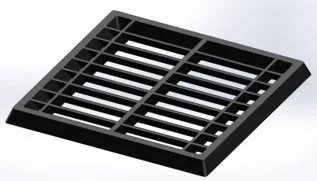
Mechanical · Course

Mold Design using SOLIDWORKS

This course introduces you to the concepts of designing molds that are used in the manufacturing process of plastic components. The software that will be used in this course is Solidworks which is a prominent design tool.

Duration
12 weeks
Content
14 hours
Projects
2
Mode
Online
Overview

What you'll
be able to do.

  • The course contains 12 weeks of curated content about the basics of SOLIDWORKS which will help the students master all the commands required to start working on the tool.
  • They will be introduced to the basics of plastics and injection molding which will provide them with a better understanding of the processes involved.
  • It also explains the steps involved in creating a basic mold for simple parts, and eventually, more complex concepts in mold design.
  • As the course progresses, the design of additional mold components such as sliders, inserts, ejector system, air vents, cooling channels, etc. will also be covered.
Tools you'll use
SOLIDWORKS
Curriculum

12 modules,
built with industry.

Get the full syllabus ↓
  1. 01Mold Design using SOLIDWORKS12 modules
    1. Basics of Injection Molding / SOLIDWORKS ModellingW01
      • In this week, the following topics are covered.
        • Injection molding process
        • Plastic processing methods
          • Rotational molding
          • Extrusion
          • Vacuum forming
          • Blow molding
          • Gas-assisted injection molding
        • Mold cycle and the factors affecting it
        • Thermoplastics and thermosets
        • Current trends in the industry
        • Types of plastics
        • Properties of plastics
        • Selection of plastics
        • Basics of sketching
        • Basics of using features in SOLIDWORKS
    2. Basics of Mold Design / SOLIDWORKS SurfacingW02
      • In this session, the following topics are covered.
        • Product development process
        • Various departments in plastic manufacturing industries and the workflow
        • Parts of mold
          • Core, cavity, guide pillar, sprue, register ring, guide bush, ejector pin, return pin, spacer blocks, core plate, cavity plate, ejector plates, etc.
        • 2 plate & 3 plate molds
        • Drafts
        • Parting lines
        • Various surface tools for designing in SOLIDWORKS
    3. DFM and DefectsW03
      • In this module, we will be covering theory related to various concepts and terms used in mold design.
      • The topics we shall cover are:
        • Concept of machine tonnage and its calculation
        • DFM study
          • Gate point, wall thickness, cores, tolerance, venting, ejector pads, inserts, ejector inserts, guide pillar, support block, relief, free play inserts, multi-gate position, and flow leader.
        • Defects in mold design process
          • Short shots, flash, weld lines, sink marks, blisters, jetting, burn marks, warpage, gloss differences, hesitation, overpacking, and unbalanced flow.
    4. Parting Surface / Mold Design Tutorial 1W04
      • In this module, we will be studying the theory behind parting surfaces.
      • The topics that will be covered are as follows:
        • Parting surface
        • Types of parting surfaces
          • Flat stepped
          • Angled
          • Profiled
        • Example cases to understand the selection of parting surfaces
        • Matching drafts
        • Shrinkage
        • Inserts
        • Mold design tutorial
          • Doing draft analysis for the model
          • Creating parting lines
          • Creating shut-off surfaces
          • Creating parting surfaces
          • Create basic mold blocks
    5. Sliders and Ejection System/ Mold Design Tutorial 2W05
      • In this module, we will be looking at the topic of sliders and ejection systems.
      • The topics that will be covered are:
        • Need for sliders and their working
        • General types of sliders
          • Sliding split type molds
          • Angular lift pin type molds
        • Methods of actuating the sliders
          • Finger cam
          • Dog leg
          • Cam track
          • Spring
          • Hydraulic actuation
        • Concept of slider locking
        • Types of ejector systems
          • Pin
          • Sleeve
          • Stripper
          • Blade ejector systems
        • Creating a mold for the outer cover of a disposable camera
          • Creating parting lines, shut-off surface, parting surface, and mold blocks for the model
          • Creating ejector pins for the mold
          • Creating inserts for the mold
    6. Gates and Runners / Mold Design Tutorial 3 - Part 1W06
      • In this module, we will be learning about runners and gates.
      • The various topics covered are as follows:
        • Types of gates: Sprue, edge, tab, overlap, fan, disk, ring, spoke, film, pin, submarines, and cashew gates
        • Runner diameter calculation
        • Types of runners
        • Runner configurations
        • Why engravings are used in cavities?
      • Creating a mold for a door bezel model
        • Creating the parting lines, shut-off surfaces, and parting surfaces of 3D profile for the model
        • How to work in assemblies and how to arrange files in a specific format?
        • How to align the sprue of the mold with the origin of the assembly?
        • How to select proper dimensions for the mold blocks?
        • Creating mold blocks for door bezel
    7. Mold Design Tutorial 3 - Part 2W07
      • In this module, we will continue working on the door bezel model from the previous session and learn the following topics:
        • Locating undercuts in the model
        • Understanding the use of sliders in solving the undercut issue
        • Creating slider split
        • Assigning proper dimensions to the slider
        • Editing the core cavity blocks according to the shape of the slider
        • Creating bolts, washers, and locking mechanisms for the sliders
    8. Mold Design Tutorial 4 - Part 1W08
      • In this module, we will start creating a mold for a CPU fan case model and we will learn the following topics:
        • Complex parting line selection
        • Providing correct matching drafts for the model
        • Creating the core-cavity surfaces for the model.
        • Aligning the sprue location
        • Selecting dimensions
        • Creating the mold blocks for the CPU fan case in the assembly
        • Adding reliefs for the core-cavity blocks
    9. Mold Design Tutorial 4 - Part 2W09
      • In this module, we will continue working on the CPU fan case model and we will learn the following topics:
        • Locating undercuts in the model
        • Creating a slider split for the undercuts
        • Assigning proper dimensions for the sliders
        • Providing reliefs for the sliders
        • Creating inserts for the model
    10. Mold Design Tutorial 5 - Part 1W10
      • In this module, we will start creating a mold for a plastic knob model and we will learn the following topics:
        • Creating the parting line, shut-off surface, and the parting surfaces for the plastic knob model
        • Automatic and manual shut-off surface creation
        • Core-cavity surfaces for the plastic knob model
        • Sprue alignment
        • Selecting dimensions and creating the mold blocks for the plastic knob in assembly
        • Theories behind the cooling channels for a mold
    11. Mold Design Tutorial 5 - Part 2W11
      • In this module, we will continue working on the plastic knob model and we will learn the following topics:
        • Creating multiple inserts for the model
        • Creating holes for fixing the inserts
        • Locating undercuts and creating a slider split for it
        • Complex slider creation
        • Assigning proper dimensions for the slider
    12. Mold Design Tutorial 5 - Part 3W12
      • In this module, we will continue working on the plastic knob model and we will learn the following topics:
        • Creating an ejector system
          • Angled ejector pins
          • Reliefs
          • Ejector plates
          • Ejector backplates
        • Making channels for plastic injection
          • Sprue
          • Runner
          • Gate
        • Use of air vents in a mold
        • Creating channels for air passage
        • Selection of the dimensions and positions of the cooling channels
        • Creation of cooling channels
Industry projects

2 projects
you'll ship.

Our projects are designed by experts in the industry to reflect industry standards. By working through our projects, Learners will gain a practical understanding of what they will take on at a larger-scale in the industry. In total, there are 2 Projects that are available in this program.

Creation of Mold for a Table Fan Outer Casing

Creation of Mold for a Table Fan Outer Casing

This project is about creating the mold for a table fan outer casing with consideration of side cores.
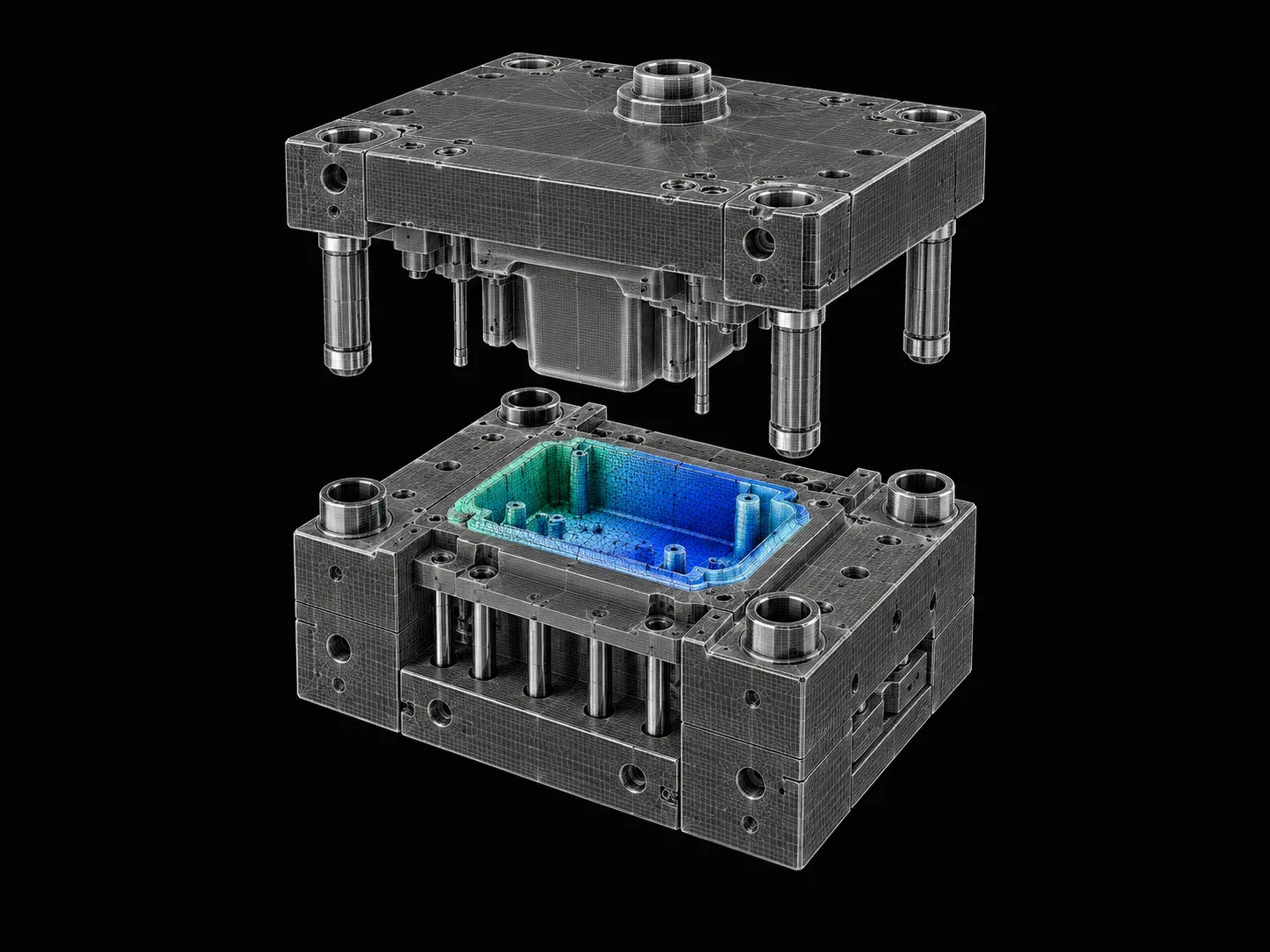
Mold Design of Fan Bezel 

Mold Design of Fan Bezel 

This project is about designing the mold for a fan bezel. In this project, you will be extracting Core & Cavity for a fan bezel.

Fee

One fee.
Everything included.

Become job ready with our comprehensive industry focused curriculum for freshers & early career professionals

Premium
₹40,000
Inclusive of all charges
  • 1 Year Access
  • Personalized Page
  • Live Individual & Group Sessions
  • Personalized & Hands-On
  • Job-Oriented Industry Relevant Curriculum
Check eligibility →
FAQ

Questions,
answered.

Who can take up the SOLIDWORKS certification course?

Students and graduates of mechanical engineering, manufacturing engineering, and related streams of engineering can take up Mold Design using SOLIDWORKS. If you are interested in designing and developing molded components, then this injection mold design course is for you.

Is this mold design course an online program?

Yes, Mold Design using SOLIDWORKS is a 100% online course.

What is the duration of this Mold Design using SOLIDWORKS?

This molding design course is a 12-week course covering all the basic to advanced level concepts in developing plastic molded components using SOLIDWORKS.

How much can a molding design engineer earn?

According to AmbitionBox, the average salary of a molding design engineer is ₹ 3 Lakhs per annum. However, it increases with your experience and expertise.

Is there any certificate for completing this mold design course?

Yes, after completing Mold Design using SOLIDWORKS, you shall be given a course completion certificate. The top 5% of the scorers will be given a merit certificate alongside the course completion certificate.

Is there any technical support for this SOLIDWORKS certification course?

Yes, you can clear your queries with email and forum support. If you have opted for the Pro or Premium course, you will additionally receive individual video support and group video support.

Next step

Not sure it's
the right fit?

A counsellor will walk you through the syllabus, projects and fee options — and tell you honestly if another course suits you better.

Get the syllabus + a call back

We'll email the full syllabus and call within one working day.

By submitting you agree to our Terms and Privacy Policy.

Call usEnquire

Talk to a career counsellor

Free 20-minute call. We'll map the right course to where you want to work.

By submitting you agree to our Terms and Privacy Policy.